Quality & AI usage
How good are the automatic categories, and what do the AI calls cost? Two pages under System answer with your own data.
Gold set
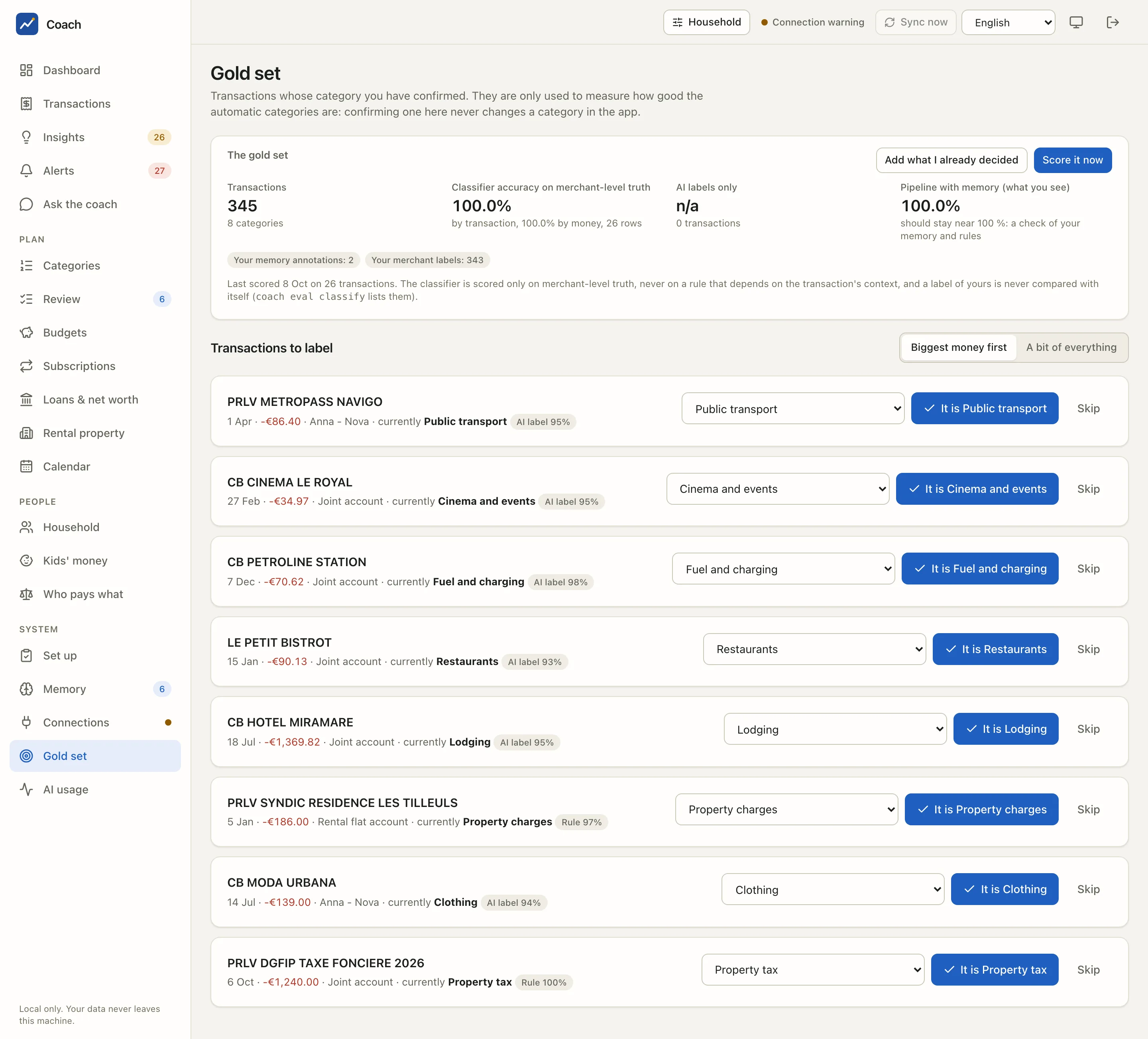
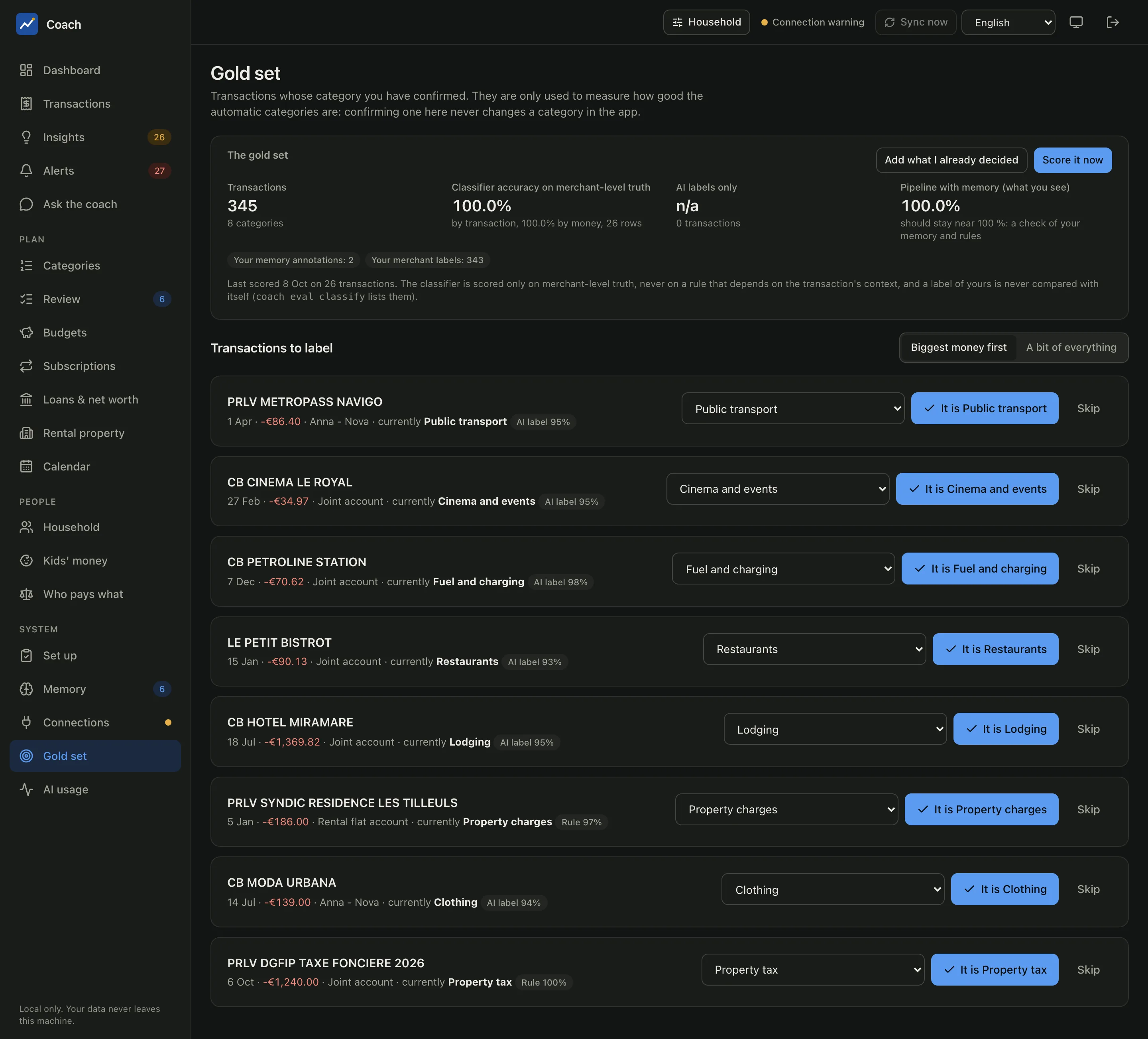
The gold set is a list of transactions whose category you confirmed. It is your truth, and it has one use: measuring how often the automatic categorisation agrees with you.
Confirming here never changes a category
A gold label is only read by the evaluation. To fix a category in the app, use Transactions or Review.
The scores
The card The gold set shows:
| Figure | What it measures |
|---|---|
| Transactions | how many transactions are in the gold set, over how many categories |
| Classifier accuracy on merchant-level truth | how often the automatic chain (without your memory) finds your category, by transaction and by money |
| AI labels only | the same, for the categories a model chose |
| Pipeline with memory (what you see) | the final category, with your annotations and fixes applied. It should stay near 100 %: it checks your memory and rules |
The two questions are kept apart on purpose. A rule that depends on context ("this merchant on a Saturday is Restaurants") is never counted against the classifier, and a label of yours is never compared with itself. The chips under the scores say where the truth comes from (Your memory annotations, Your merchant labels...).
- Add what I already decided fills the gold set from the decisions you already made: per-transaction categories, splits, memory annotations, merchant labels. Safe to press again.
- Score it now re-scores the gold set. It runs here, offline: no model is called. The result is stored, so you can compare it over time.
Transactions to label
A queue of transactions an automatic step decided, each with its current category and where it came from (AI label 95%, Rule 97%...).
For each one, press It is ... to confirm the category, pick another one in the list, or Skip.
Choose how the queue is drawn:
- Biggest money first: transactions are drawn in proportion to their amount, so the accuracy "by money" is estimated without bias.
- A bit of everything: the same number from each source and category group.
Read the first numbers with care
A gold set made only of your annotations says little about the classifier. Label a few dozen transactions with Biggest money first before drawing a conclusion about a model.
AI usage
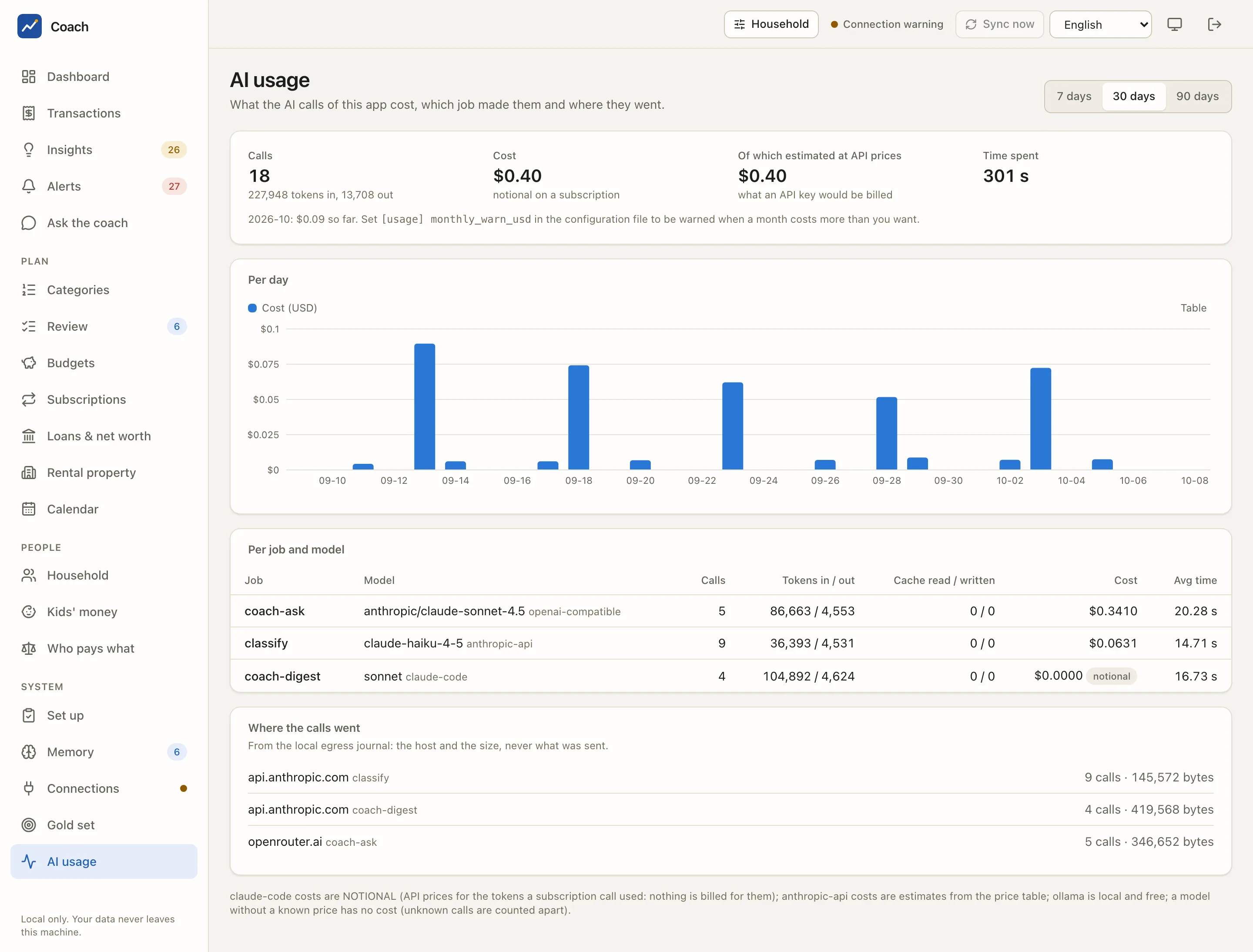
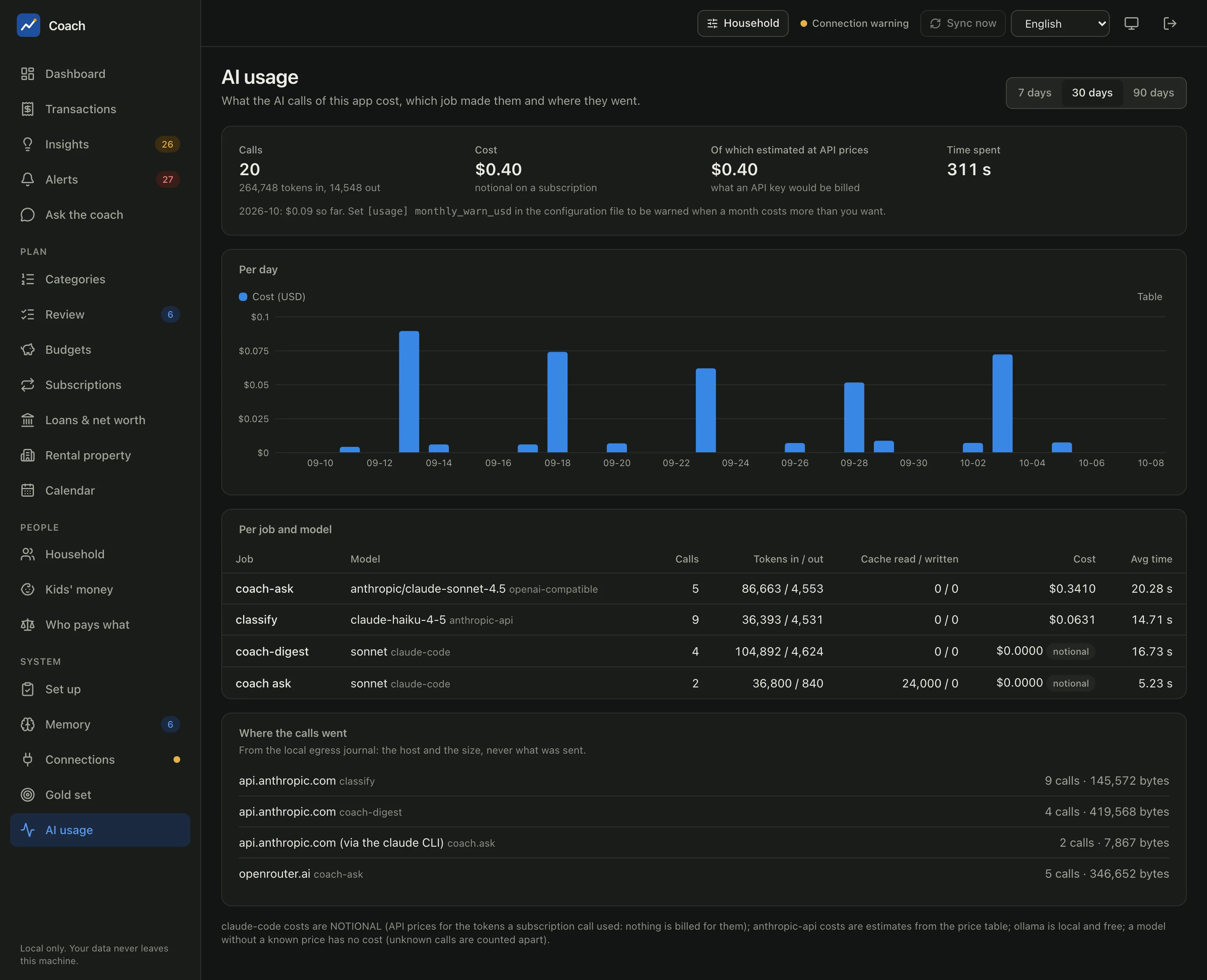
What the AI calls of this app cost, which job made them and where they went, over 7, 30 or 90 days.
- Calls, with the tokens in and out.
- Cost: what you paid or would pay. Of which estimated at API prices is what an API key would be billed.
- Time spent waiting for the models.
- Per day: a bar chart of the cost (with a Table view).
- Per job and model: one line per job (
classify,coach ask,coach-digest...), model and backend, with calls, tokens, cache use, cost and average time.
Costs say what they are:
| Backend | Cost shown |
|---|---|
claude-code |
notional: the API price of the tokens a subscription call used. Nothing is billed for it |
anthropic-api |
an estimate from the price table |
openai-compatible |
only when the provider reports it (OpenRouter does), never guessed |
ollama |
local and free |
A model with no known price has no cost: it is counted apart, never shown as 0.
Where the calls went
From the local egress journal: each destination host (api.anthropic.com, openrouter.ai...), the job, the number of calls and the
bytes sent. Only the host and the size are recorded, never what was sent.
A monthly warning
Set [usage] monthly_warn_usd in config.toml and the page compares the month with your threshold. Above it, an alert appears on the
Alerts page. That alert stays in the app: it is never sent to a channel.
From the terminal
uv run coach eval gold bootstrap --dry-run   # what "Add what I already decided" would add
uv run coach eval gold list                  # the gold set
uv run coach eval classify                   # score it now (offline)
uv run coach eval runs                       # the stored scores
uv run coach usage --days 30                 # the AI usage
uv run coach logs                            # the scheduled runs
The accuracy is also re-scored after every categorisation run that labelled something, and once a week by the daily job.
Comparing models costs money
coach eval models (compare categorisation models) and coach eval coach --run (ask the coach a fixed set of generic questions) call
a model and send redacted data. They show an estimate with --dry-run, need a terminal and a typed confirmation, and have no
--yes. Nothing on these two pages calls a model.
See also
- AI models: choosing the backend and the model.
- Privacy modes: the egress journal and the local-only mode.
- Quality reference: the gold set, the evaluation method, model comparison, usage and logs.