Try the demo
The repository ships a complete, invented household so you can explore every page of the app, and ask the coach, without a bank, a model or an API key.
Every screenshot and screencast of this documentation was made on this demo. Nothing in it comes from a real home.
What the demo household contains
The Rossi family: two adults, Anna and Luca, and two children, Mia (born 2012) and Noa (2015). The data covers the 24 months before today, so the demo always looks current.
| Area | What you find |
|---|---|
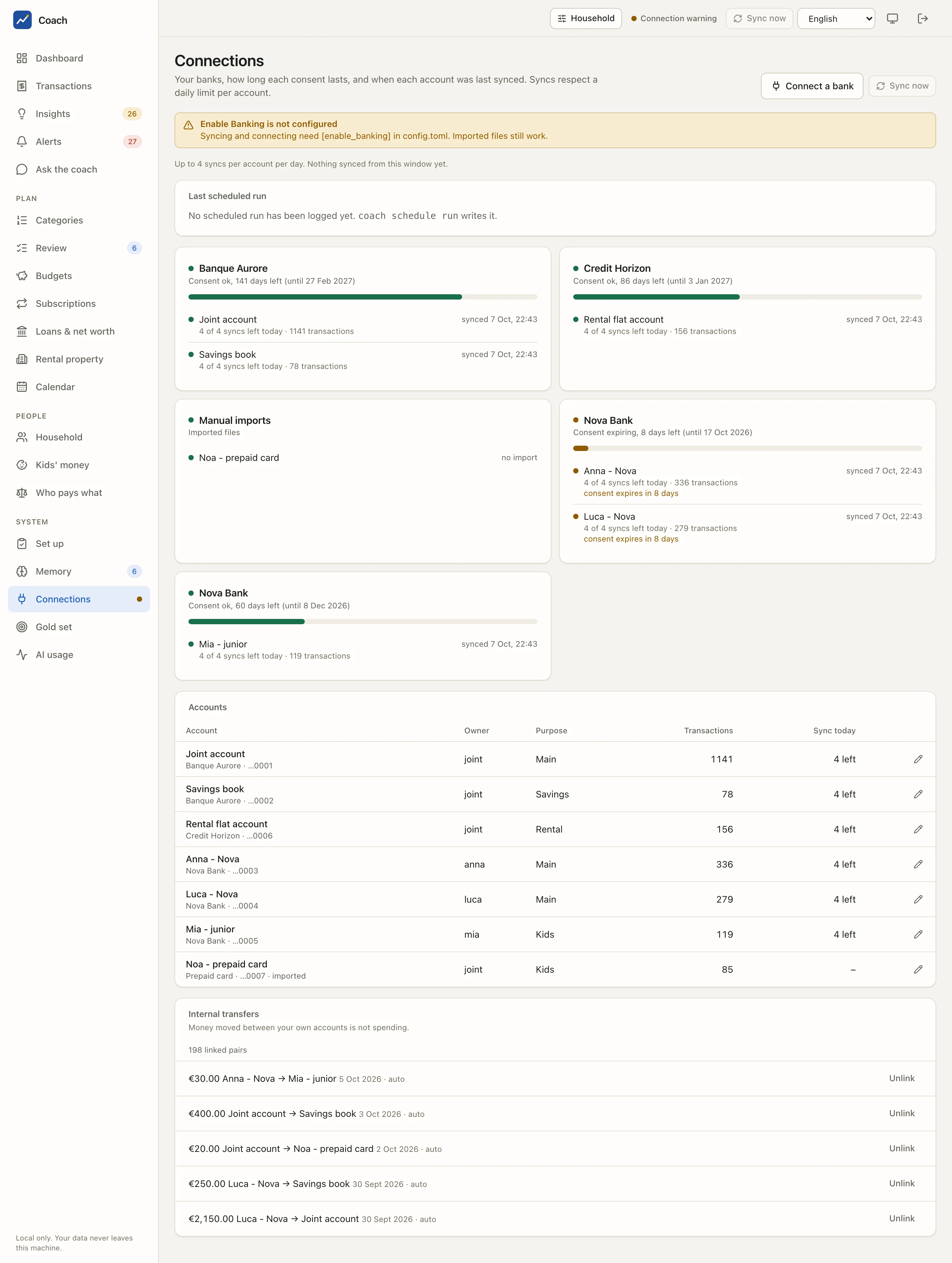
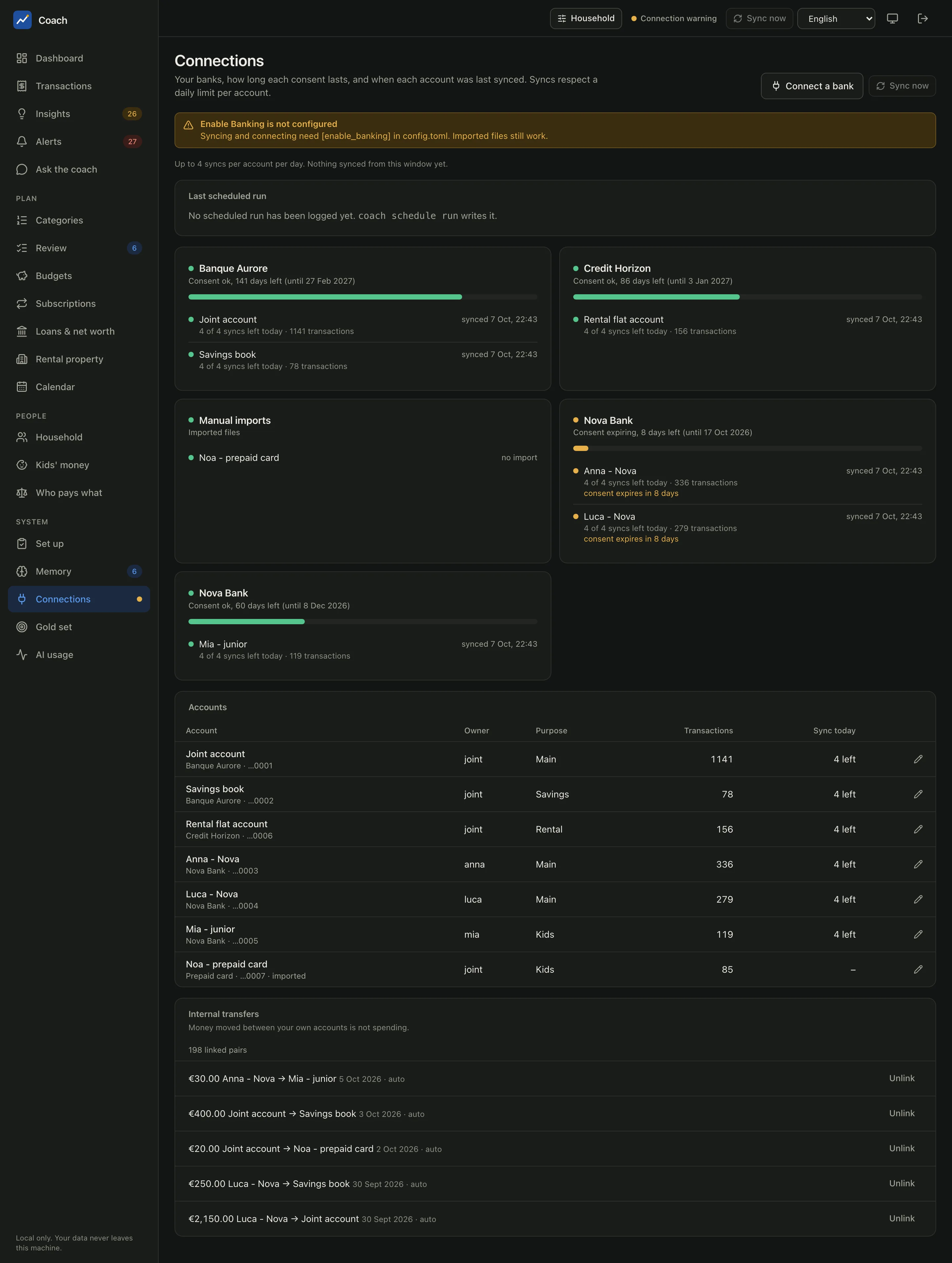
| Accounts | 7 accounts: a joint account and a savings book at Banque Aurore, one account each for Anna and Luca plus Mia's junior account at Nova Bank, a rental flat account at Credit Horizon (all three banks are invented), and Noa's prepaid card brought in as a file import. |
| Consents | One bank consent is close to expiry, so you see the warnings of the Connections page. |
| Transactions | 24 months of salaries, groceries (Acme Grocers, Fresh Market), restaurants, energy and water bills, a summer holiday (AirVola, Hotel Miramare), pocket money and transfers between the family's accounts. |
| Loans and assets | A mortgage (Homebank), a car lease (MobiLease), the family house, savings and a life-insurance balance. |
| Rental property | A two-room flat let under a Pinel-type tax-incentive scheme, with its own loan (Lenderco), rent cap, tenant income limit and a vacancy between two tenants. |
| Subscriptions and contracts | StreamBox, VideoMax, SoundWave, CloudBox, OldApp, TelcoCo, PixelTel, HomeSure, FitClub and more, several with a contract file, recorded cheaper alternatives and savings decisions. |
| Plans | Budgets, goals (an emergency fund among them), open questions and memory proposals waiting for review. |
| Signals | Alerts, coach insights and an AI usage history. |
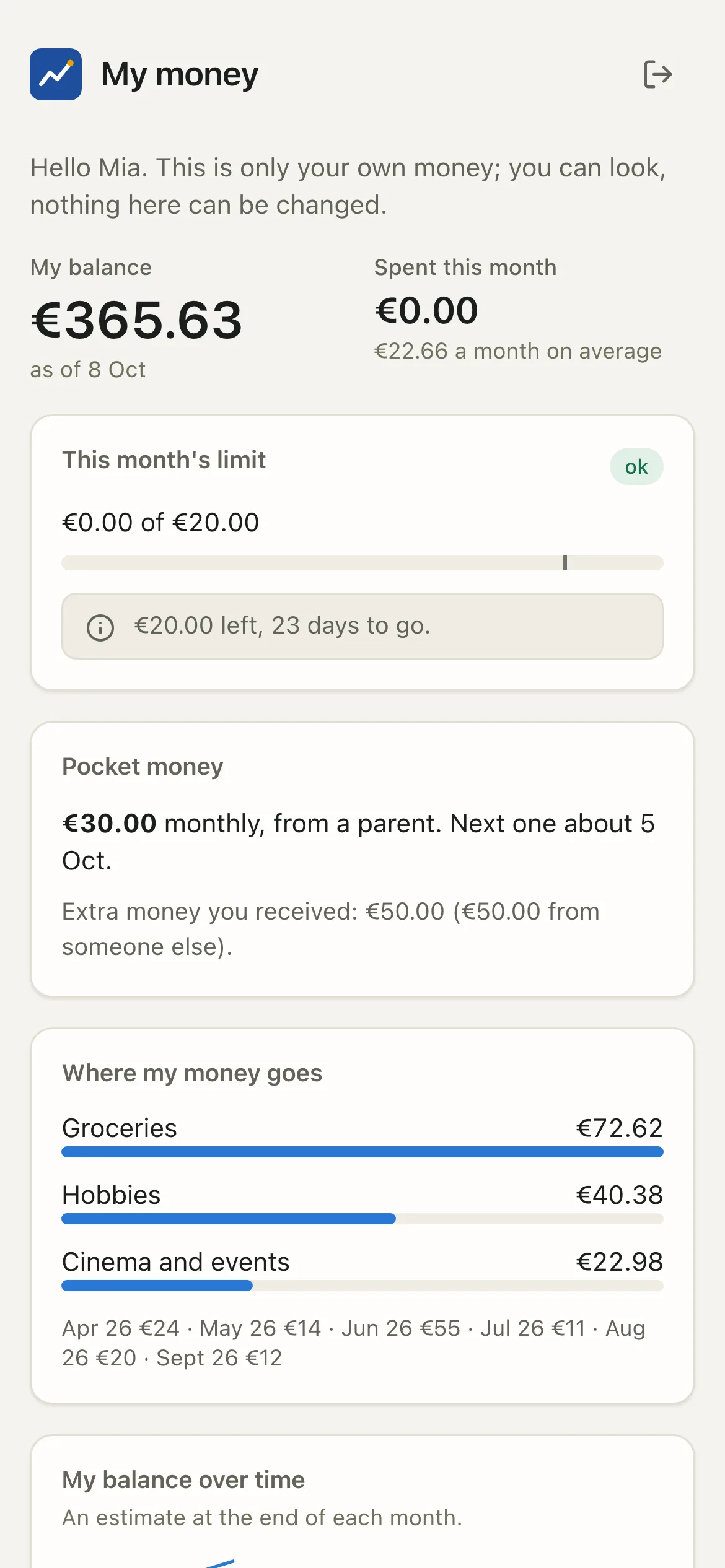
| Logins | A child login for Mia (she only sees her own money) and an adult login for Luca. |
Run it
You need a source checkout (Install, "From source"), uv, and Node with pnpm to build the web app once.
-
Build the web app (once; the built app is not committed):
-
Create the demo home in an empty folder:
It prints the balance of each account as it goes. Everything (configuration, database, memory, secrets) is written inside that folder.
-
Start the app on the demo home:
-
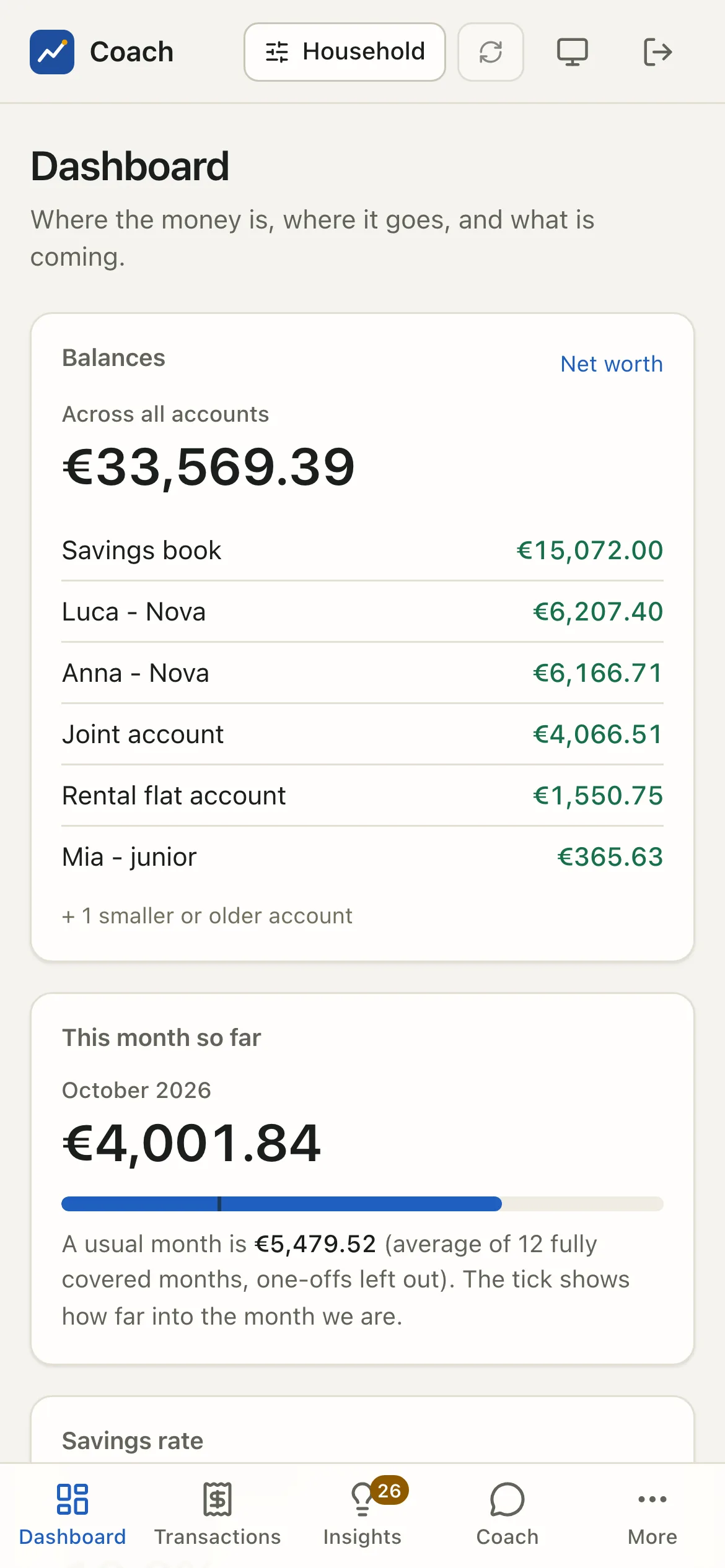
Open the one-time login link the command prints (
http://127.0.0.1:8799/login#t=...). You land on the dashboard as the owner, who sees everything. -
See what a child sees. In another terminal, print a link for Mia's login and open it in a private window:
Things to try
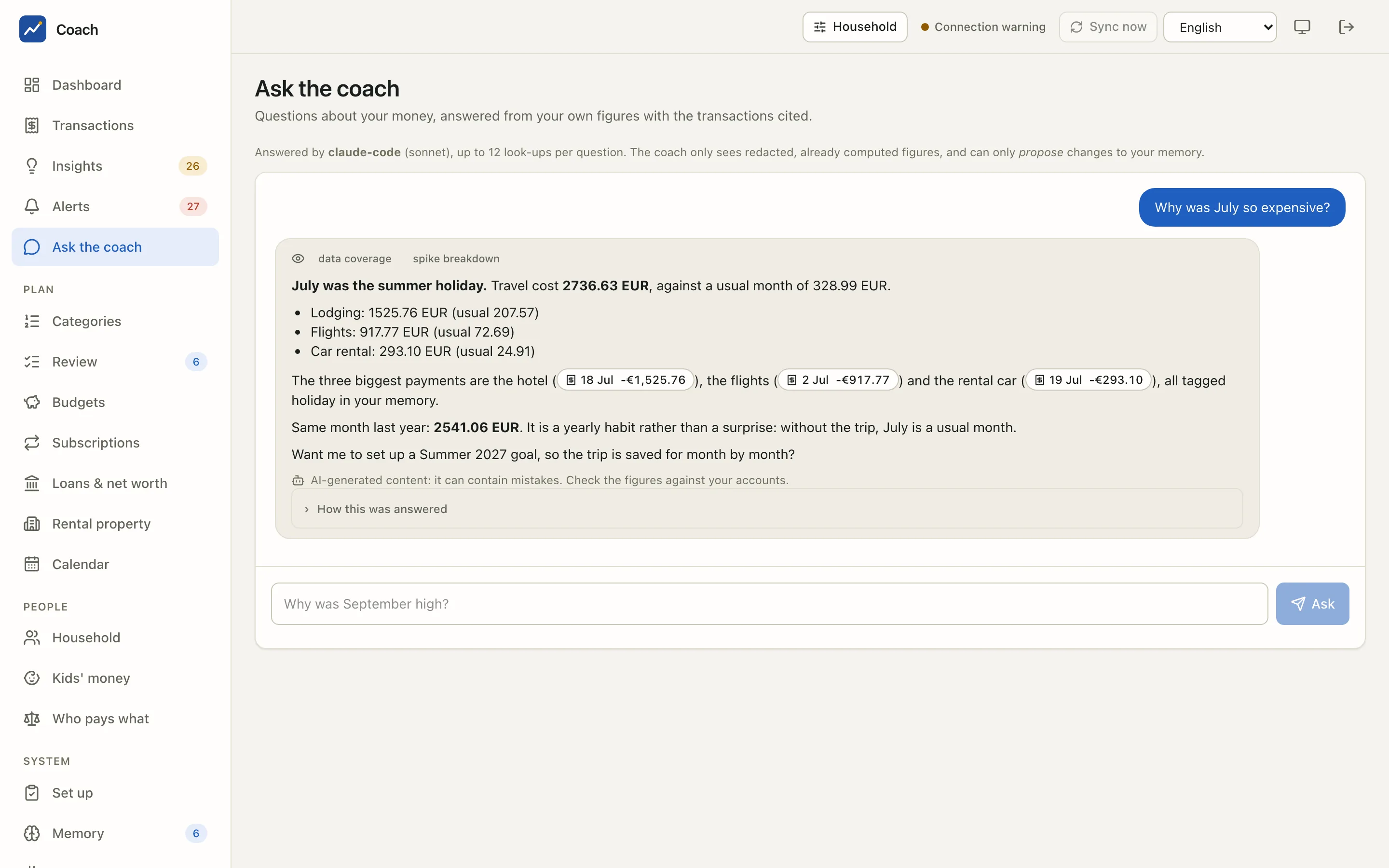
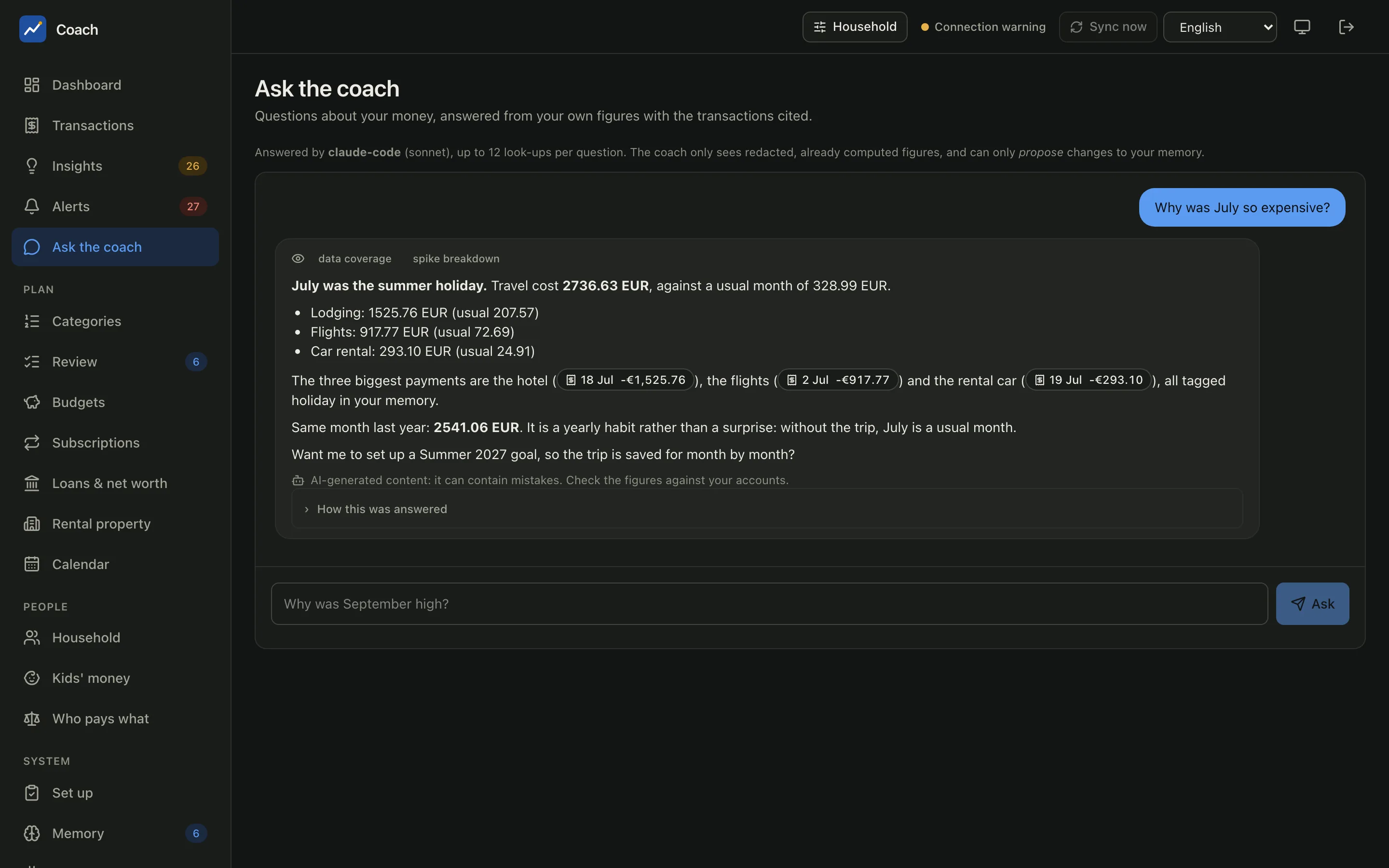
- Ask the coach: "Why was July so expensive?", "Which subscriptions should we review?", "Are we OK next month?"
- Memory > Proposals: the changes the coach suggested, waiting for a human.
- Rental property: the scheme commitment and the tax-year candidates.
- Kids' money and Who pays what: the household views.
The coach in the demo
The demo has no model. Its "coach" is a scripted stand-in for the claude command, put first on the PATH by run_demo.sh:
- It reads your question and picks the closest of a few prepared scenarios (a month that was high, the subscriptions, next month's forecast, or a three-month summary by default).
- It starts the real finance tool server and makes real tool calls on the demo data (
explain_spike,subscription_audit,forecast,calendar,cashflow...). You see each look-up under "How this was answered". - It fills a pre-written answer with the figures and evidence refs those tools returned.
So the redaction, the evidence refs and every number are genuine; only the wording is canned. No network, no API key, no cost. A question that matches no scenario gets the default summary.
Safety rails
The demo scripts are written so they cannot touch a real home:
seed_demo.pyrefuses a folder that is not empty unless it carries the demo marker file it wrote itself (.coach-demo-home).run_demo.shandlogin_link.pyrefuse any folder without that marker.- Secrets use the file backend inside the demo folder, never your Keychain. Any
COACH_*or Enable Banking variable of your shell is ignored while the demo is built. - The demo database is a plaintext SQLite file (
insecure_plaintext_db = true). That is acceptable only because every row is invented.
Never point the demo at real data
The demo configuration turns off database encryption and uses a scripted coach. Use it for invented data only. For your own money, follow the Quickstart.
Rebuild it
The demo is anchored on today's date. To refresh it (or after pulling a new version), rebuild it in place:
--force only works on a folder that already holds a demo. Another port: --port 8800 when you create it.
How the screenshots of these docs are made
scripts/demo/shoot.py drives a headless Chromium (Playwright) against the running demo app. It logs in with a one-time link of the demo
home, then saves light and dark WebP screenshots of every page, a few phone-sized ones, Mia's own view, and with --video the short
screencasts of the main flows:
scripts/demo/run_demo.sh /tmp/coach-demo &
uv run --with playwright --with pillow python scripts/demo/shoot.py /tmp/coach-demo --out docs/assets/screens
--only dashboard,coach limits it to some pages. Like the other demo scripts, it only works against a demo home.
The narrated film
scripts/demo/make_film.py turns the screencasts into the film of the home page, once per language (film.en.mp4, film.fr.mp4,
with WebVTT subtitles and a poster). Title cards are rendered by headless Chromium. The voice-over comes from
Kokoro, an open-weight neural speech model (Apache-2.0) that runs on your machine:
no account, no key, and the narration never leaves the computer. Each scene lasts as long as its picture or its narration, and the
voice is normalised to -16 LUFS.
brew install espeak-ng           # the phoneme library Kokoro needs (Debian / Ubuntu: apt install espeak-ng)
# download kokoro-v1.0.onnx and voices-v1.0.bin (model-files-v1.0 release of kokoro-onnx) into ~/kokoro
uv run --with playwright --with pillow --with kokoro-onnx --with phonemizer-fork --with soundfile \
    python scripts/demo/make_film.py --kokoro-dir ~/kokoro --lang en,fr
The narration and the title cards of each language are at the top of the script. --tts edge uses Microsoft Edge's online voices
instead (through the open-source edge-tts client), when that service accepts the client.
See also
- Install and Quickstart: the real thing, on your own data
- Ask the coach: what the coach can answer
- The coach (LLM): the runtime, the backends and the tool loop