Insights & alerts
Two pages that tell you what deserves a look, so you do not have to dig for it: Insights explains, Alerts keeps track.
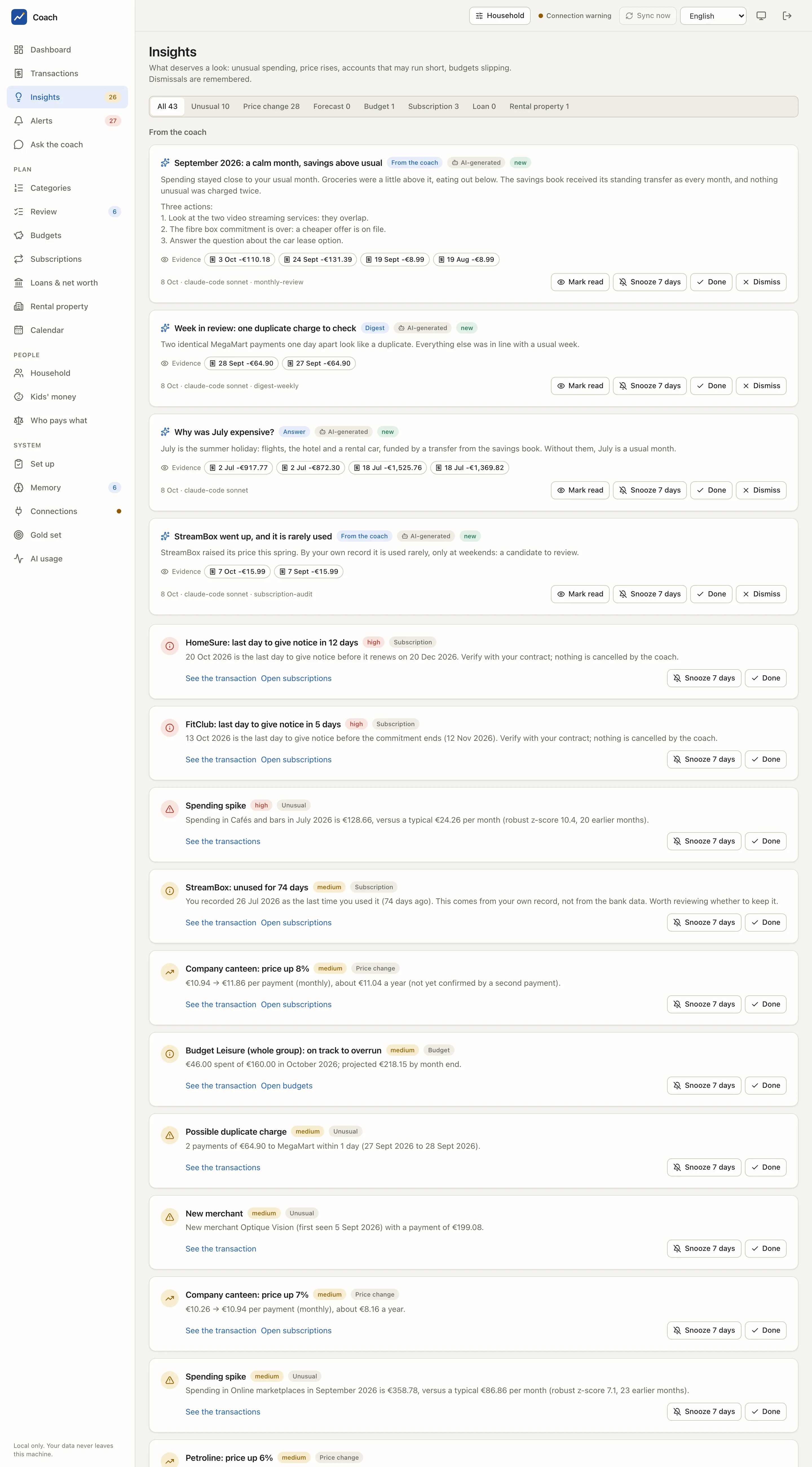
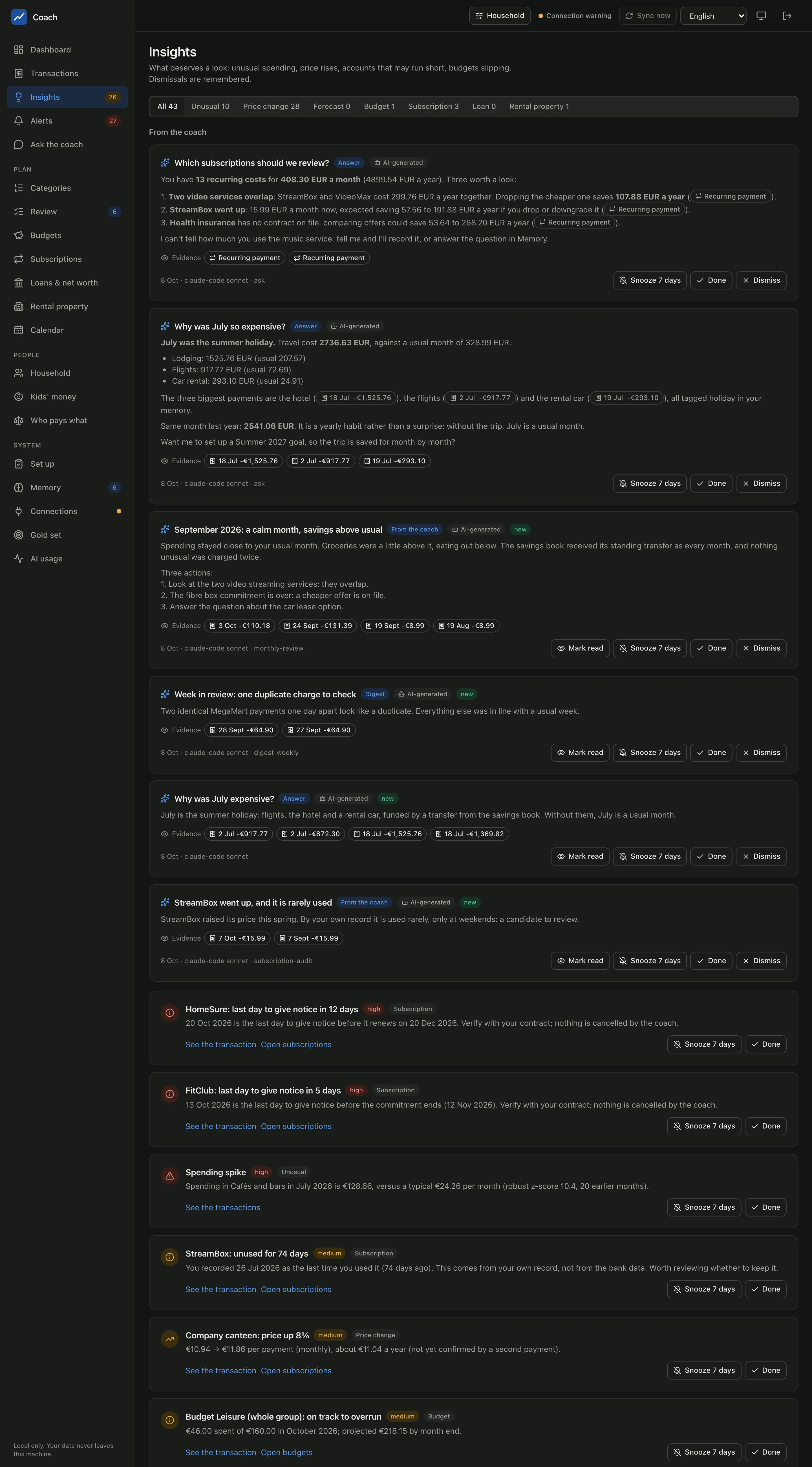
Insights
The Insights page gathers findings from two sources, and keeps them apart.
Cards computed by the app
Every card here is computed by code, from your data, after each sync. The tabs at the top filter them by type and show how many there are:
| Tab | What raises a card |
|---|---|
| Unusual | a category spike, a possible duplicate charge, a new merchant, a large payment |
| Price change | a recurring payment that changed price |
| Forecast | an account (or the household) that may run short in the coming weeks |
| Budget | a budget that is over, or on track to overrun |
| Subscription | a service unused for 60 days by your own record, a notice deadline within 30 days, a decision to check |
| Loan | a loan payment that is missing, changed, or came from the wrong account |
| Rental property | a reminder about a rental property |
Each card links to where you can act: See the transactions, Open budgets, Open the loan, Open calendar, Open subscriptions. Snooze 7 days hides a card for a week; Done or Dismiss removes it. Your choices are stored, so a dismissed card does not come back at the next sync.
From the coach
The section From the coach holds what the coach wrote: answers to your questions (badge Answer), digests (badge Digest) and findings. Each card shows:
- the AI-generated label, on every text a model wrote;
- the Evidence chips: the transactions and recurring payments the text is based on. Click one to open the real transaction;
- its provenance at the bottom: date, backend, model and the skill or prompt that produced it (for example
8 Oct · claude-code sonnet · monthly-review); - a warning such as 2 numbers unverified when a number in the text could not be found in any figure the tools returned;
- suspicious text seen when text that looked like an instruction was found in your data while the card was written (it was treated as data, never obeyed).
Coach cards have Mark read, Snooze 7 days, Done and Dismiss.
Why some numbers are flagged
The check is simple on purpose: every number in a coach text must appear in a tool result of the same session. A sum the model worked out itself is flagged even when it is right. The warning tells you where to look; it does not say the answer is wrong.
Alerts
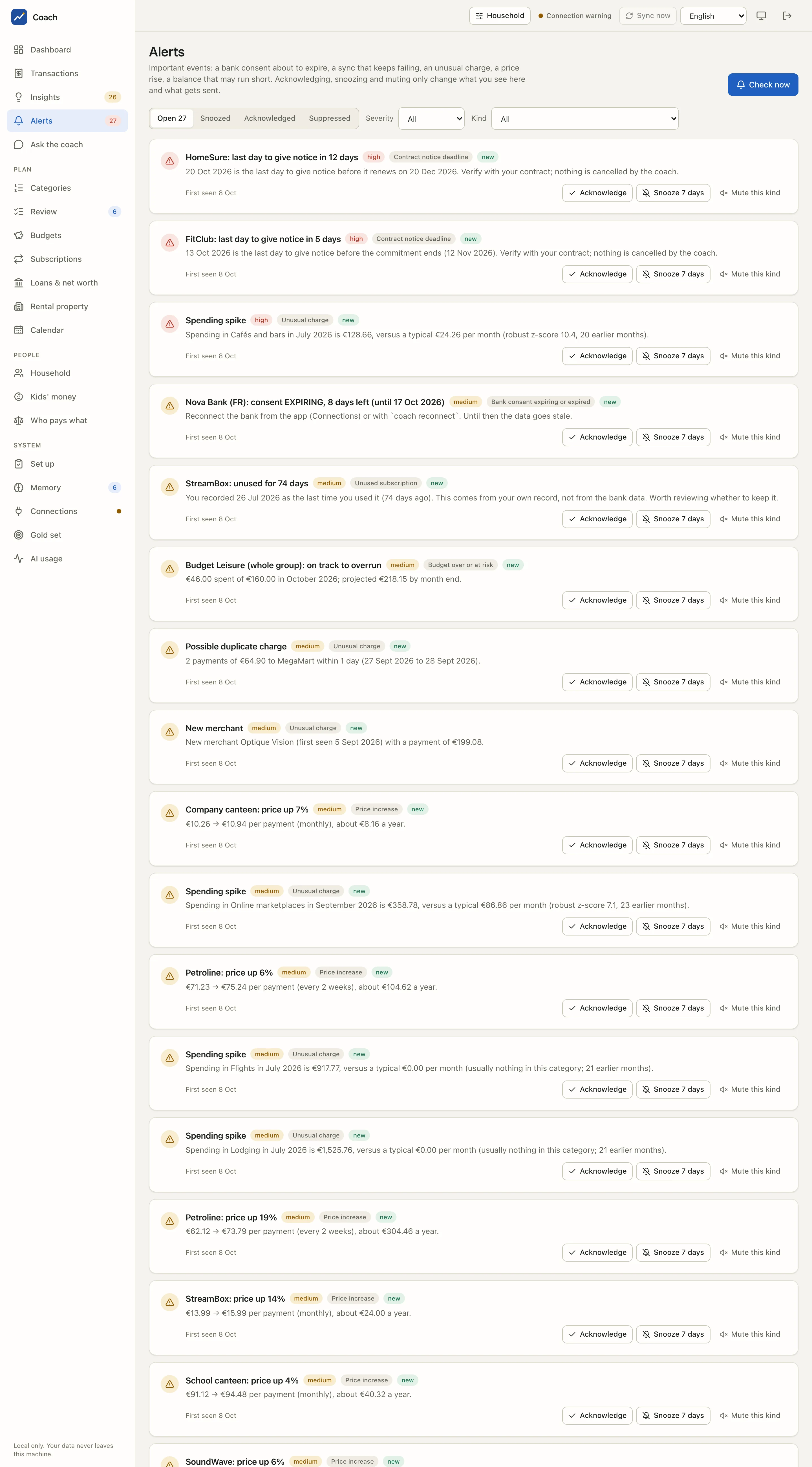
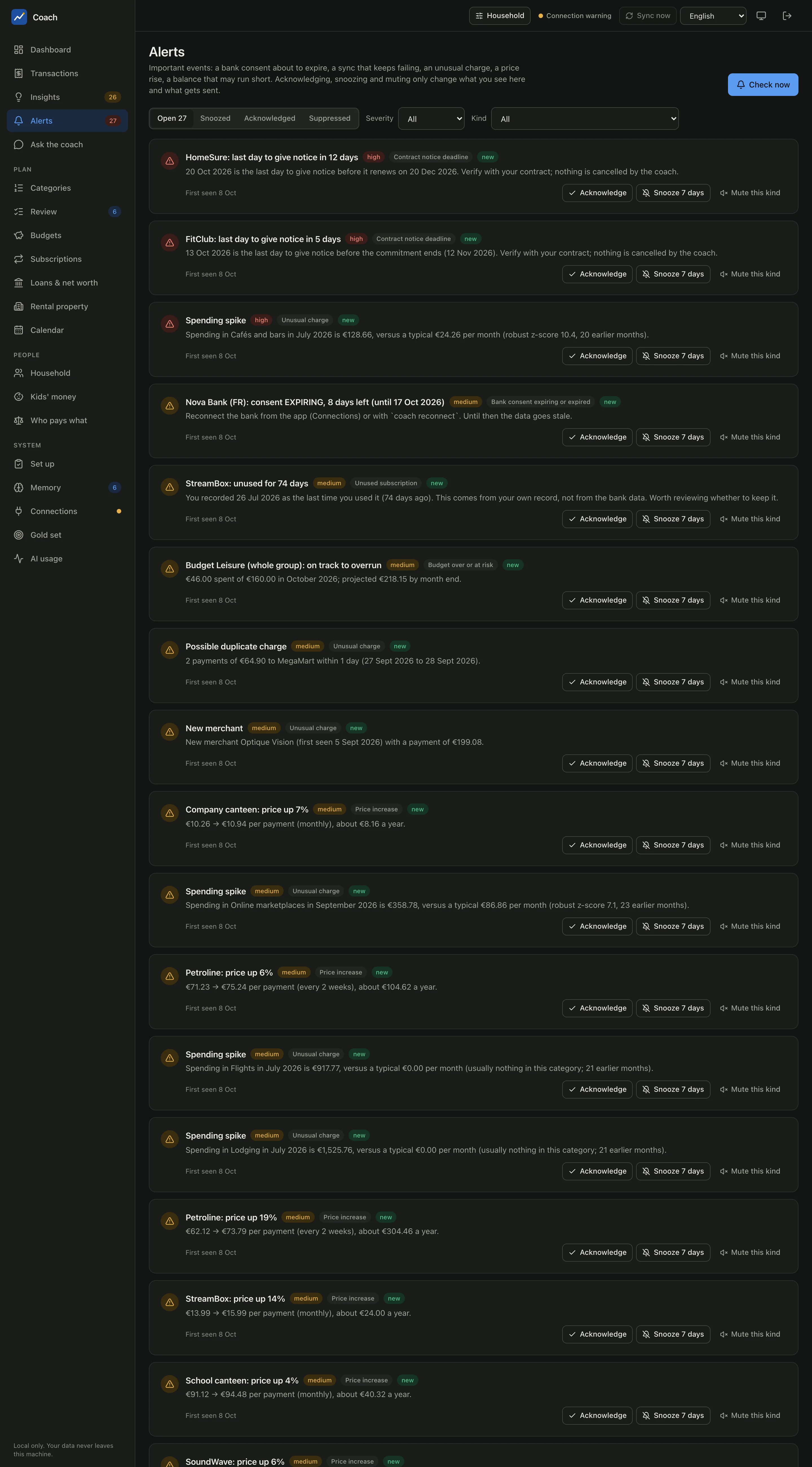
An alert is an event the app keeps track of until you deal with it: a bank consent about to expire, a sync that keeps failing, an unusual charge, a price rise, a balance that may run short. The sidebar shows how many are open, and the Dashboard has an Alerts card.
Kinds and severities
Each alert has a severity (high, medium or low) and a kind:
| Kind (as shown) | When |
|---|---|
| Bank consent expiring or expired | a consent reaches 14 days left, then 3 days, then expires |
| Bank sync failing | the last syncs of an account all failed |
| Unusual charge | a spike, a possible duplicate, a new merchant or a large payment you did not dismiss |
| Price increase | a confirmed price rise of a recurring payment |
| Low balance forecast | the forecast says an account may go short or negative |
| Budget over or at risk | a budget is over, or on track to overrun |
| Loan payment alert | a missed or changed instalment, a payment from the wrong account |
| Unused subscription, Contract notice deadline | the subscription reminders of your own record |
| Cancelled service still charged | a service you cancelled is still being charged |
| Kid budget limit | a child's budget is close or over (local only, see below) |
The full list, with the rental-property, lease and AI-usage kinds, is in the alerts reference.
What you can do
- Acknowledge: you have seen it. It stays quiet unless its severity goes up.
- Snooze 7 days: hide it for a week.
- Mute this kind: stop every alert of that kind until you unmute it.
- Restore: undo any of the above, from the Snoozed, Acknowledged or Suppressed tab.
Use the Severity and Kind filters to focus. Check now evaluates everything right away and stores the new events. It sends nothing outside the app.
The section Kinds of alert, lower on the page, lets you Mute or Hold 7 days a whole kind. Thresholds and the per-kind switches
live in config.toml ([alerts]).
One situation, one alert
Running a check twice changes nothing: an alert is identified by its situation. It is sent again only when its severity goes up (a budget at risk becomes over). When the situation goes away, the alert is marked resolved and kept as history.
Channels: read-only, off by default
The Channels section shows where alerts could also be sent: the in-app feed (always on), a macOS notification, ntfy, e-mail (SMTP) and Telegram. For each one you see whether it is enabled and ready, a masked target, and what is missing.
This view is read-only on purpose. Every channel other than the in-app feed is off until you enable it in config.toml; the app,
the API and the coach can never turn one on. See Alerts & channels to set one up.
Test (dry run) shows the exact message a test send would produce, with secrets masked. It sends nothing.
What a message to your phone says
By default (external_detail = "minimal") a message to ntfy, e-mail or Telegram is only a count:
No amount, merchant, account, bank or name. Even in the summary mode it adds only the kind and an amount rounded to 10 EUR. A child's
budget alert is never sent to any channel, not even as a count: nothing about a child leaves the machine.
The weekly summary
Preview this week's summary shows the summary the app builds once a week: last week against a usual week, the top categories, the payments of the next 7 days, open alerts, budgets at risk and the savings tracker. It is computed by code, nothing is written by a model, and it lands in Insights as a Digest card. If you opted in to the coach's weekly digest, its text is included under a heading that says a model wrote it.
From the terminal
uv run coach anomalies                        # what feeds the Unusual cards
uv run coach alerts list                      # the alerts, with filters (--status, --kind, --severity)
uv run coach alerts check --dry-run           # what would be raised and sent; writes and sends nothing
uv run coach alerts channels                  # which channels are enabled and ready
uv run coach alerts test-channel ntfy --dry-run
uv run coach alerts digest --dry-run          # the weekly summary
See also
- Alerts & channels: enabling ntfy, e-mail or Telegram, quiet hours, the weekly budget.
- Ask the coach: where the coach's answers come from.
- Alerts reference, Coach reference and UI reference.