Categories & review
See what a usual month costs in each category, drill into any of them, and teach the app the merchants it is unsure about.
The overview
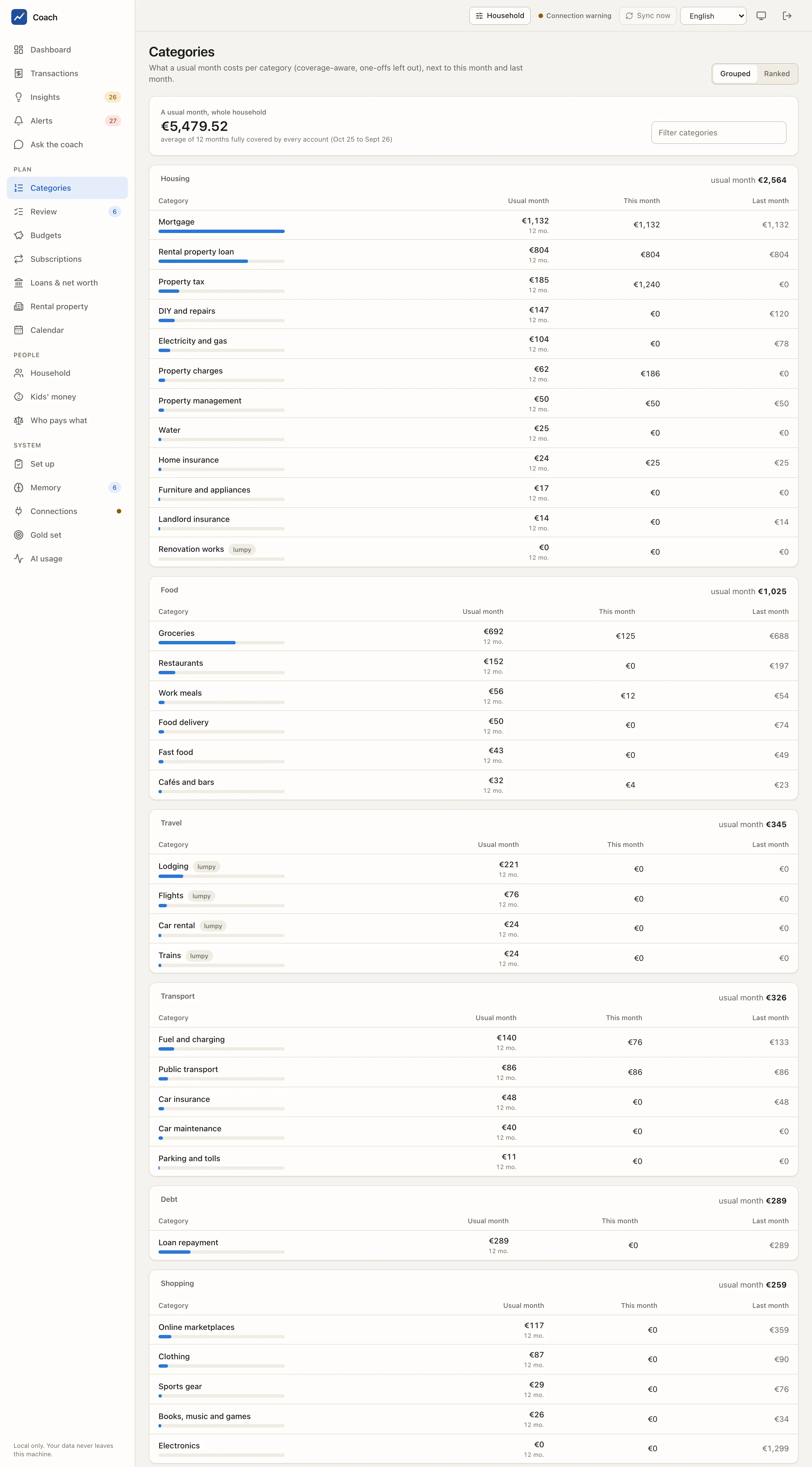
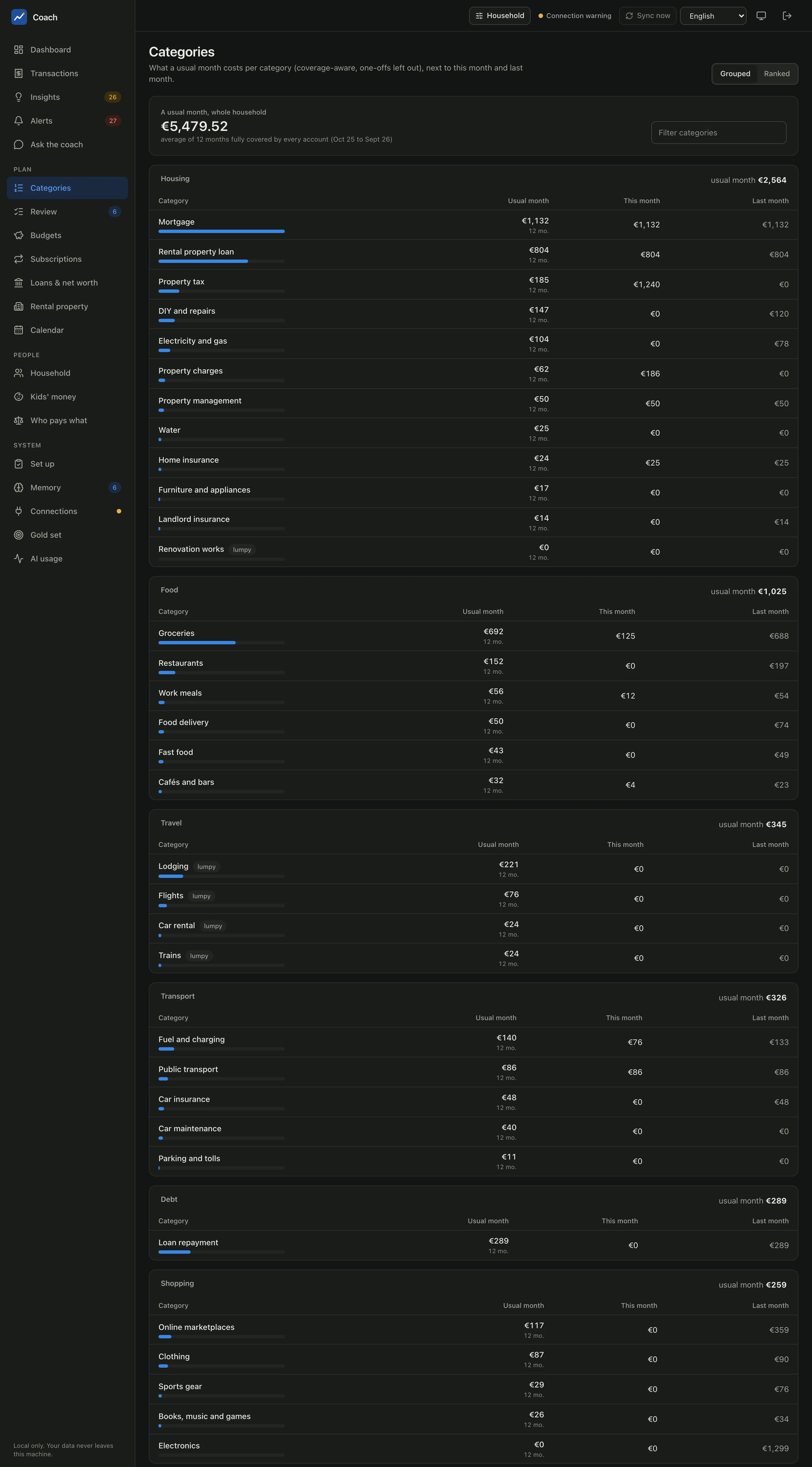
The header gives A usual month, whole household: the average of the months fully covered by every account, one-offs left out (here, 12 months). Below it, each category shows:
| Column | Meaning |
|---|---|
| Usual month | the coverage-aware average, with the number of months behind it ("12 mo.") |
| This month | spent so far this month |
| Last month | spent last month |
Switch between Grouped (by area: Housing, Food, Travel, Transport...) and Ranked (all categories, biggest first). Filter categories narrows the list as you type.
Two small badges help you read the figures:
- lumpy: a seasonal category (flights, lodging, renovation works). Its average needs 12 covered months to mean something.
- low confidence: few fully covered months back the figure. A category with no covered month at all is listed apart, with "no fair average", instead of being divided by 12.
The drill-down
Click a category (or a group) to open its page.
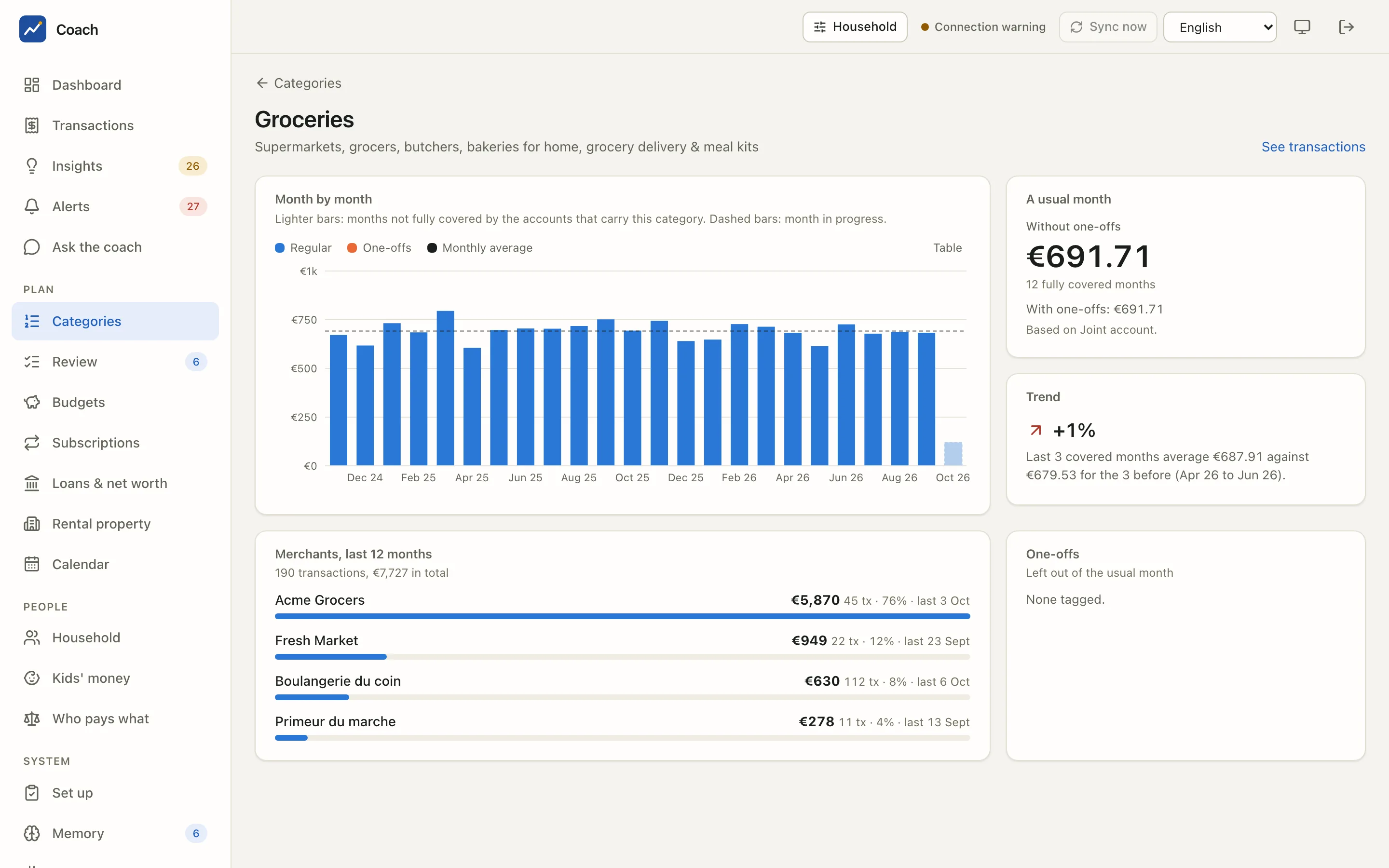
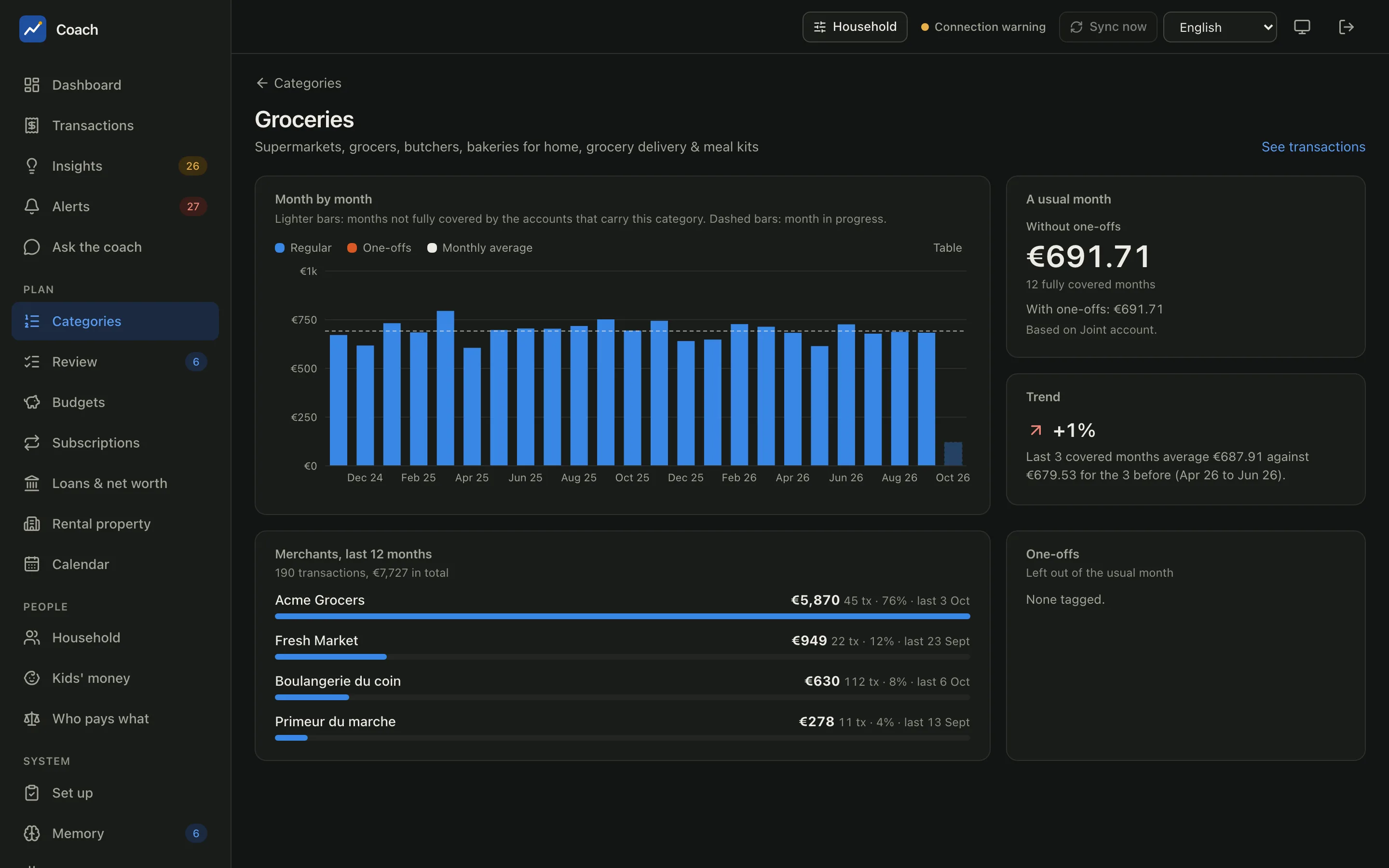
- Month by month: Regular spending and One-offs per month with the Monthly average as a dashed line. Lighter bars are months not fully covered by the accounts that carry this category; a dashed bar is the month in progress. Table shows the numbers.
- A usual month: Without one-offs (the figure the app uses), the number of fully covered months, With one-offs, and the accounts it is Based on.
- Trend: the last 3 covered months against the 3 before. It needs six covered months.
- Merchants, last 12 months: who you pay in this category, with the number of transactions, the share and the last date.
- One-offs: what was tagged one-off and left out of the usual month.
See transactions opens Transactions filtered on this category.
How a category is decided
Each transaction goes through a pipeline. The first step that knows the answer wins, and the expensive or less private steps run only for what the earlier ones could not decide.
flowchart LR
  A[Bank parsers] --> B[Your memory notes]
  B --> C[Rules]
  C --> D[Similar merchants<br/>kNN, local]
D --> E[AI model<br/>long tail only, redacted]| Step | What it does |
|---|---|
| Bank parsers | Clean the raw description of each bank (card payment, direct debit, transfer prefixes) into a merchant key. |
| Your memory | Your labels for a merchant, your per-transaction overrides and your memory annotations. They always win over what follows. |
| Rules | Built-in rules for the kind of operation and well-known patterns (internal transfers, loan instalments, taxes...). |
| Similar merchants | A local nearest-neighbour step labels near-duplicates of merchants already known. Nothing leaves the machine. |
| AI model | Only the merchants nothing else could label. |
What the AI model receives, and when
Only redacted merchant descriptors (IBANs, e-mails, phone numbers, long digit runs, ids and household names removed), the
category list and a few labelled examples. Merchants that look like a person are never sent. coach classify run --dry-run prints
the exact requests and sends nothing. In the first-run wizard (coach setup) the categorize step shows that dry run first and asks
for your privacy choice before anything is sent. With local_only and an Ollama backend, the model runs on your machine. Without any
backend, rules and your memory still categorize. See Privacy.
The transaction panel shows this chain for any transaction (Why this category?), with the step that decides and the ones it outranked.
The review queue
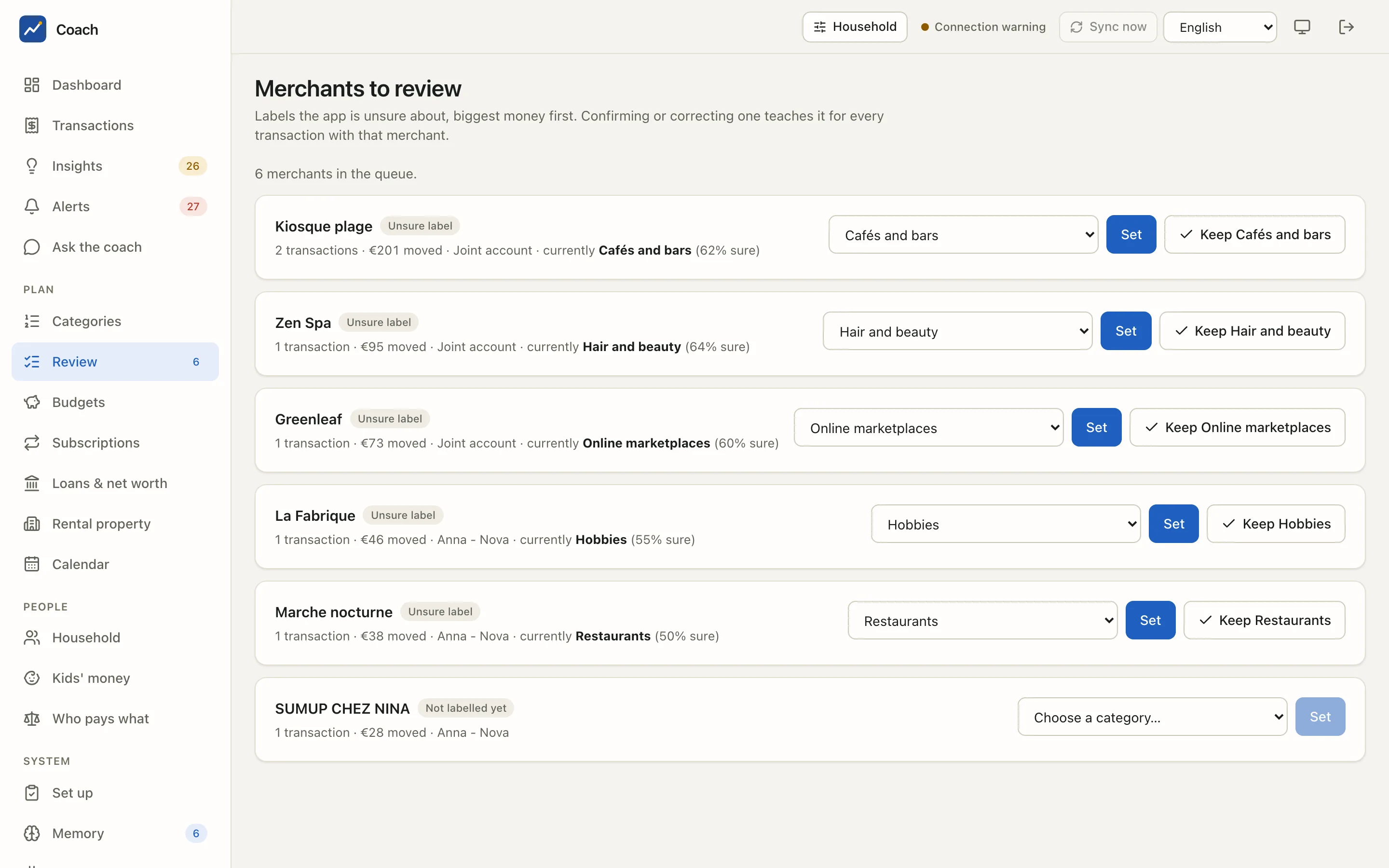
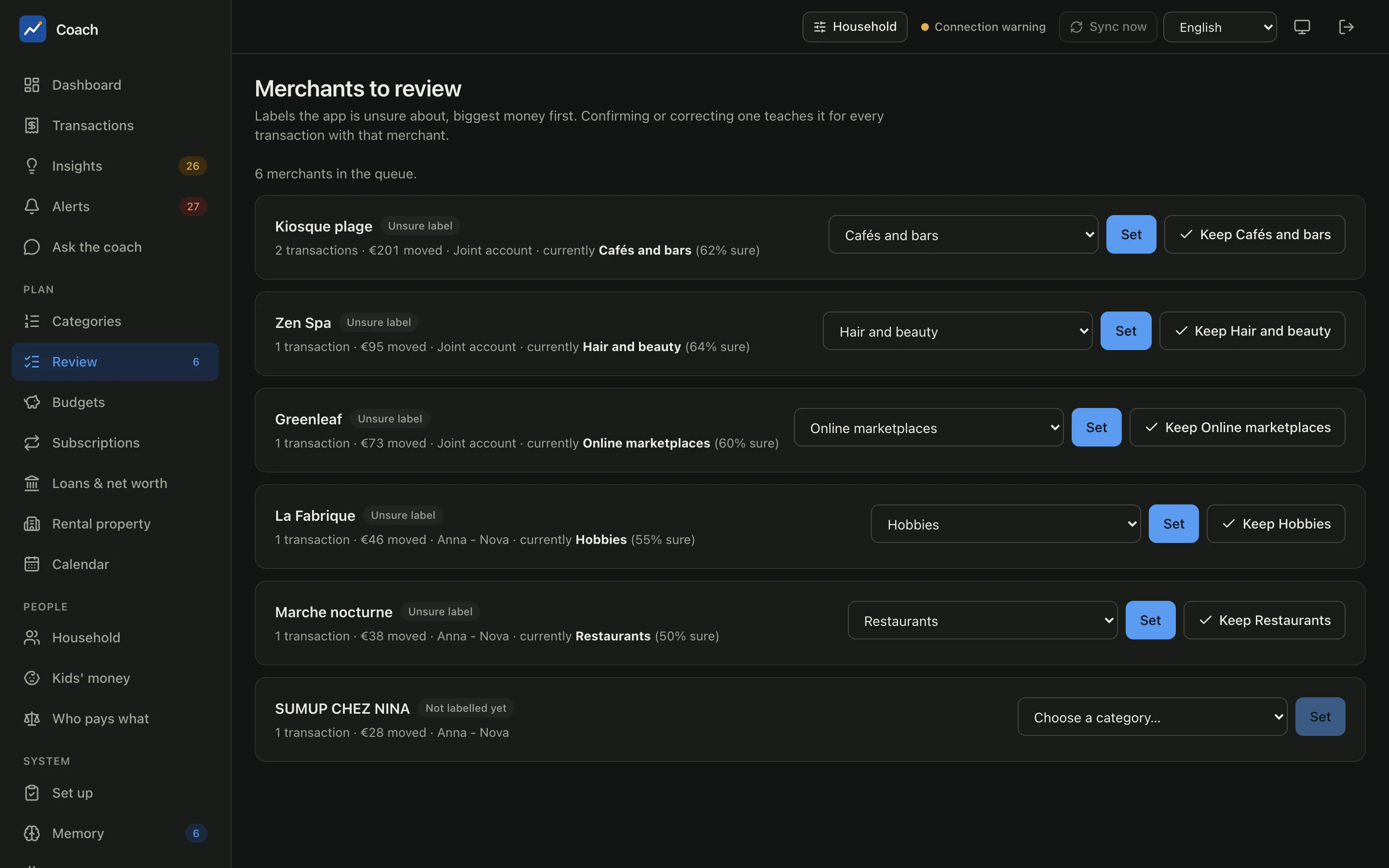
Review in the sidebar lists the Merchants to review: labels the app is unsure about, biggest money first, so a few minutes fix the figures that matter most. Each row shows why it is there:
| Badge | Meaning |
|---|---|
| Unsure label | the current label has a low confidence (shown as "62% sure") |
| Uncategorized | no step could label it |
| Not labelled yet | the merchant has no label |
| May be a person (never sent to an AI) | it looks like a person, so only you can say what it is |
For each merchant, either Keep the current category (it becomes your own label) or pick another one (type to search the categories) and press Set.
You teach it once
Confirming or correcting a merchant teaches the app for every transaction with that merchant, past and future. Your labels override rules and AI labels, and serve as examples for the AI on the merchants it still has to label.
A label guessed from a similar merchant asks you to pick the category yourself rather than confirm it blindly.
Ask AI on a row asks a model for that one merchant and shows its proposal under the row: a category, how sure it is and, when it searched
the web, a short note on what it found, marked AI-generated. Nothing changes until you press Use [privacy] web_enrich = true and the claude-code backend the model searches
the web, exactly like coach classify enrich for one shop (it can take a minute); otherwise it answers from the name only, like
coach classify run. A merchant that may be a person never has the button, and the call is counted on the Usage page.
You do not know what a merchant is?
coach classify enrich lets the AI model search the web for the shops it could not label. It is off until you set
[privacy] web_enrich = true yourself, and it only ever searches shops: anything that could be a person is withheld, towns are
stripped (the known ones, and a town recognised by its shape at the end, such as LA X or X SUR Y) and every descriptor is redacted.
When the descriptor names a country (a legal form such as SPRL or GMBH, or a payment in a foreign currency) the search uses it;
otherwise the model searches the name alone first. The search provider learns a shop name, never your amounts, dates, accounts or names.
Run coach classify enrich --dry-run first: it prints the exact request and sends nothing. See
Privacy settings.
One merchant that covers several things (an insurer with a home, a car and a health policy) is split with memory annotations on the amount or the bank text: see One merchant, several things.
The taxonomy
Categories have two levels, group.leaf, for example food.groceries or housing.rental_property_loan. The groups are income,
transfer, housing, food, transport, shopping, health, personal care, leisure, subscriptions, travel, kids, education, insurance, pets,
debt, cash, fees, taxes, charity and other. Transfers between your own accounts and to people are never spending or income.
The AI may only answer with ids of this taxonomy. You can add or rename a leaf with coach taxonomy add / rename.
From the terminal
uv run coach classify review --max-conf 0.7 --limit 30   # the review queue, by money at stake
uv run coach classify correct "<merchant_key>" food.groceries --name "Fresh Market"
uv run coach classify run --dry-run                       # the exact redacted requests, nothing sent
uv run coach classify enrich --dry-run                    # the web search for unknown shops (opt-in: web_enrich), nothing sent
uv run coach classify report                              # coverage and monthly spending
uv run coach explain "ACME GROCERS"                       # why one transaction has its category
uv run coach taxonomy list
The Claude Code skills review-categories and categorize-transactions walk you through the same steps in a conversation.
See also
- Transactions: change one category from the side panel.
- Quality & AI usage: measure how good the categories are.
- Analytics reference, Architecture, Privacy.