Memory & set-up
The household memory is what the bank data cannot tell: who you are, what a payment really was, your loans, contracts and assets.
What the memory is
The memory is a folder of plain files you own: YAML for the structured facts (members, loans, contracts, assets, budgets, annotations) and Markdown for free text (profile, preferences, events). You can open and edit them by hand, and so can the app, but every change the app makes goes through one path:
- validated: a category must exist, an id must be unique, a regex must compile; an invalid change is refused;
- previewed: you see the diff before anything is written;
- recorded: every change is a commit in a private git history inside the folder (it never has a remote and is never pushed), with who made it and why. Hand edits are snapshotted too, so nothing is lost.
The memory never leaves your machine as it is. The coach sees it only through redacted tools, and can only propose changes.
The tabs
| Tab | What you do there |
|---|---|
| Questions | answer what the coach could not infer |
| Proposals | review the changes the coach or a document extraction suggests |
| Household | the members of the household |
| Events | trips, works and projects you tag transactions with |
| Loans, contracts, assets | the forms for each loan, contract and asset |
| Annotations | the rules you taught: which transactions get which category, tags or event |
| Check | the memory check: errors, warnings, notes |
| History | every change ever made, and by whom |
Questions
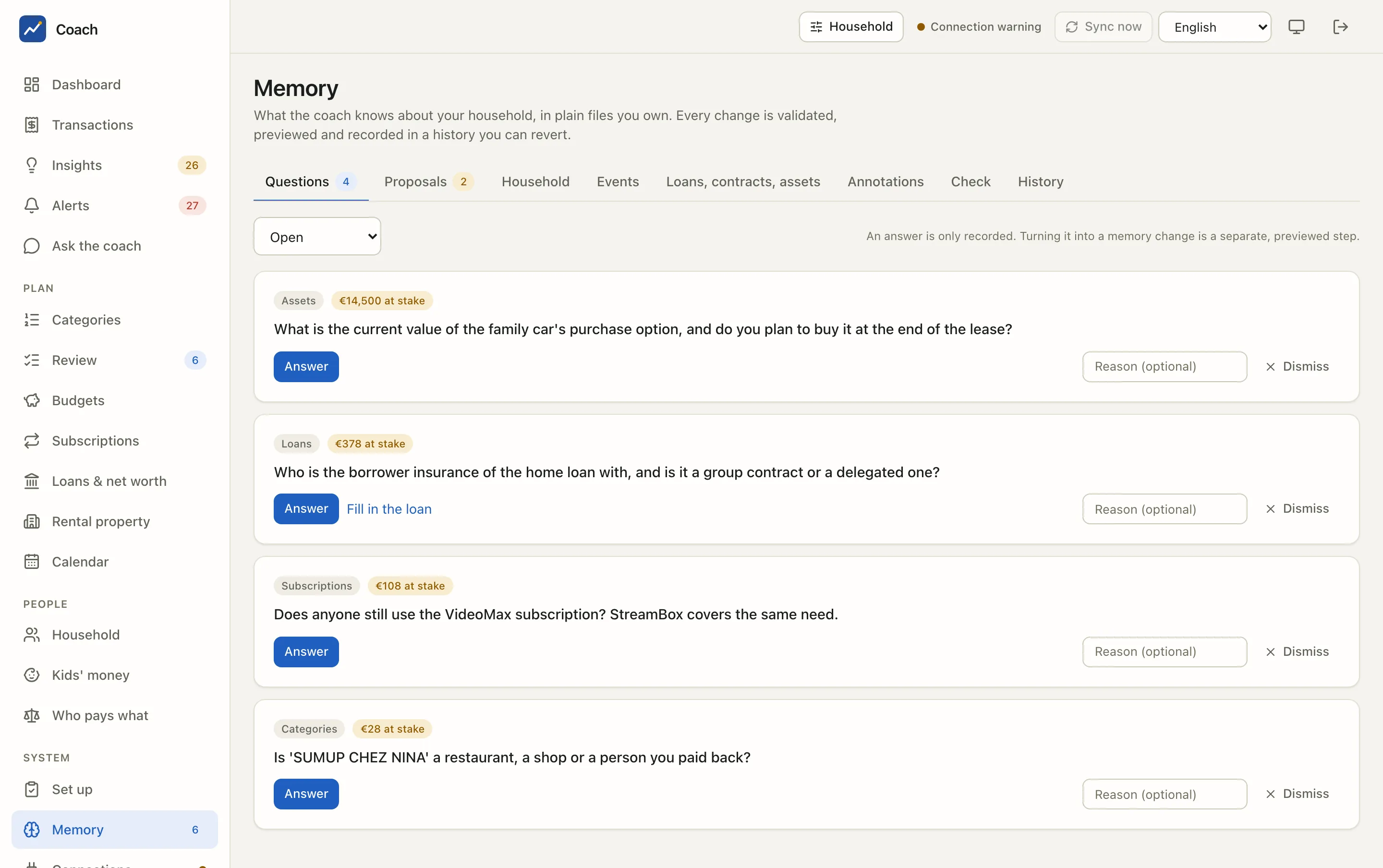
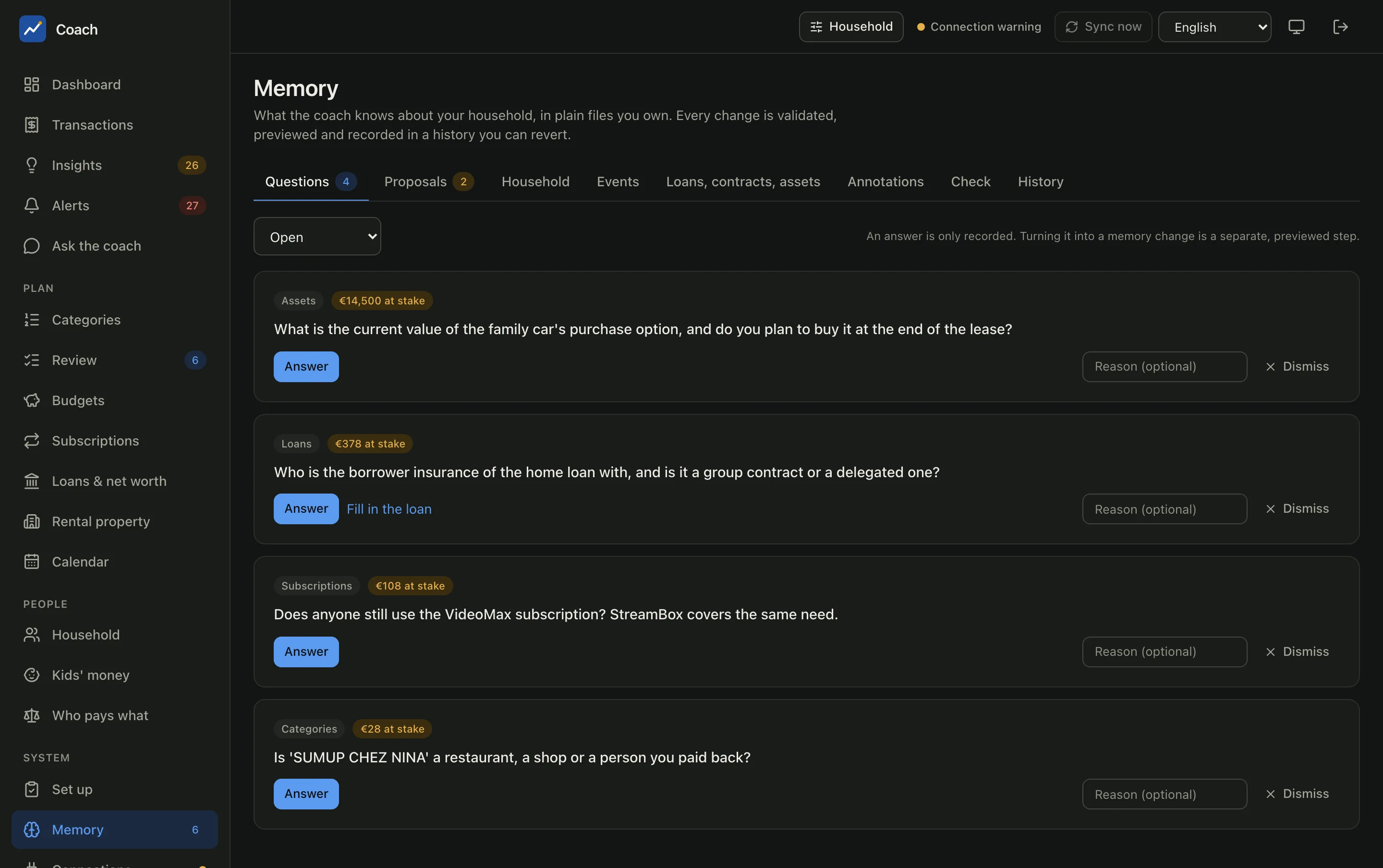
After each sync the app asks about what it cannot work out alone: a merchant it does not recognise, a recurring payment with no contract, a loan field that is missing, an asset with no value. Each question shows its topic and the money at stake.
- Answer records your answer in your own words. An answer is only recorded: turning it into a memory change is a separate, previewed step.
- Fill in the loan (on loan questions) opens the loan form directly.
- Dismiss, with an optional reason, closes a question for good. The filter at the top shows Open, Answered, Dismissed or All, and you can Reopen one.
Proposals
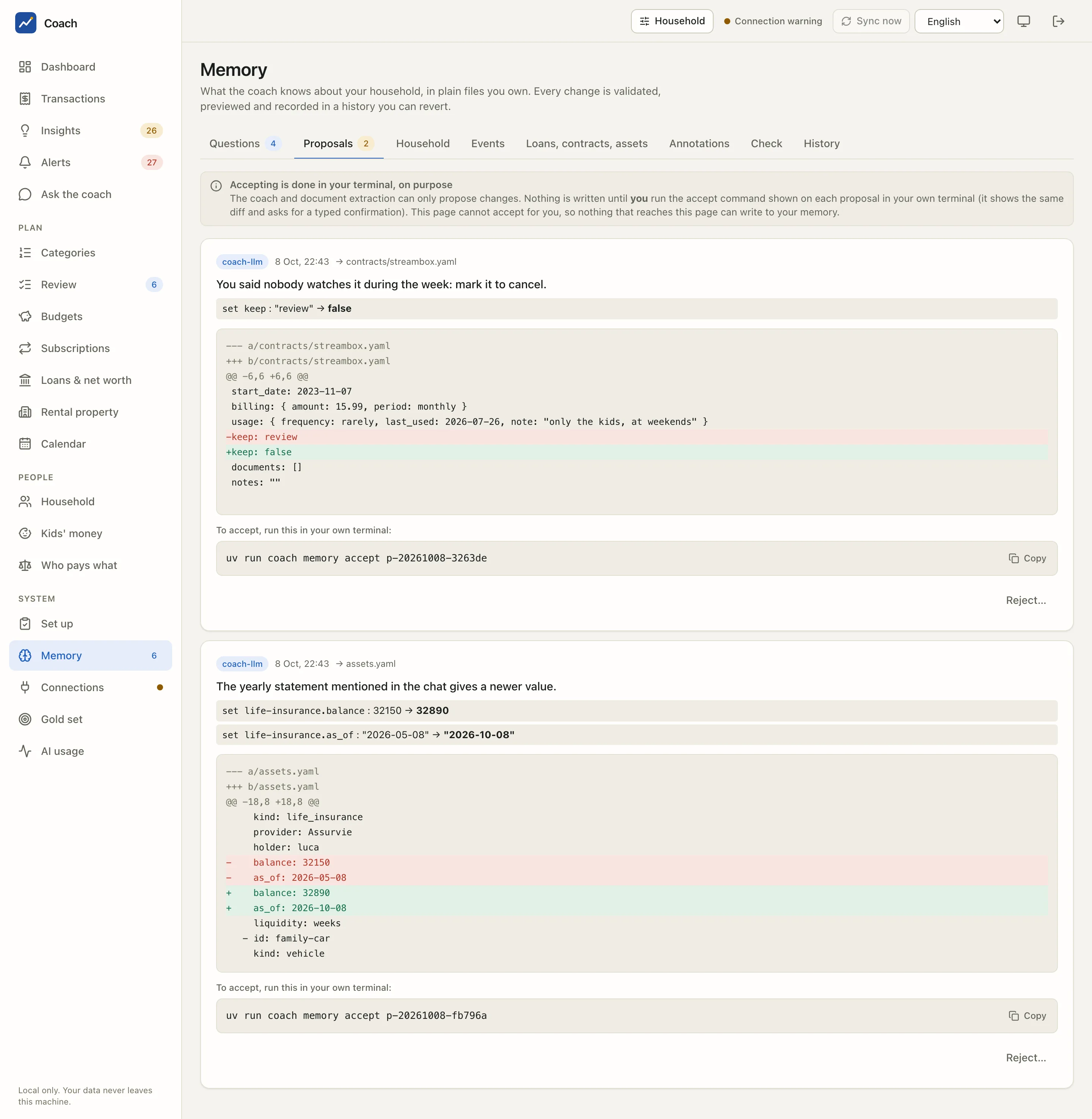
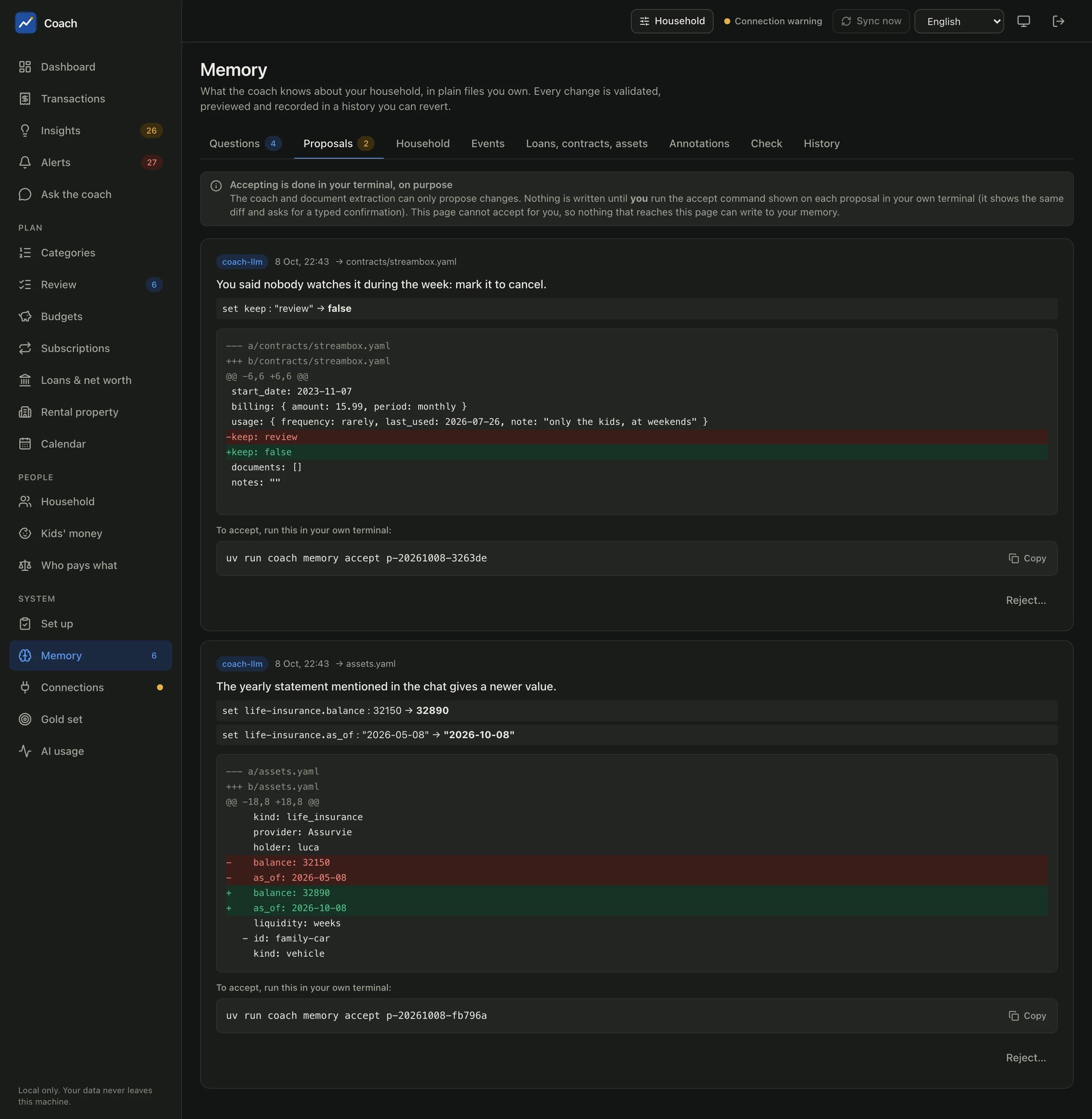
A proposal is a change the coach (source coach-llm) or a document extraction prepared for you. Each one shows its source, the target file,
the reason, every field old → new, and the full diff.
Accepting is done in your terminal, on purpose
The page shows the command to copy, for example:
Run it in your own terminal. It validates the change again against the file as it is now, shows the diff and asks you to type a confirmation. The web app has no way to accept a proposal, so nothing that reaches the page can write into your memory.
Reject… is available in the page: it asks for confirmation and an optional reason, writes nothing and closes the proposal. A proposal made while the coach saw instruction-like text in your data is flagged; accepting it then needs a confirmation for each field.
Household and events
Household lists the members (adult or child, birth year, the spellings a bank uses for them). Names stay on this machine; a model sees
adult-1, kid-1 only. More on the Household & kids page.
Events are the trips, works and one-off projects of your life, with dates and an optional budget. Tag their transactions to keep their cost out of your usual month.
Loans, contracts, assets
One form per item: Loan, Contract, Asset. Each card says what is still missing ("missing: end date") or when a value is old ("value is old: refresh it"). Saving shows the diff first. The loan details and scenarios are on Loans & net worth; the contracts feed Subscriptions & contracts.
Annotations
The rules you taught, for example "every payment to this merchant on a Saturday is Restaurants". Each shows how many transactions it matched and how many it decided. The first matching annotation wins. You create them from a transaction ("Remember with a memory annotation") and remove them here.
Check and History
Check runs the memory check: broken files and unknown categories (errors), annotations that match nothing or are shadowed by an earlier one, a loan whose payments do not match, an old asset value (warnings), and notes. "Memory is consistent" is the goal.
History lists every write to the memory, whoever made it: you in the app (ui), the CLI, or an accepted coach proposal. View
shows the patch. Undoing a change is, like accepting, a terminal command shown on screen (uv run coach memory revert ...).
The Set up page
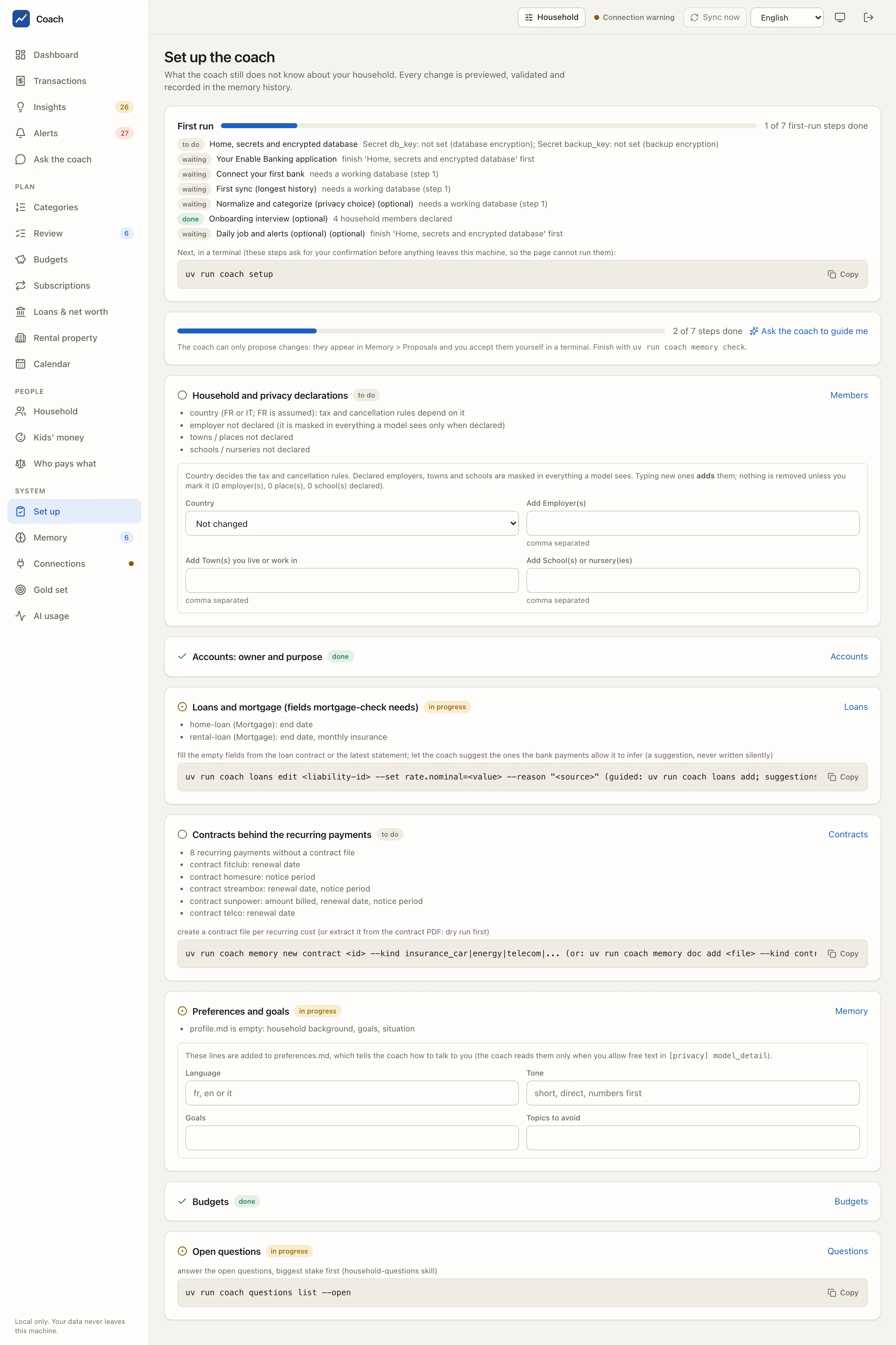
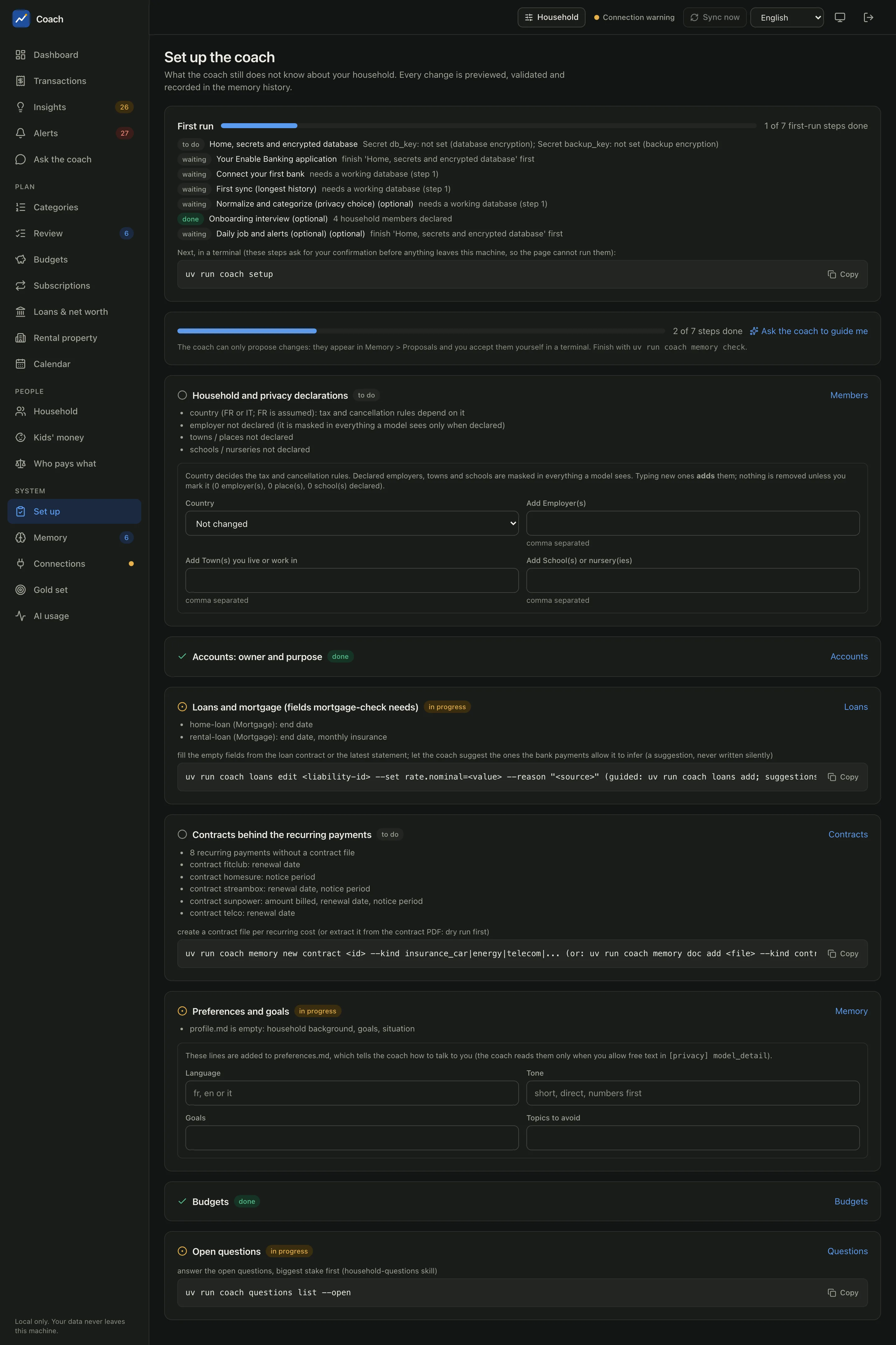
Set up (in the sidebar, under System) answers one question: what does the coach still not know?
The First run card
The seven steps of the first-run wizard, with their state (done, to do, waiting): home, secrets and encrypted database; your Enable
Banking application; connect your first bank; first sync; normalize and categorize; onboarding interview; daily job and alerts. The card
is read-only: these steps ask for your confirmation before anything leaves the machine, so the page shows the command
(uv run coach setup) instead of running them. See Install.
The checklist
| Step | What it asks for |
|---|---|
| Household and privacy declarations | your country (it decides the tax and cancellation rules), and the employers, towns and schools to mask in everything a model sees |
| Accounts: owner and purpose | who each account belongs to and what it is for |
| Loans and mortgage | the loan fields the mortgage check needs (end date, rate, insurance...) |
| Contracts behind the recurring payments | a contract file per recurring cost, with renewal date and notice period |
| Preferences and goals | how the coach should talk to you: language, tone, goals, topics to avoid |
| Budgets | at least one budget |
| Open questions | the questions of the Memory page, biggest stake first |
Each step says what is missing and links to the form that fixes it, or shows the terminal command to copy. The country, the declarations and the preferences are written right here, after a previewed diff.
Ask the coach to guide you
Ask the coach to guide me runs the onboarding interview on the Ask the coach page. Every answer becomes a proposal or
a question, never a silent change. Finish with uv run coach memory check.
From the terminal
uv run coach questions list --open           # the open questions
uv run coach memory proposals                # pending proposals with their diff
uv run coach memory accept <id>              # accept one (asks for a typed confirmation)
uv run coach memory history                  # the change history
uv run coach memory check                    # the memory check
uv run coach onboarding status               # what the coach still does not know
See also
- Memory reference: every file, its schema, the history and the proposals.
- Skills reference: the onboarding interview and the other skills.
- UI reference for the security model of the web app.