Calendar
Everything that is coming your way, on one page: payments, loan instalments, contract deadlines, bank consents and reminders.
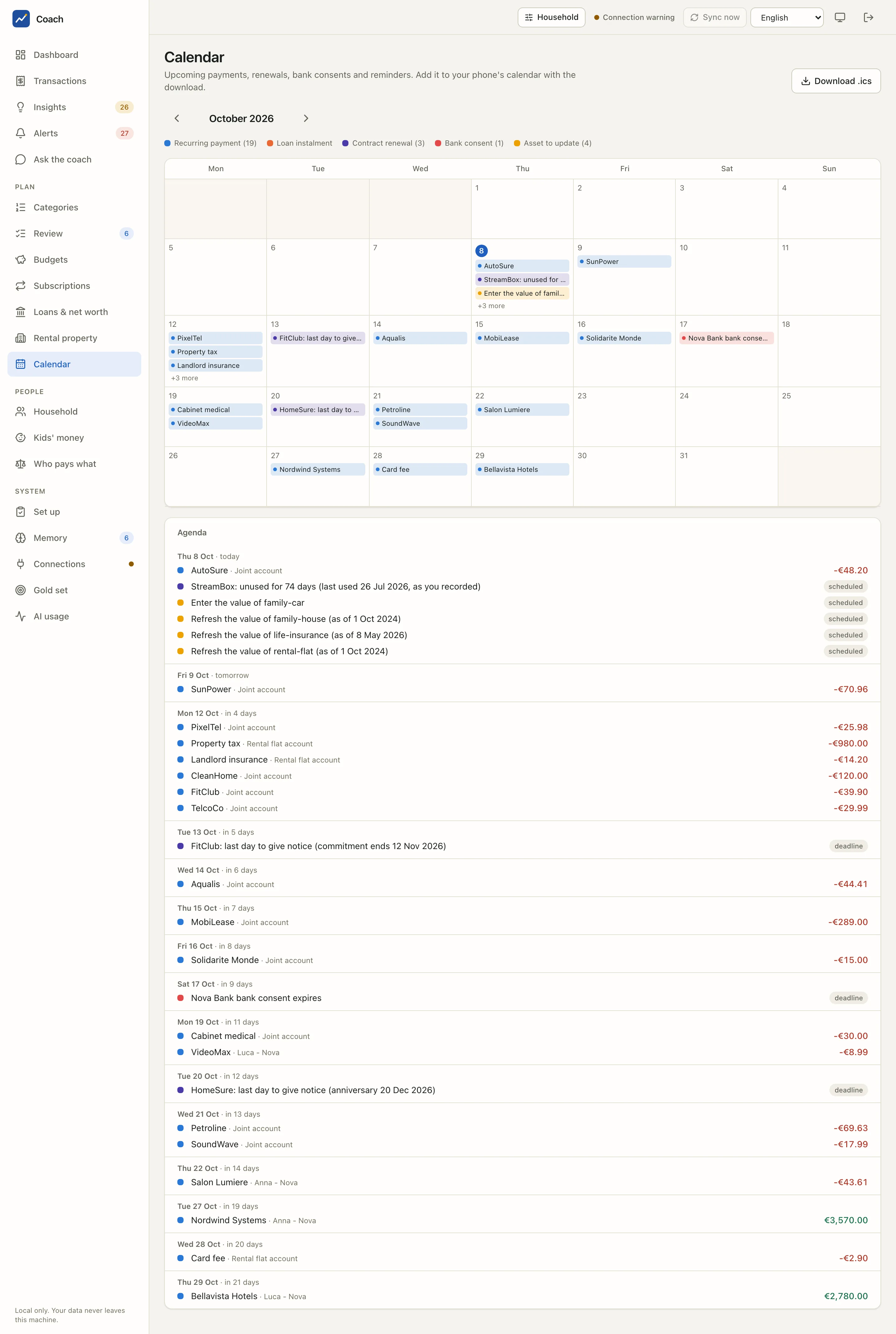
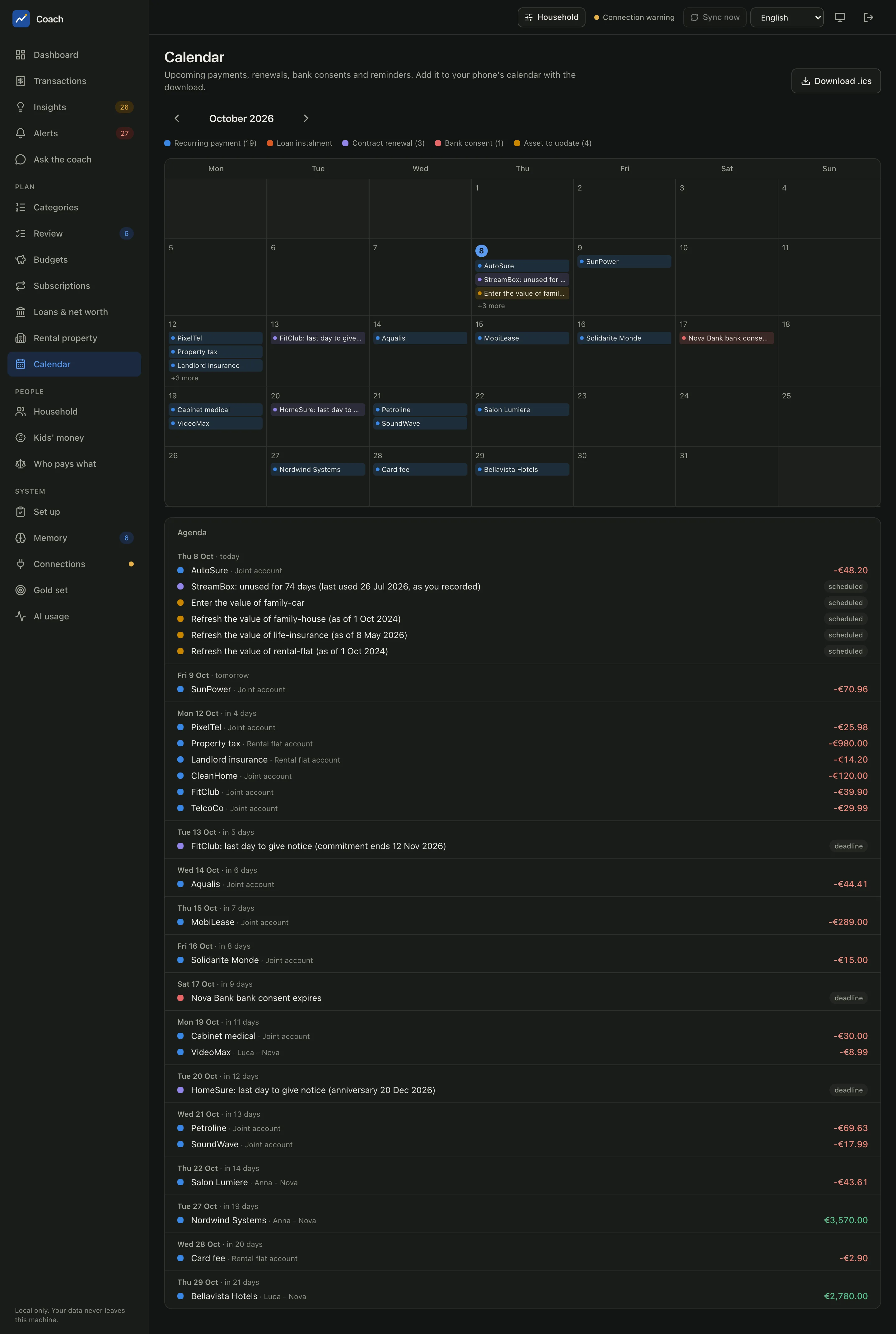
What you see
The page has two parts that show the same items.
- The month grid. One cell per day, with a coloured chip per item. A busy day shows the first few and +N more. Today's date is circled. Use the arrows next to the month name to move forward.
- The agenda. The same items as a list, grouped by day ("Thu 8 Oct · today", "Fri 9 Oct · tomorrow", "Mon 12 Oct · in 4 days"), with the account that pays and the amount.
The legend above the grid counts each kind of item for the month:
| Colour in the legend | What it is | Where it comes from |
|---|---|---|
| Recurring payment | the next expected charge of a subscription, bill or salary | the recurring series the app detected in your transactions |
| Loan instalment | the next instalment of a loan, and its end | the loans in your memory and their schedules |
| Contract renewal | a renewal date or the last day to give notice | the contract files behind your subscriptions |
| Bank consent | the day a bank consent expires | your connections |
| Asset to update | a reminder to enter or refresh the value of an asset | the assets of Loans & net worth |
Each line of the agenda ends with either an amount or a small badge that says how sure the date is:
| Badge | Meaning |
|---|---|
observed |
the date follows what the bank data shows |
scheduled |
a reminder or a planned date (for example "Refresh the value of family-house") |
deadline |
a date you must act by: the last day to give notice, a consent that expires |
assumed |
a date the app had to assume because nothing more precise is known |
The calendar looks ahead
Past months are not listed: the calendar starts from today. For what already happened, use Transactions or the Dashboard.
Everyday use
- Before the month starts, scan the agenda for big amounts. In the demo, the property tax and the car lease land in the same week.
- Watch the purple deadlines. "FitClub: last day to give notice (commitment ends 12 Nov 2026)" is the kind of line that saves money if you see it on time. The same deadline also raises an alert, see Insights & alerts.
- Act on the red consent line. When a bank consent is about to expire, reconnect the bank from Connections before the date, or the data of that bank goes stale.
- Clear the yellow reminders. "Enter the value of family-car" or "Refresh the value of life-insurance" keep your net worth honest: the app never guesses the value of an asset, it only reminds you that it is old or missing.
- Narrow it to one person. The person switch in the header (Household) narrows the payments to the ones attributed to one member, see Household & kids.
Unused subscriptions show up here too. "StreamBox: unused for 74 days (last used 26 Jul 2026, as you recorded)" comes from the usage you recorded for that service, not from the bank data.
Put it in your phone's calendar
Press Download .ics (top right). You get a standard iCalendar file with one all-day event per item. Import it into the calendar app you already use.
The file leaves the app
Each event holds the title, the amount and the paying account, the same text you see on the page. Once you import the file into a calendar that syncs to a cloud service, that text is stored there too. Import it only where you are happy for it to live.
From the terminal
The same calendar, from the command line:
uv run coach calendar                     # the next 60 days
uv run coach calendar --days 90           # a longer window
uv run coach calendar --ics plan.ics      # write the iCalendar file
Good to know
- Every date is computed by code from your transactions, your memory files and your consents. No model is involved.
- A recurring payment appears only once the app has seen enough occurrences to detect the series. A brand-new subscription shows up after a few charges.
- A contract deadline appears only when the contract file has a renewal date and a notice period. The Set up page lists the contracts that miss them.
See also
- Subscriptions & contracts: the services behind the payments and their cancellation rules.
- Loans & net worth: instalments and asset values.
- Analytics reference and UI reference for the technical details.