Remote access
The web app listens on this machine only; to open it from your phone, put it behind Tailscale or a VPN, or behind your own identity-aware proxy (an SSO such as authentik that signs every request in before it reaches the app). Never publish the port itself.
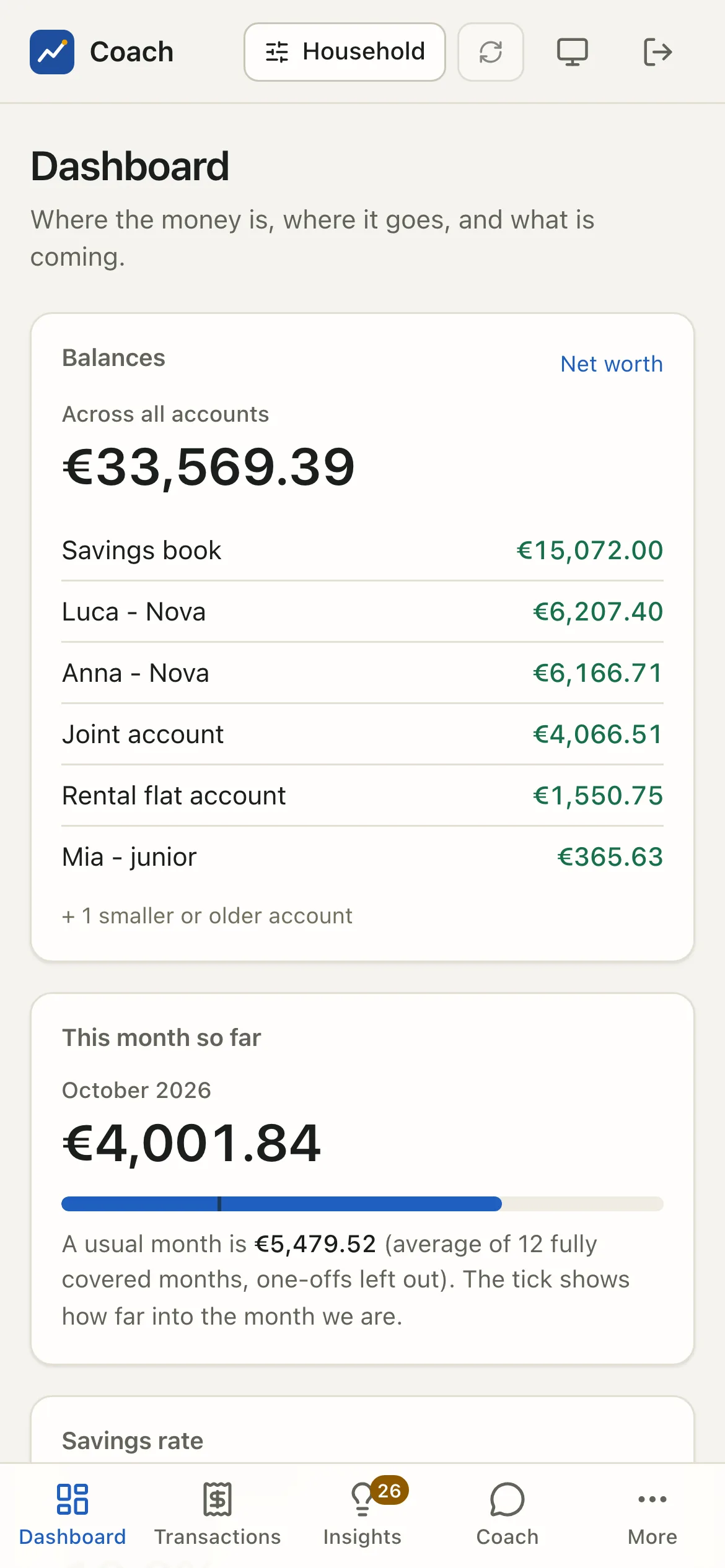
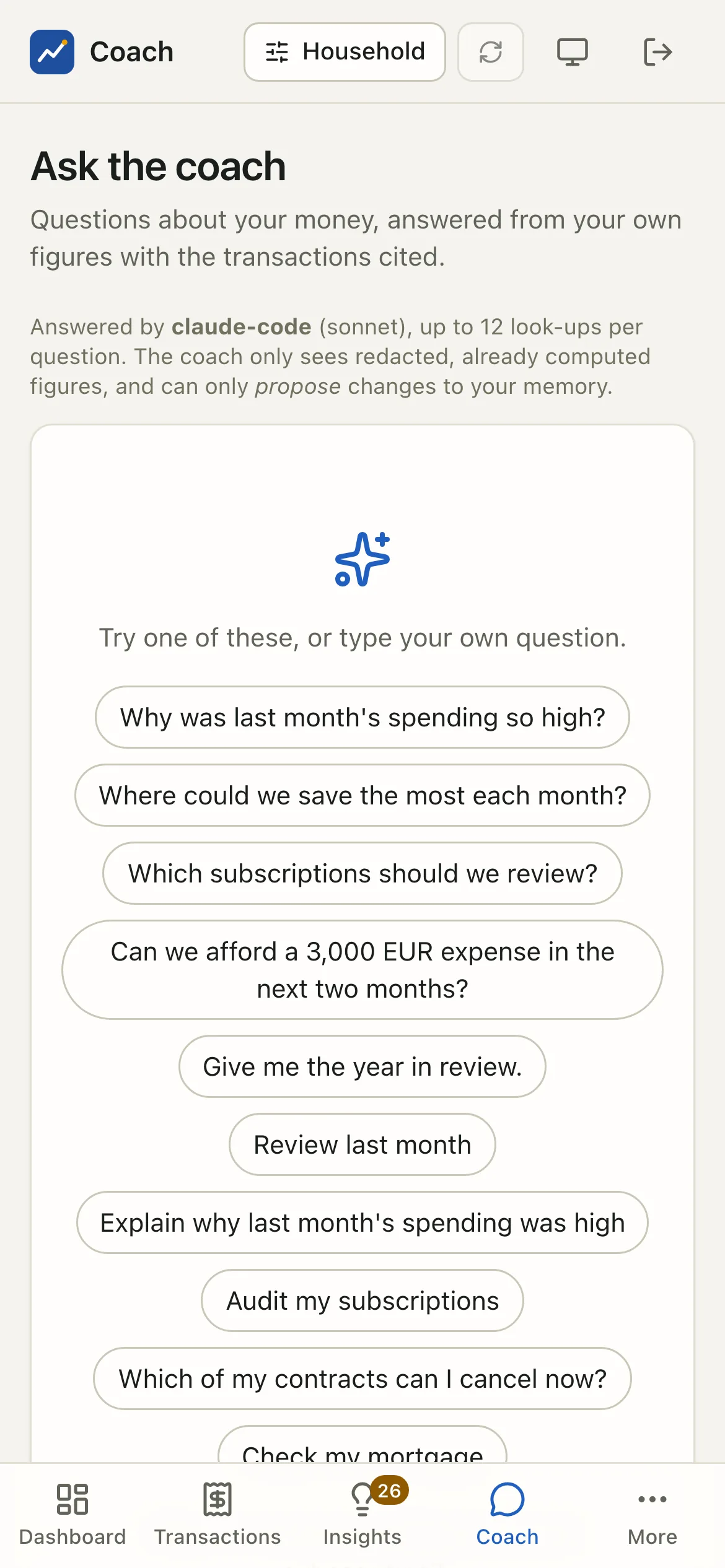
Loopback by default
coach ui binds 127.0.0.1:8765. Any other host is refused unless three settings agree. Why so strict: the app shows your whole
financial life, and plain HTTP over a network would expose the session cookie.
[ui]
host = "127.0.0.1"        # loopback only; keep it so behind a proxy
port = 8765
allow_remote = false      # true = accept requests for another host name
remote_tls_ack = false    # required with allow_remote: you confirm an HTTPS proxy terminates TLS in front of the app
allowed_hosts = []        # the host names to accept, e.g. ["mac.tailnet.ts.net"] (required with allow_remote)
session_hours = 12        # a browser session lasts this long
key_rotation_days = 30    # the session secret is replaced when older than this
open_browser = true       # `coach ui` opens your browser on the one-time login link
Every request's Host header is checked against loopback names plus allowed_hosts (protection against DNS rebinding); anything else is refused.
Recipe: Tailscale
flowchart LR
  P[Your phone<br/>on your tailnet] -- HTTPS --> T[tailscale serve<br/>on the Mac]
T -- loopback --> A[coach ui<br/>127.0.0.1:8765]-
Put HTTPS in front of the loopback port:
-
Tell the app to accept that name:
-
Start the app with
uv run coach uiand open the printedhttps://<machine>.<tailnet>.ts.net/login#t=...link on your device. Remote sessions useSecurecookies.
In Docker the port is published on the host's 127.0.0.1 only; put Tailscale in front of that port the same way.
Signing in
There is no password page. coach ui prints a one-time login link on its own terminal. The token is in the link's # fragment, so the
browser never sends it to a server, a log or a referrer; it works once and for 2 minutes.
uv run coach ui --login-link                # a fresh one-time link (the server may already run)
uv run coach ui --rotate-session-key        # sign every browser out now
- A session lasts
session_hours(12, up to 720). Sign out of this browser revokes it on the server, so a copied cookie dies too. - The signing secret is replaced automatically after
key_rotation_days(30), and on demand with--rotate-session-key. Use that if a device is lost or you think a link or cookie leaked.
Signing in without the link
Two optional ways in, both off by default. The one-time link keeps working next to them: it is the enrolment path of a passkey and the fallback when the proxy is down.
Passkeys (Face ID, Touch ID, Windows Hello, a security key)
- Open the app once with the one-time link, as usual.
- Household > Passkeys (a child login: at the bottom of My money): "Add a passkey for this device", give it a name. The device makes a key pair; the app keeps only the public key, with the login it belongs to.
- From then on the login page offers Sign in with a passkey on that device. Face ID or Touch ID opens the session.
What to know:
- A passkey is bound to the host name you use (the relying-party id): one made on
server.your-tailnet.ts.netdoes not work onlocalhost, and the other way round. That binding is what makes it phishing-resistant. On this machine usehttp://localhost:8765(a bare127.0.0.1cannot be a relying party; the browser also needs https or localhost). - A passkey belongs to one login (the owner, or a
coach userslogin) and opens exactly that login, with its role; a child's passkey keeps the child scope. Disabling the login disables its passkeys. - Lost a device? Remove its passkey on the same page (ten passkeys at most per login).
--rotate-session-keysigns every browser out but does not remove passkeys. - Sign-in attempts are rate limited (10, then one every 30 s), the challenge is single-use and lives two minutes, a signature counter that goes backwards (a cloned authenticator) is refused.
An identity-aware proxy: authentik
If your server already runs a reverse proxy with authentik forward-auth (Traefik, Caddy, nginx), every request reaches the app only
after authentik's own login (with its MFA or passkeys). The app can then trust that sign-in, with one condition: it verifies authentik's
signed token itself. A plain X-authentik-username header is never trusted, because anything that can reach the app's port (another
container on the proxy network, a process on the host) could send one.
flowchart LR
  P[Your phone] -- HTTPS --> R[reverse proxy<br/>+ authentik forward-auth]
  R -- "X-authentik-jwt (HS256)" --> A[coach ui]
[ui]
allow_remote = true
remote_tls_ack = true # the proxy terminates TLS
allowed_hosts = ["coach.example.net"] # the public host name
sso = "authentik"
sso_signing = "client_secret" # an authentik PROXY provider signs with its client secret (see below)
sso_issuer = "https://authentik.example.net/application/o/<application slug>/" # the token's `iss`; "" = not checked
sso_audience = "<client id of the proxy provider>" # the token's `aud`; "" = not checked
[ui.sso_users]
"marco" = "owner" # authentik username, e-mail or subject -> the owner login (everything)
"anna@example.net" = "anna" # -> a `coach users` login (adult or child, with its scope)
The signing key. authentik signs the X-authentik-jwt of a proxy provider with HS256 and that provider's client secret, and
nothing else: it clears a proxy provider's signing key on every save (the Certificate field of its advanced settings is the outpost's TLS
certificate, not a signing key), so its JWKS stays empty. Copy the client secret from the provider's page (Applications > Providers >
your proxy provider > Edit: Client Secret) into the secret sso_client_secret:
uv run coach config set-secret sso_client_secret # or, in Docker, a secret file mounted as /run/secrets/sso_client_secret
In Docker, add it to the coach service in docker-compose.override.yml, next to the other secrets
(secrets: [db_key, backup_key, sso_client_secret] and secrets: { sso_client_secret: { file: ./secrets/sso_client_secret } }, mode 0600).
With sso_signing = "client_secret" the app accepts HS256 only (no other algorithm can be played against that key), fetches nothing, and
refuses to start when the secret is missing or shorter than 32 characters. Whoever holds the client secret (authentik's database, the
coach's secrets) can forge a token: keep it with the other secrets, and rotate it in authentik (then here) if it leaks.
An identity provider that publishes asymmetric keys instead (an authentik OAuth2/OpenID provider with a signing key, or another
product) uses sso_signing = "jwks" (the default) with
sso_jwks_url = "http://authentik:9000/application/o/<application slug>/jwks/", the URL as the APP reaches the provider: the token is
then checked against those public keys (RS / ES / PS only), fetched from your URL (never the URL a header suggests), cached an hour
and refreshed at most once a minute when a token names an unknown key.
How it works: a request with no session cookie but with X-authentik-jwt (the token authentik's outpost adds) has its signature checked
as above. Expiry is always checked; issuer and audience when set. The token's
preferred_username, email or sub is looked up in [ui.sso_users]; the mapped login must exist and be enabled; the ordinary
session cookie is then issued on that same response. CSRF, rate limits, the child scope and the audit log are unchanged. A page load
never gets a cookie, only an API call does.
The proxy side, with Traefik labels on the app's service (the middleware authentik@file is authentik's documented forwardAuth):
labels:
  - "traefik.http.routers.coach.rule=Host(`coach.example.net`)"
  - "traefik.http.routers.coach.middlewares=authentik@file"
  - "traefik.http.services.coach.loadbalancer.server.port=8765"
  - "traefik.http.routers.coach-sso.rule=Host(`coach.example.net`) && PathPrefix(`/outpost.goauthentik.io/`)"
  - "traefik.http.routers.coach-sso.service=sso@file"
authentik's forwardAuth must list X-authentik-jwt and X-authentik-meta-jwks in its authResponseHeaders (authentik's own Traefik
template does).
When the identity is not mapped, the login page says which name authentik sent, so you can add it. When the token is refused (expired,
wrong issuer or audience, unknown key, an algorithm that does not match sso_signing), the page says why in one word and coach ui logs the reason, never the token. Sign out revokes
the app's cookie and then goes to authentik's sign-out, or the session would reopen on the next request. coach security audit reports
the mode (a plain-http JWKS URL is a warning: fine on a private container network, never across the internet).
What this trusts: every request reaches the app through the proxy, and only there. Do not publish the app's port anywhere else, keep authentik's own MFA on, and remember that whoever controls the authentik account controls the session. If the proxy is in front of the public internet (a tunnel), the TLS terminator sees the traffic in clear: that is your decision, the app only verifies the signature.
Per-person logins
Each member of the household can have their own login, created by you in a terminal (coach users add); its one-time link is
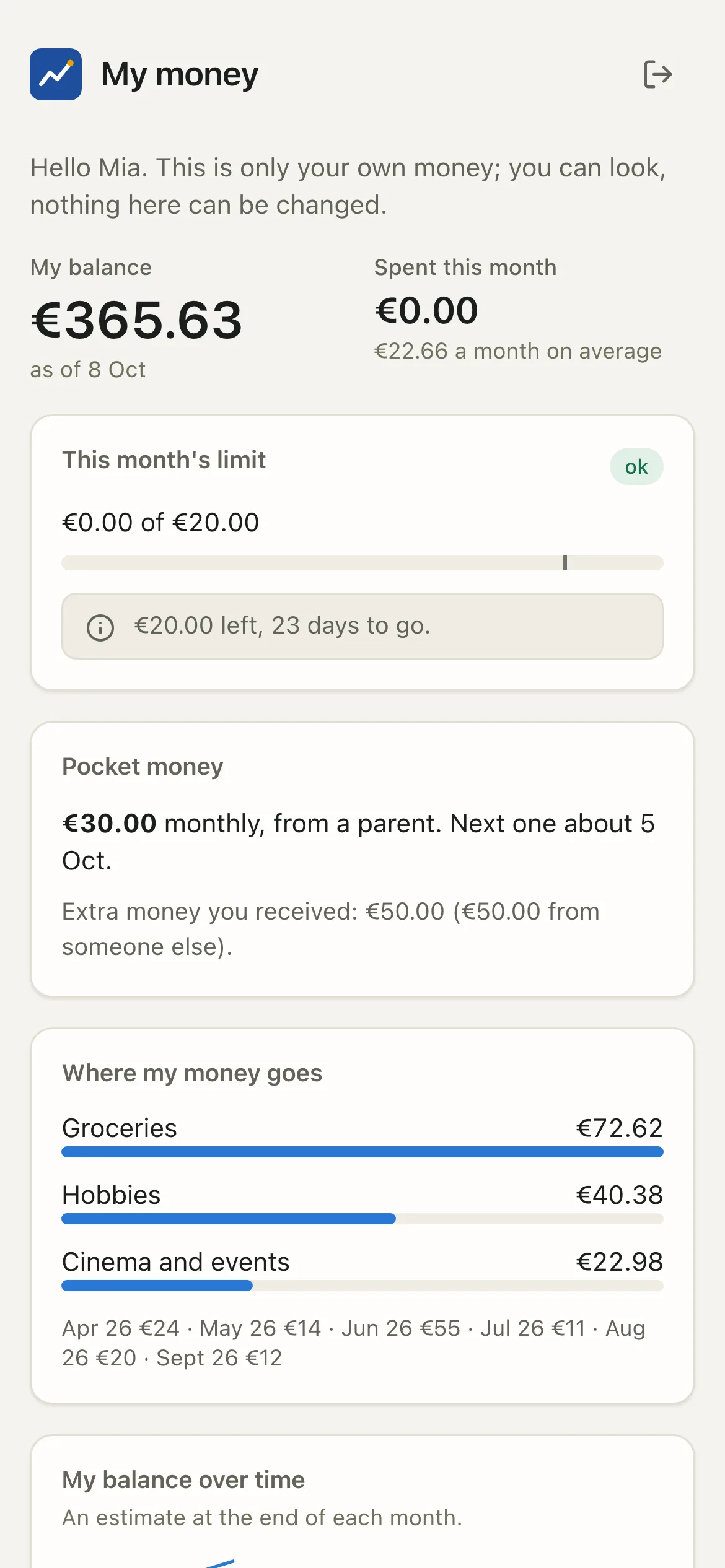
coach ui --login-link --user ID. A child login only reaches that child's own page (My money): every other endpoint is refused on the
server, deny by default. Disabling a login (coach users disable) signs it out on the next request. The web app cannot create, promote or
enable a login. Details: Household.
Why never the internet
Do not publish the port
Never put the app on a public address, a router port forward or a bare -p 8765:8765 in Docker. The login link, the cookie, CSRF
tokens and rate limits are defence in depth, not a reason to face the internet. A private network you control (Tailscale, a VPN), or
an identity-aware proxy that signs every request in before it reaches the app (the authentik recipe above), are the only supported
ways in from another device.
The alerts' "Open the app" link ([alerts] app_url) also works from another device only through that same private network.
Check it
uv run coach security audit # bind settings, listening sockets, session key age, secrets, file permissions
A coach port listening on a non-loopback address, or a remote bind without remote_tls_ack, is reported as critical. A remote set-up
with the acknowledgement is a warning, as a reminder that it is on. The audit also reports the SSO mode (ui_sso: provider, mapped
identities, what the token is checked against) and whether passkeys are enabled (ui_passkeys).