Status & diagnostics
Every view shows a slim bottom status bar with the indexer's live state. Click the ? in the footer to open the full Status & diagnostics overlay.
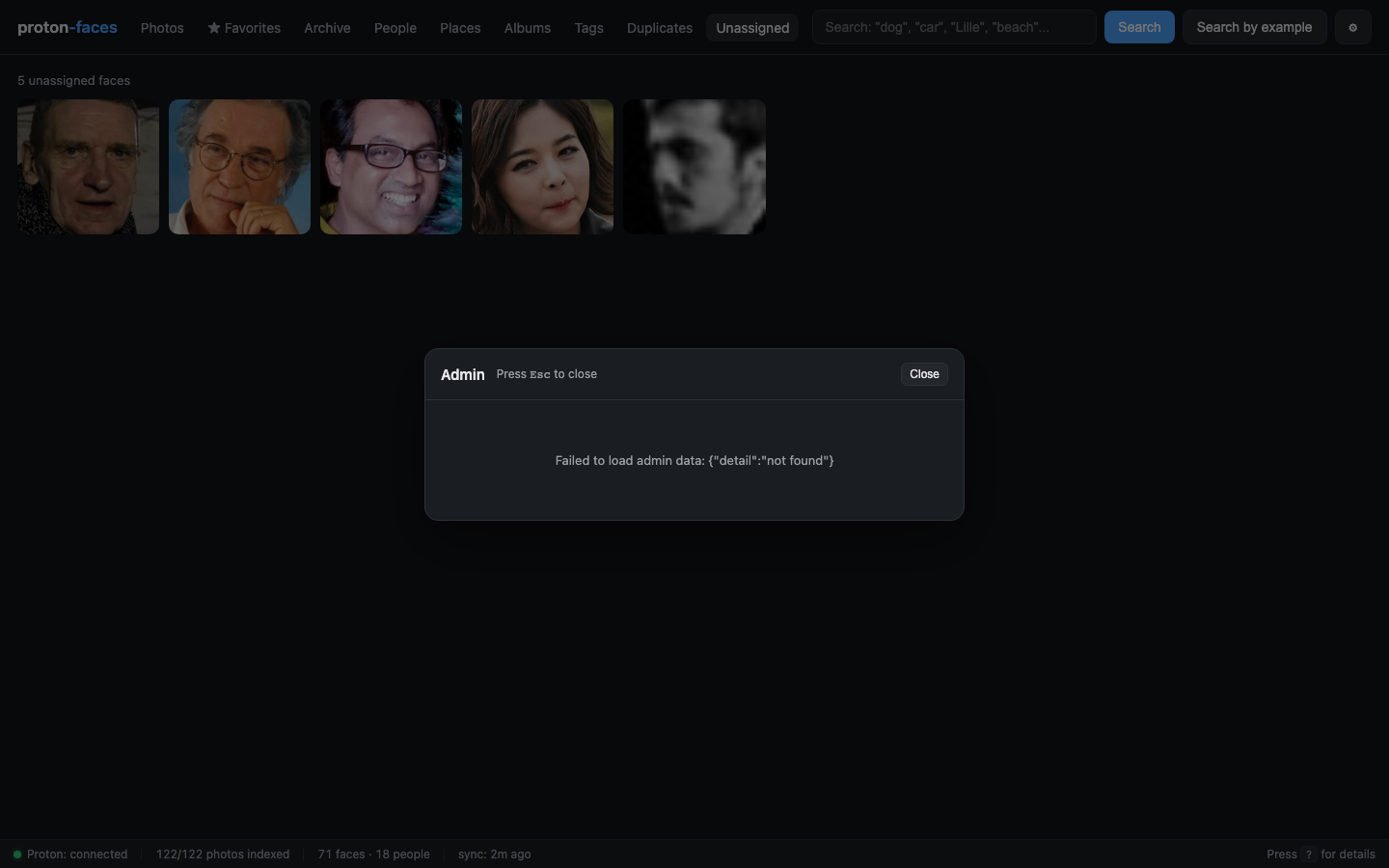
The bottom status bar
Always visible on every view. Six pills, left to right:
- Bridge — green dot if the bridge is online + logged in, red otherwise. Hover for the full
/api/healthpayload. - Indexer stats —
X/Y photos indexed · Z people · W faces. Updates as the indexer progresses. - Last sync —
sync: 3m ago. Refreshes every few seconds. - (right) — Press
?for details.
The ? overlay
Click the ? in the footer to open a modal with:
- Server info — hostname, Python version, uptime, the image commit hash if set.
- Runtime counts — photos by status (
new/downloading/processing/done/error/deleted), total faces, clips, people. - Indexer's live state — last sync, last cluster, last GPS run, pending queue depth, thread liveness (each background thread's name + alive boolean).
- Disk usage — bytes consumed by the thumbnail dir + the SQLite file.
- Config — every relevant env var (
SYNC_INTERVAL,CLUSTER_INTERVAL,WORKERS, etc.).
The data behind it
The status data comes from two endpoints:
GET /api/status(called every ~15 s by the footer)GET /api/admin/overview(admin-only, more detail)
The app container doesn't run the indexer by default (RUN_INDEXER=0), so it proxies the indexer's /status endpoint over the compose network:
The proxy is cached for 2 s and has a 2 s timeout. If the indexer is unreachable, the footer surfaces an honest — and the overlay shows the failure.
In single-process mode (RUN_INDEXER=1), the proxy falls back to the in-process _runtime dict — same shape, no extra round-trip.
Thread liveness
The indexer runs 9 background threads:
| Thread | What it does |
|---|---|
sync |
Every SYNC_INTERVAL s, diff the timeline against the local index |
downloader |
Batch-download new thumbnails from the bridge into work_dir |
fullres |
For HEIC / video, download full-res + generate a local thumbnail |
worker-N (×3) |
Run face detection + CLIP on each downloaded photo |
cluster |
Every CLUSTER_INTERVAL s, run HDBSCAN over new face embeddings |
gps |
Every GPS_INTERVAL s, spawn a child process for GPS enrichment |
albums |
Every SYNC_INTERVAL s, refresh Proton album names + counts |
The overlay shows which ones are alive. A dead thread is the most useful diagnostic — it's a clue that something has wedged.
What to do when…
- Bridge red. The proton-bridge container can't reach Proton or you've been signed out. Check
docker compose logs proton-bridge. - Photos pending > 0. New photos on Proton not yet downloaded. Wait for the next sync, or
docker compose exec indexer python indexer_main.py. - Faces count not growing. Either no new photos have arrived, or face detection is wedged. Restart the indexer:
docker compose restart indexer. - People count stuck at 0.
MIN_CLUSTER_SIZEis set too high, or there are < 2 unassigned faces. Lower the threshold or wait for more photos. - Last sync > 1 h ago. Sync loop is stuck. Check the indexer logs.
API endpoints
| Endpoint | Purpose |
|---|---|
GET /api/status |
Aggregated status (no auth required) |
GET /api/health |
Bridge reachability only (no auth) |
GET /api/admin/overview |
Server / disk / last backup (admin only) |
GET /api/admin/checks |
Run the seven health checks on demand (admin only) |
Next: head to the Reference section for architecture, configuration, and the full REST API.