Private, self-hosted face · object · location search for your Proton Photos
Search your photo library
like Google Photos — but private.
Proton Faces indexes your end-to-end encrypted Proton Photos locally so you can search faces, places, and objects without ever uploading a single byte back.
Live demo login — username demo · password protonface-demo-2026-Q9vK3m
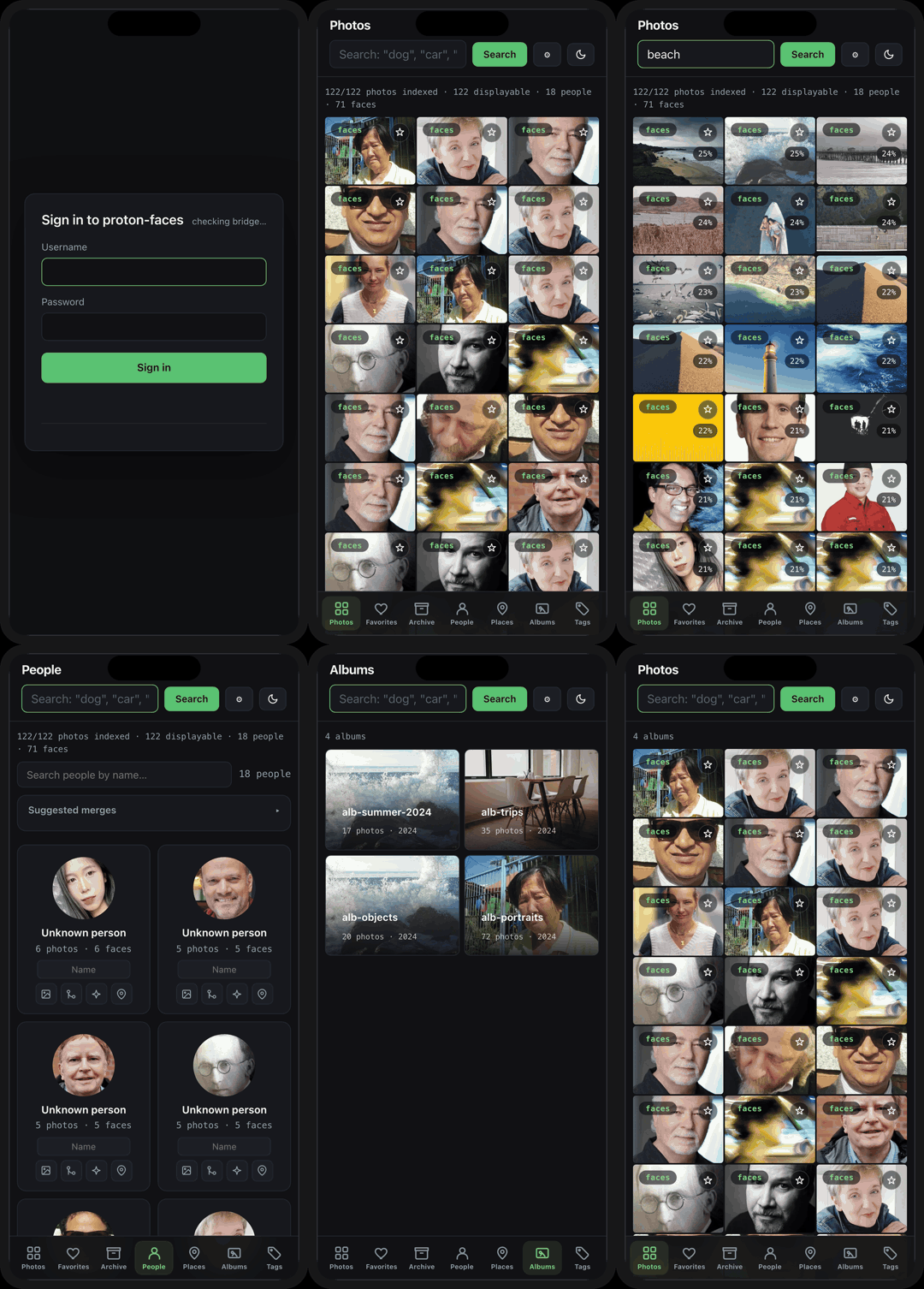
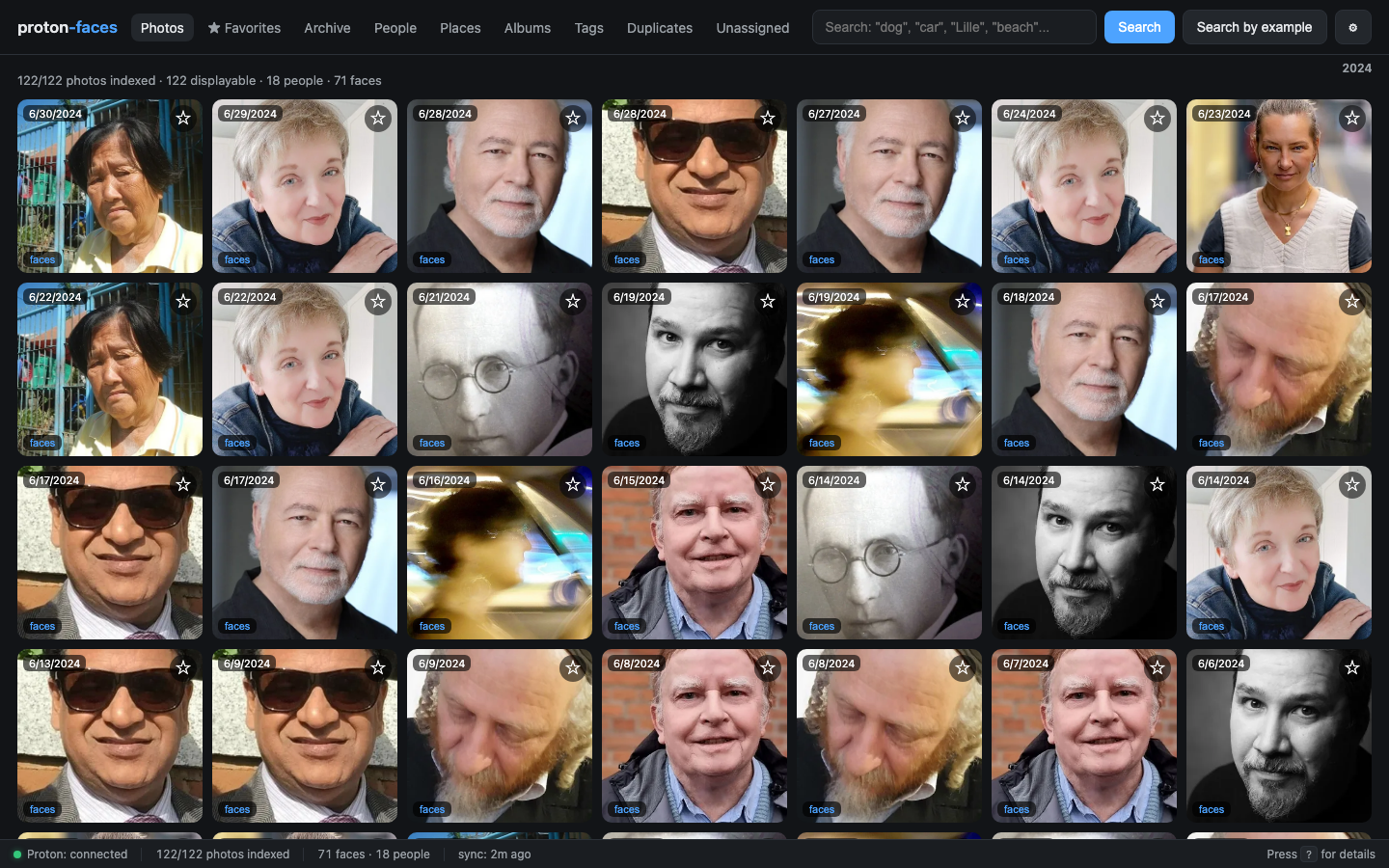
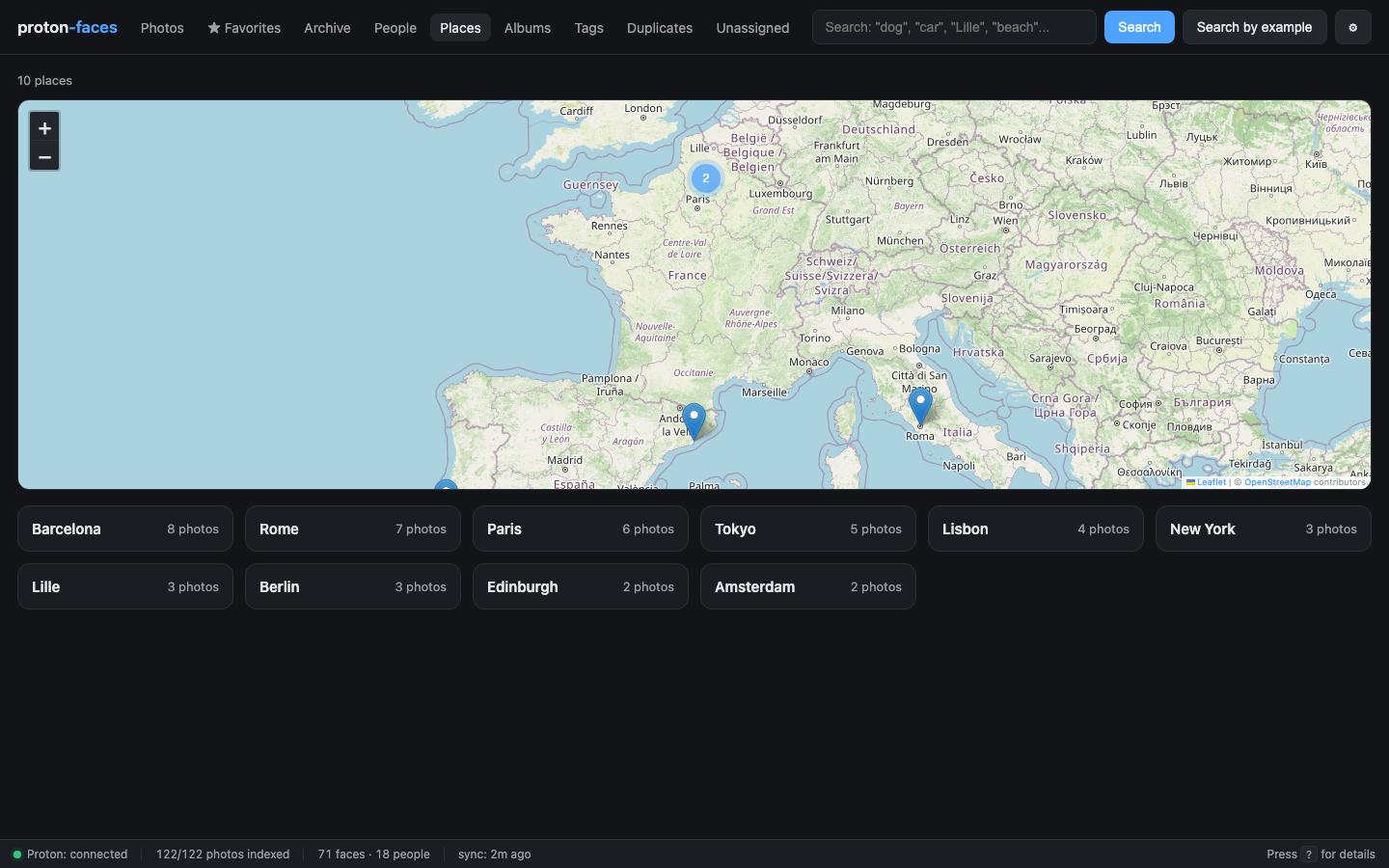
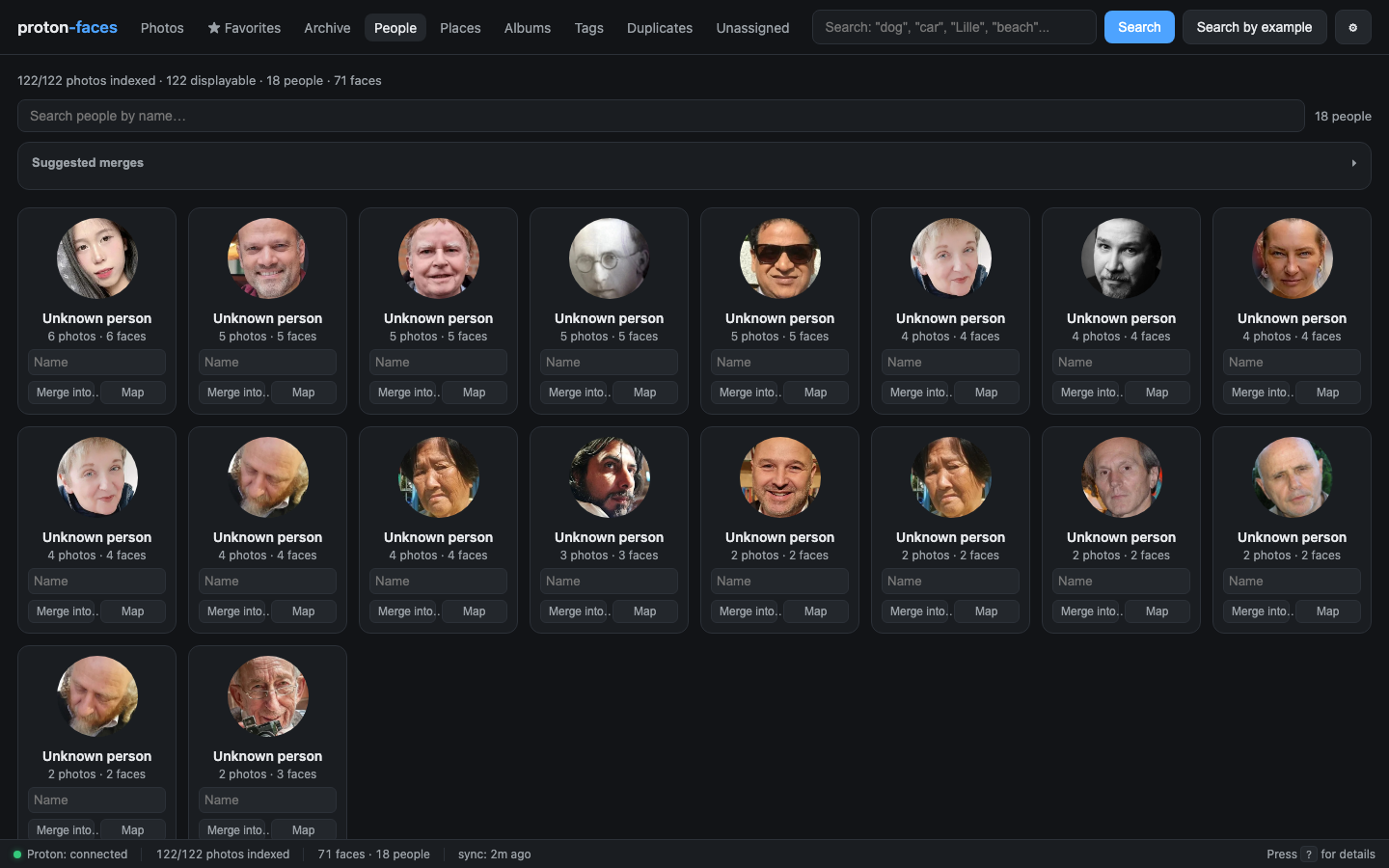
What it does
Proton Photos are end-to-end encrypted — so nobody but you (and your own machine) can ever look at them. That also means you have to do the searching. Proton Faces turns your encrypted photo library into a fully searchable archive, without ever uploading a single byte back.
👥 People
RetinaFace + ArcFace detect and embed every face; HDBSCAN clusters them into persons you can name.
🔍 "Who is this?"
Drop a photo of a face → find every other photo of the same person.
🏷️ Face tagging UX
Face-crop covers, clickable face boxes on each photo, name one face and all look-alikes are auto-tagged.
🗺️ Places
GPS reverse-geocoding → interactive world map with clustered markers (Leaflet + OSM).
📝 Free-text search
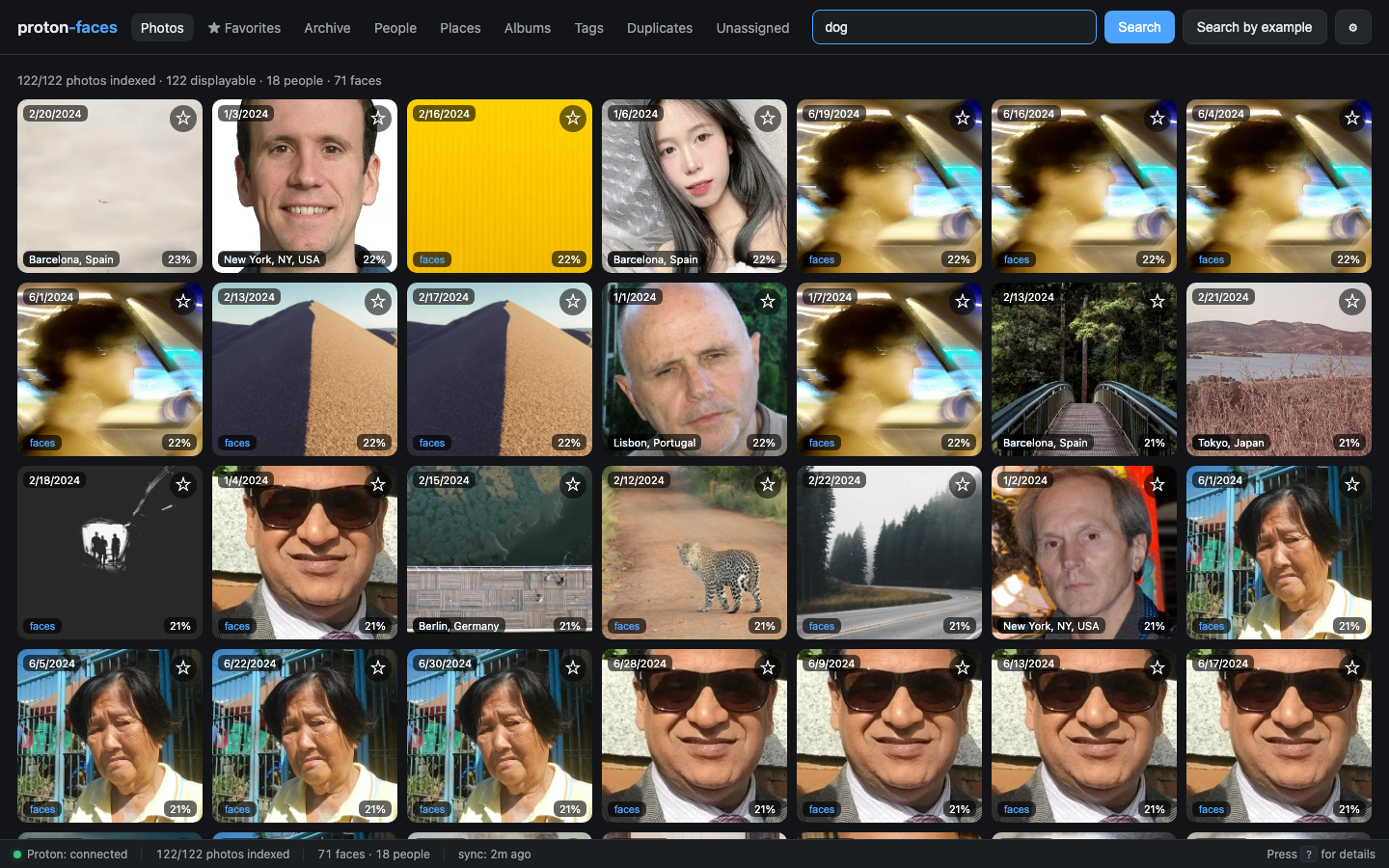
Zero-shot CLIP — type "dog", "car", "beach", "Lille".
📱 iPhone (HEIC) photos
Proton serves no preview → we decode the full-res file locally and generate our own thumbnail.
🧩 Unassigned queue
Review faces that didn't cluster yet and name them in bulk.
🎬 Videos
Detected and indexed, hidden from photo grids (no preview available).
See it in action
Type dog, beach, then Lille — results re-rank in real time.
How it works
flowchart LR
    A[Proton Photos<br/>end-to-end encrypted] -->|read-only| B[proton-bridge<br/>Bun + Proton SDK]
    B -->|timeline diff<br/>NDJSON streamed| C[indexer container]
    C -->|thumbnail → WebP| D[FastAPI app]
    C -->|face detection<br/>CLIP embedding<br/>HDBSCAN clustering| E[(SQLite index<br/>+ thumbs)]
    D -->|serves| F[Web UI<br/>:8080]
E --> D- proton-bridge authenticates with your existing Proton session and is the only component that ever talks to Proton. Strictly read-only — no uploads, no writes, no deletions.
- indexer runs recognition (faces + CLIP), generates thumbnails, clusters people, and reverse-geocodes GPS — all in the background.
- app serves the FastAPI search API and the vanilla-JS web UI on
:8080. - Every photo is processed once: thumbnail downloaded (or decoded locally for HEIC) → recognition run → small 512px thumbnail cached → original bytes discarded.
Try it without a Proton account
Want to poke at a running instance right now? Open the live demo — a hosted demo instance with a curated library of free CC0/Unsplash photos. Log in with username demo and password protonface-demo-2026-Q9vK3m.
Or run the same demo locally: proton-faces ships with a built-in demo mode that replaces the Proton bridge with a curated fixture of free CC0/Unsplash photos. docker compose --profile demo up -d and you're browsing a populated library in under a minute — no Proton credentials required.
Where to next?
| Guide | Description |
|---|---|
| Installation | Docker compose, single-process, local dev |
| Quickstart | 5-minute tour: log in, search "dog", open People, name a face |
| Demo mode | Run the full app without a Proton account |
| User guide | Walk through every view, feature, and shortcut |
| Mobile & PWA | Install the app on your phone, offline shell, mobile layout |
| Architecture | Three containers, two SQLite writers, zero telemetry |
| API reference | Every REST endpoint |
| Configuration | Every environment variable |
| Security & privacy | What's on disk, what's not, and how tokens work |
| FAQ | Common questions |