Albums & tags
Proton Faces exposes two grouping mechanisms: Proton albums (read-only — they're whatever you put them in on Proton) and free-form tags (you set them in proton-faces).
Albums (Proton-managed)
The Albums tab shows every album your Proton account has. Each album has a cover (the newest photo) and a photo count.
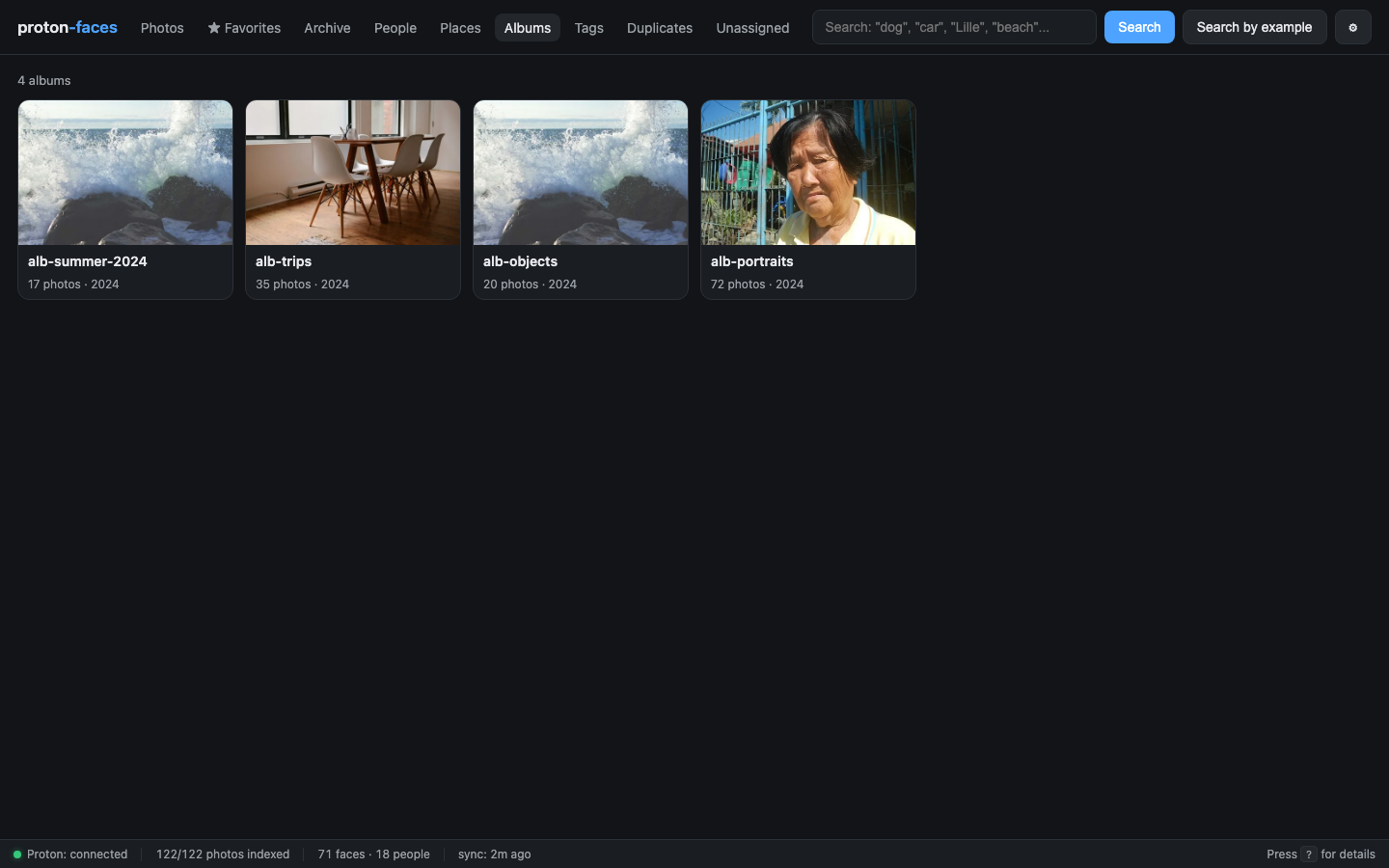
- Click an album → the photos grid filters to that album.
- Album cover — the newest photo in the album is used; you can override it by starring a different photo and… well, currently you can't. Cover selection is driven by
start_ts/end_ts(albums are sorted by their earliest capture time). - Read-only. Proton doesn't expose album-mutation endpoints, so you create and edit albums on Proton directly. The bridge syncs the album list every
SYNC_INTERVAL(5 min default).
API
| Endpoint | Purpose |
|---|---|
GET /api/albums |
List every album with cover + count |
GET /api/albums/{album_uid}/photos |
Photos in an album |
Tags (your own labels)
Tags are lowercase free-form strings you attach to individual photos. Use them for cross-cutting concerns that don't fit albums: birthday, favorite-recipe, tax-receipt, kiddo-first-day.
Where to set them
Open a photo's detail panel → scroll to the metadata table → there's a Tags row. Type a tag and press Enter. Click the × on a tag chip to remove it.
Where to browse them
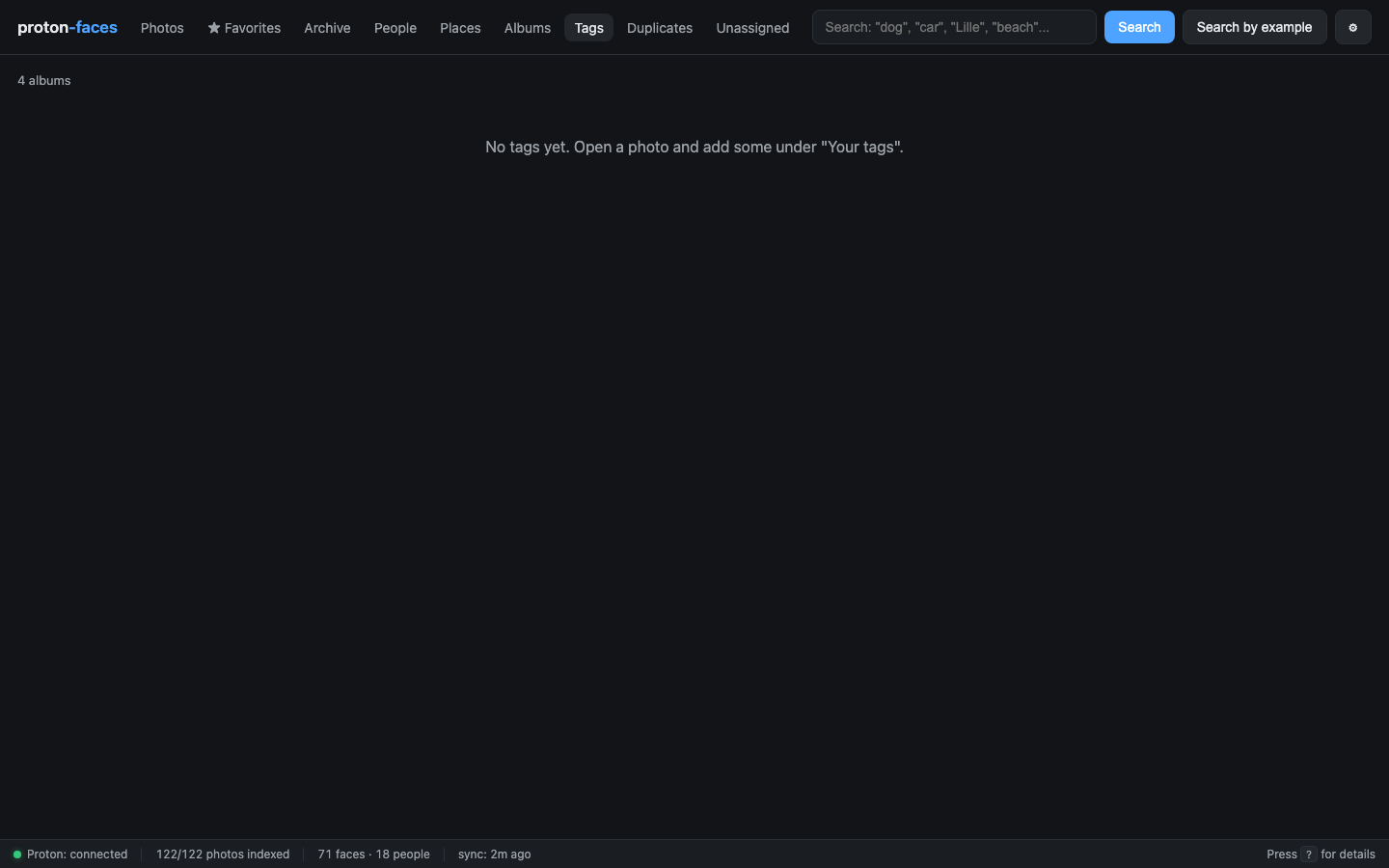
The Tags tab lists every tag in your library with a photo count. Click a tag → filter the grid.
How they work under the hood
- Tags are stored as a JSON array in
photos.tags(TEXT column). SETsemantics:PUT /api/photos/{uid}/tagsreplaces the tag list; you can alsoPATCHindividual tags.- Tags are per-user (well — per-photo, shared across users). There's no per-user tag table yet; all users see all tags.
- The free-text search box doesn't search tags. Use the Tags tab instead.
API
| Endpoint | Purpose |
|---|---|
GET /api/tags |
All tags with counts |
GET /api/photos/{uid}/tags |
Tags on one photo |
PUT /api/photos/{uid}/tags |
Replace the tag list ({"tags":["foo","bar"]}) |
Albums vs tags — when to use which
| Albums | Tags | |
|---|---|---|
| Source of truth | Proton | proton-faces |
| Edits from the app? | No (read-only) | Yes |
| Cross-cutting | One per photo | Many per photo |
| Best for | Events, trips, "things I want to remember" | Labels, status, project-specific |
You can have a photo in multiple albums (Proton supports that) and tag it with as many tags as you like.
Next: Favorites & archive covers starring, archiving, and the duplicates view.