Photos
The Photos tab is the default view — an infinite-scroll grid of every indexed photo, newest first. It also hosts the date rail, the "On this day" memory strip, and the full-resolution detail panel.
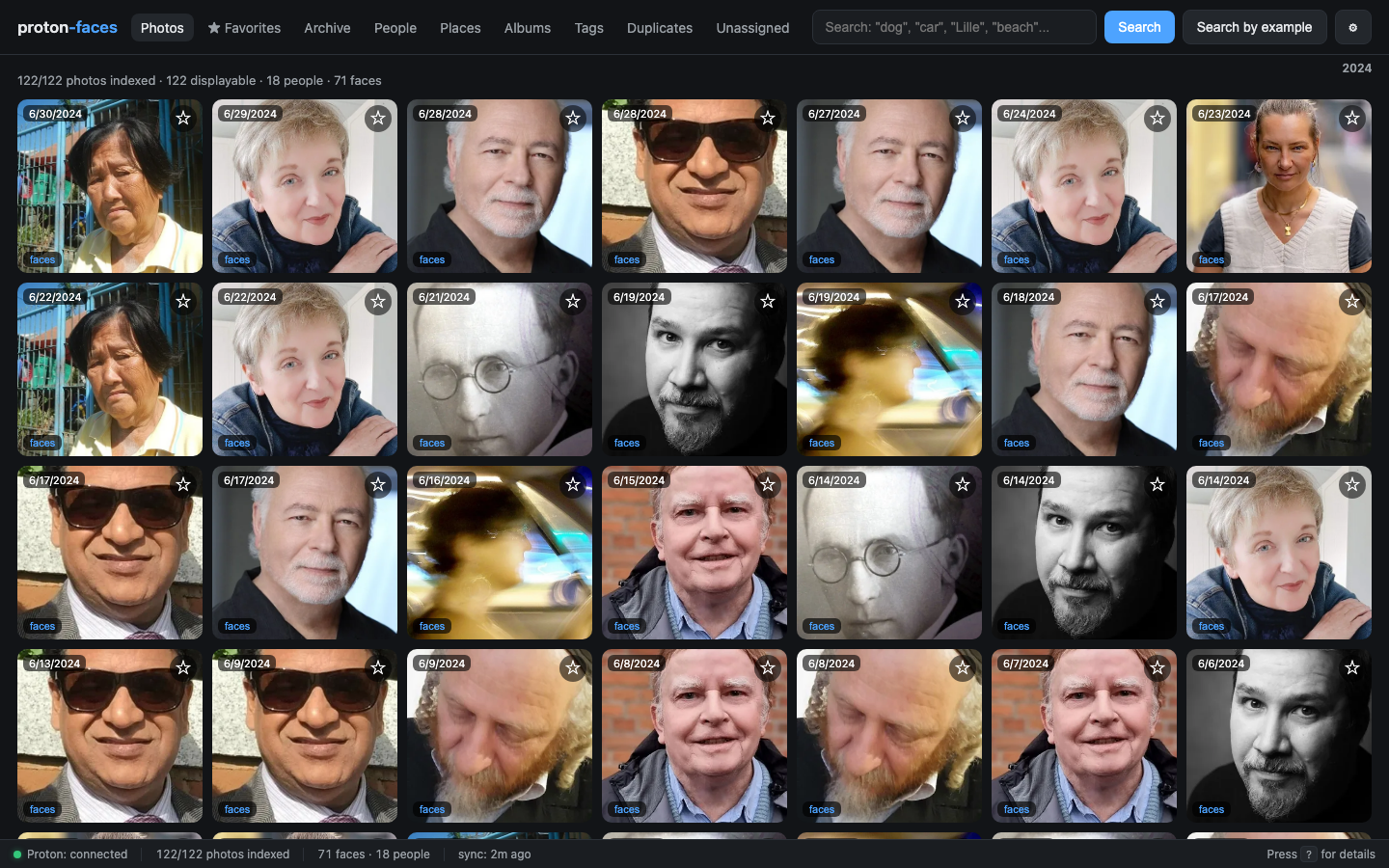
What's on each card
- Thumbnail — 512px max-side WebP, served by
/api/photos/{uid}/thumbwithimmutablecache headers. - Capture date (top-left) — formatted in UTC; the date rail above the grid sorts photos by month.
- Favorite button (★, top-right) — per-user star; toggles
favorited_by_me. - Place label (bottom-left) — for GPS-tagged photos, the reverse-geocoded city.
- "faces" pill (accent, top-left) — shown only when the face detector found at least one face in this photo, labeled with the count (
1 face,3 faces); click opens the photo detail with the face overlays. - ▶ video badge (top-right) — videos get a play icon and the duration overlay; click opens the inline HTML5 player.
- "On this day" strip — at the top of the grid when there are photos from today's date in past years.
Infinite scroll
The grid loads 200 photos at a time. Scrolling near the bottom triggers another fetch. The page-set stays in memory so back-navigation doesn't refetch.
Filters and chips
| Chip / control | Behavior |
|---|---|
| Click a date in the date rail | Scroll to photos from that month |
| Click a chip in a "On this day" card | Open that photo |
| Click any photo card | Open the detail panel (full-res download on demand) |
| Click ★ | Toggle your favorite |
| Click ▦ (archive) | Move the photo to Archive; hide from the grid |
| Click the place label | Filter the grid to photos from that city |
The detail panel
Click any card to open the detail panel (slides over from the right). It shows:
- The full-resolution photo (streamed from Proton on demand, never stored locally)
- For videos: the HTML5 player with HTTP Range seeking
- The metadata table: capture time, size, dimensions, Proton tags, GPS coordinates, place, people, albums
- The actions bar: ★, archive, View full resolution (downloads to your browser), Close
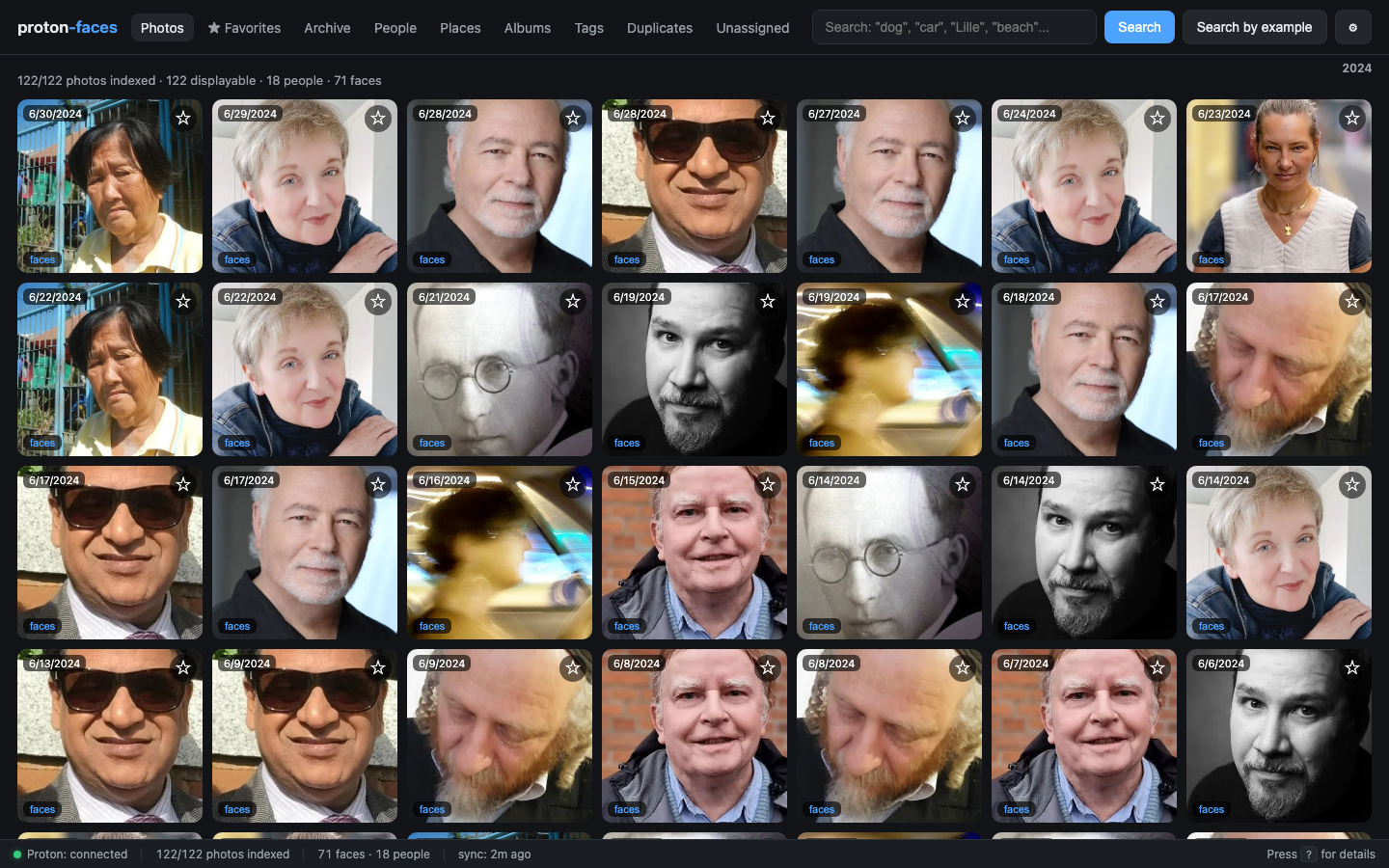
The full-res download is read-only against Proton — the bridge never uploads, edits, or deletes a single byte.
Per-user favorites
A star only affects your view. Every user has their own user_favorites table; the legacy photos.favorited column is preserved for backward compatibility but never read.
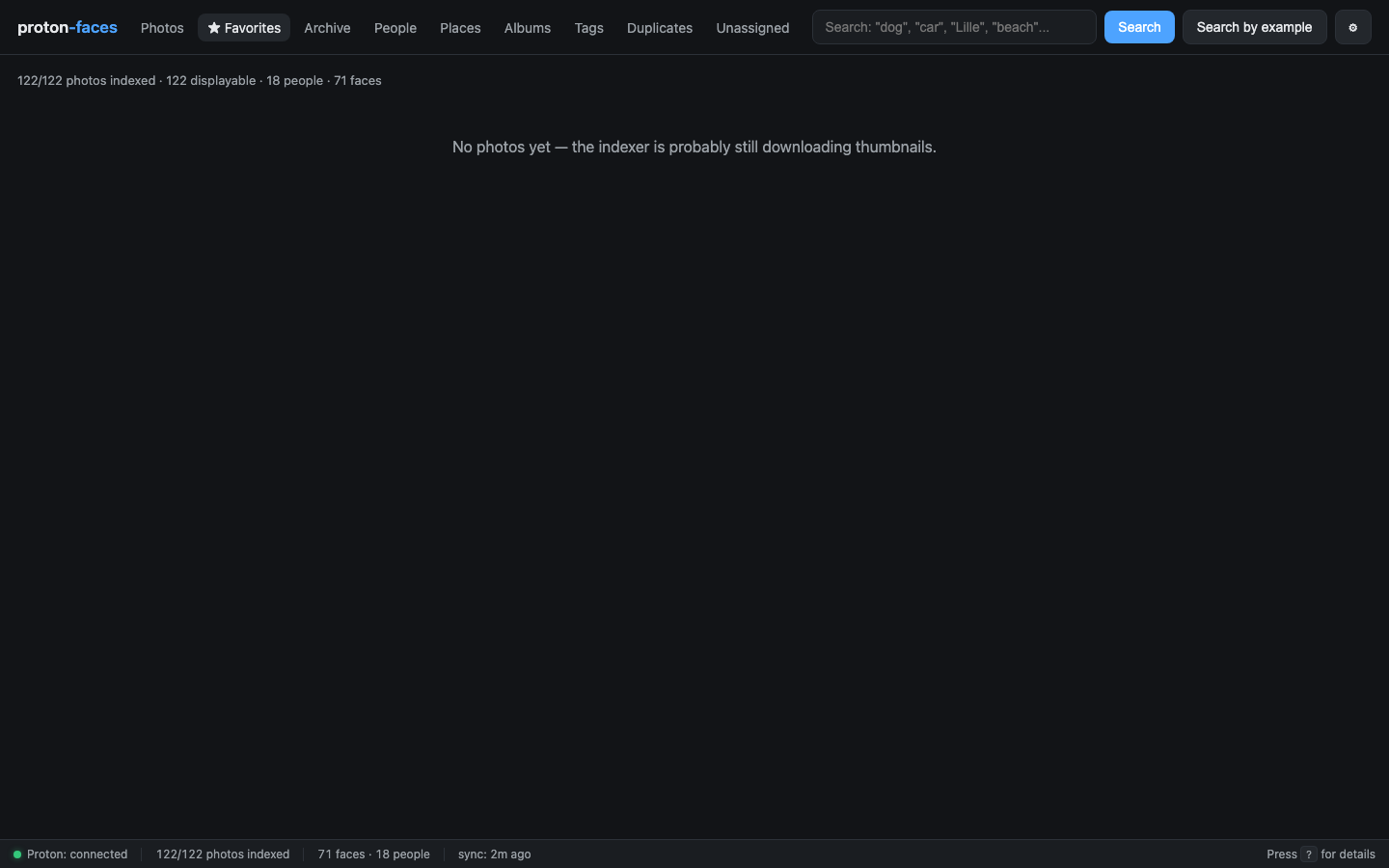
The ★ Favorites tab is just the photos grid filtered to your favorites:
Archive
Click ▦ in the detail panel (or use the per-card archive button) to hide a photo from the grid without deleting it. Archived photos show up in the Archive tab and can be unarchived from there.
"On this day"
Above the grid, an auto-scrolling strip shows photos you took on today's calendar date in previous years. Each card carries an "X years ago today" badge.
The data comes from the memories_for_today() SQLite query (/api/memories) and excludes photos taken in the current calendar year.
Performance notes
- The main grid query (
done_photos) uses a partial indexidx_photos_done_timeovercapture_time DESC WHERE status='done' AND thumb_path IS NOT NULL AND thumb_path != ''— keeping/api/photoscold latency at single-digit ms even on 100k+ libraries. - Thumbnails are served with
Cache-Control: public, max-age=31536000, immutable— your browser caches them forever, so revisiting the grid is instant. - The 512px WebP is ~30% smaller than JPEG at the same perceived quality.
- The
favorited_by_meflag is computed in a single batched query for the whole page, not per-row.
Videos
Videos appear with a play badge and a duration overlay (from ffprobe). The card click opens the inline HTML5 player with HTTP Range seeking — you can scrub without downloading the whole file. The full-res fetch is streamed via bridge.full_photo(uid, range_header=...).
There is no preview thumbnail for videos (Proton doesn't expose one), so the indexer downloads the full-res video once, extracts a poster frame at ~10% of the duration, encodes it as WebP, and discards the full-res bytes. Only the poster stays on disk.
API endpoints
| Endpoint | Purpose |
|---|---|
GET /api/photos?limit=200&offset=0 |
Page of indexed photos |
GET /api/photos?place=Paris |
Photos from a specific place |
GET /api/photos?before=1716240000 |
Photos captured before an epoch timestamp |
GET /api/photos?only_favorites=true |
Your favorites only |
GET /api/photos/{uid} |
Single photo row (full metadata) |
GET /api/photos/{uid}/thumb |
512px WebP thumbnail |
GET /api/photos/{uid}/full |
Full-resolution stream (range-supported) |
PATCH /api/photos/{uid} |
Toggle favorited / archived / hidden (write role) |
GET /api/photos/{uid}/faces |
Faces detected in this photo |
GET /api/photos/{uid}/tags |
User tags |
PUT /api/photos/{uid}/tags |
Replace the tag list |
GET /api/memories |
"On this day" photos |
See the REST API reference for the full schema.
Next: Search covers free-text CLIP and the face-search-by-example flow.