Favorites & archive
Three lightweight flags per photo let you organize your library without leaving the grid: ★ favorite (per-user), ▦ archived (shared), and hidden (shared, used by the duplicates view).
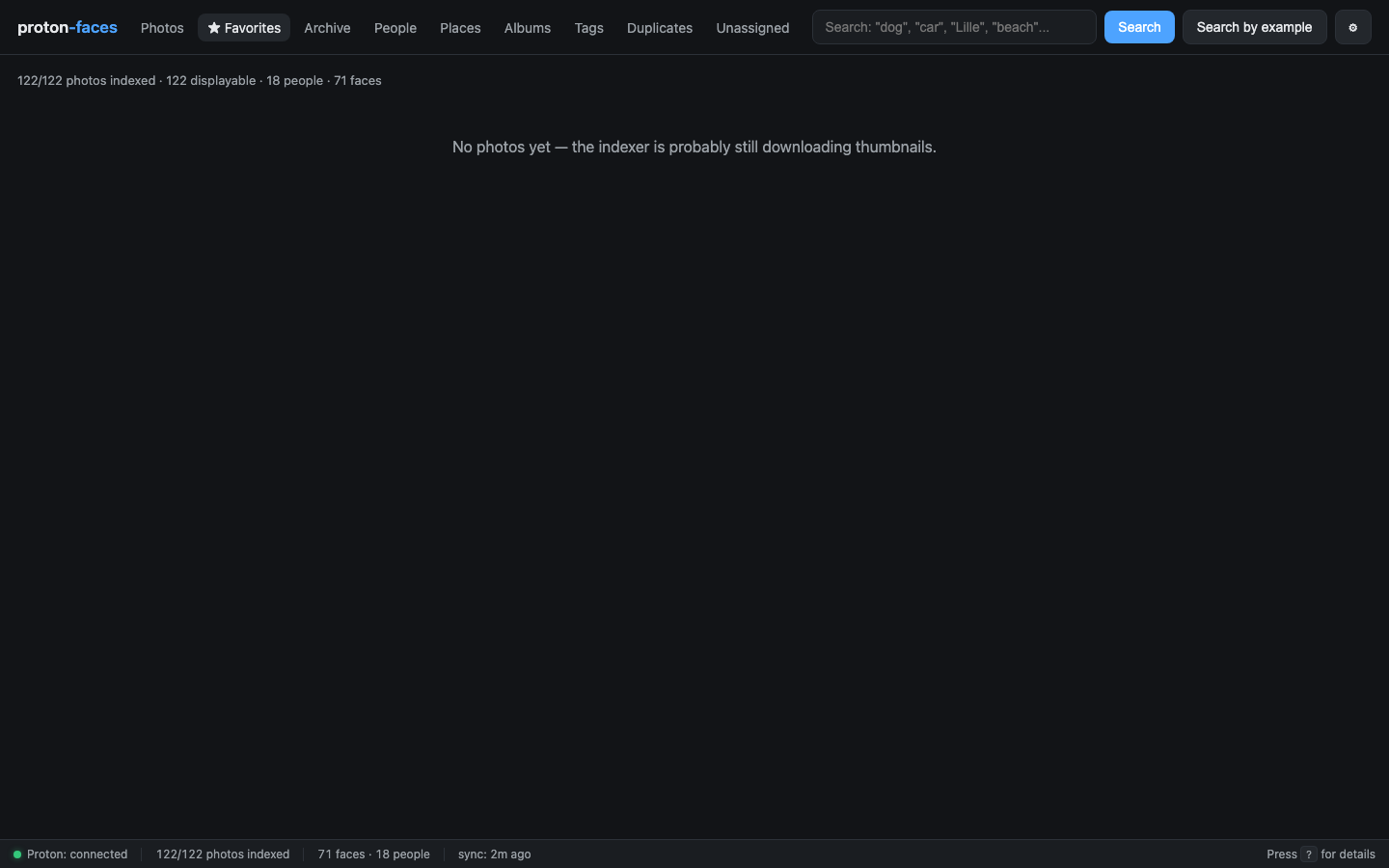
★ Favorites (per-user)
- ★ Favorite button in the top-right of every photo card, or in the detail panel.
- Per-user. Every family member has their own
user_favoritestable — your stars don't show up in your kid's view. - The ★ Favorites tab in the top nav is the photos grid filtered to your stars.
▦ Archive (shared)
- Click ▦ Archive in the detail panel, or use the per-card archive button.
- Archived photos are hidden from the main Photos tab and the search results.
- They show up in the Archive tab and can be restored from there.
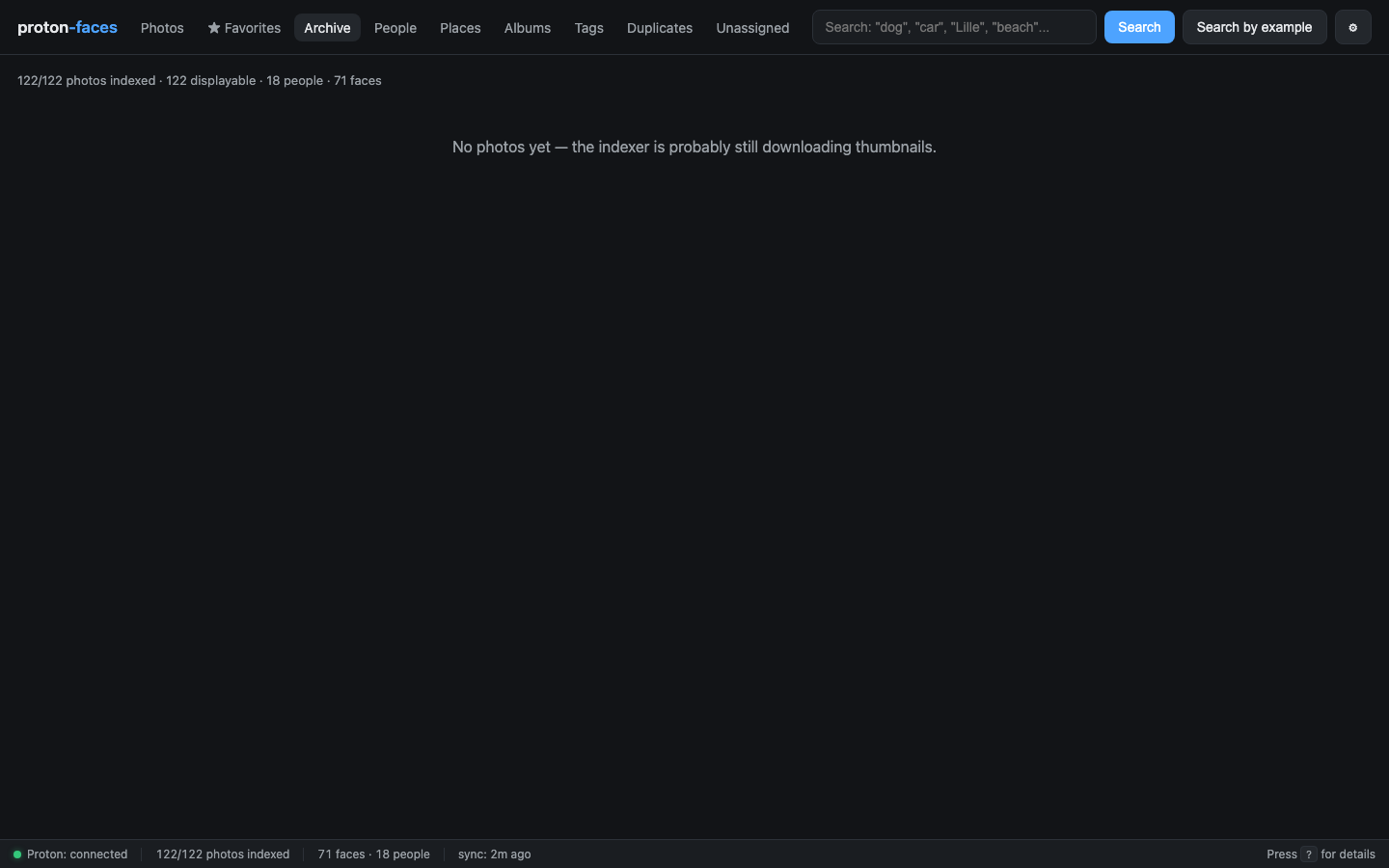
This is shared across users — the family shares one archive view.
Hidden (duplicates)
- The Duplicates view uses the
hiddenflag to mark a copy as resolved. - Hidden photos are hidden from every grid by default. Use
?include_archived=trueif you want to see them.
Duplicates view
The Duplicates tab groups photos that share a Proton content-hash (sha1). These are photos Proton has confirmed to be byte-identical — usually the result of an import or a re-upload.
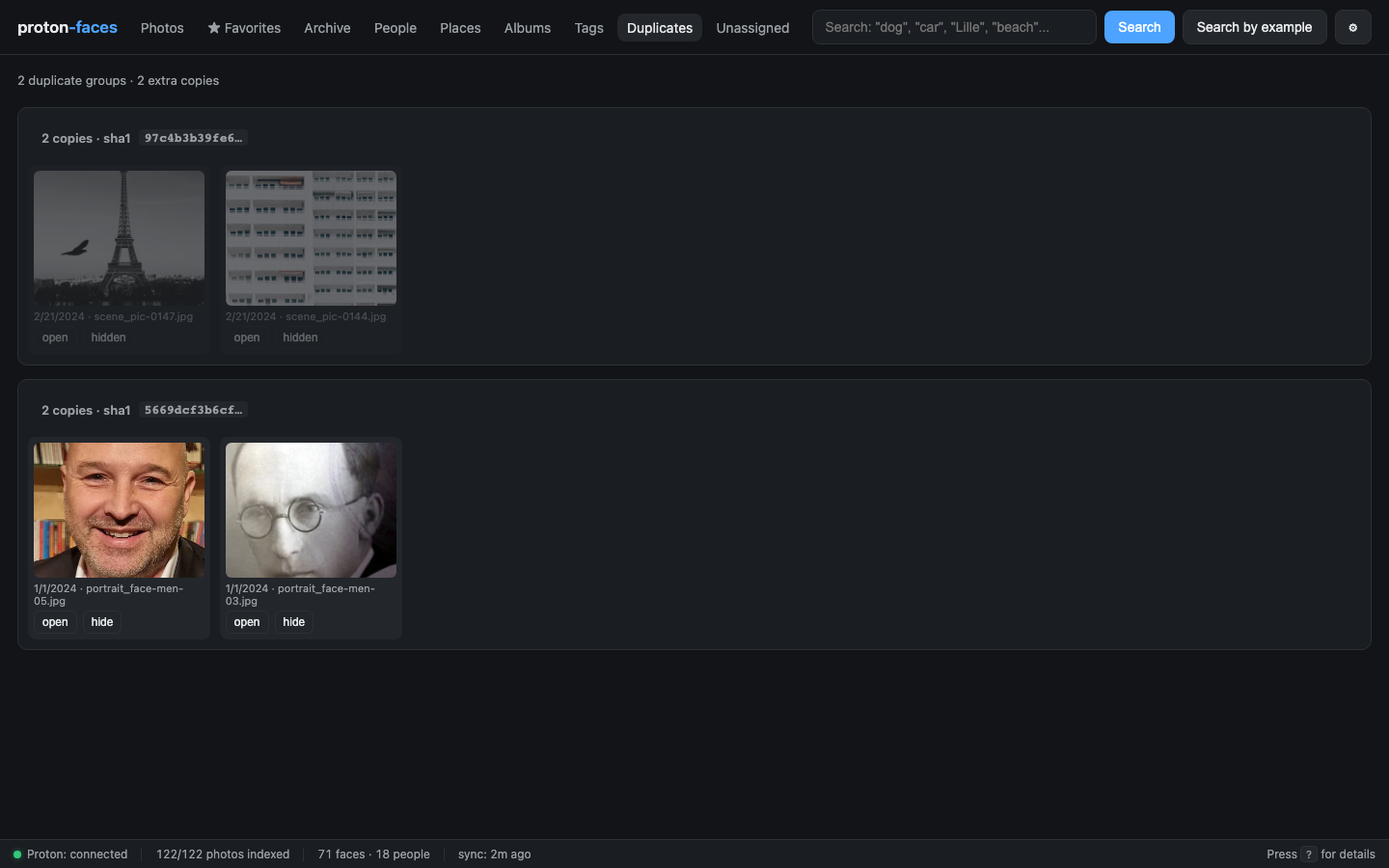
- Each group renders side-by-side. Click any photo to open the detail panel.
- Use the Hide button on a copy you don't want to keep. The remaining copy stays visible.
- Hidden copies don't reappear in the main grid unless you explicitly include archived/hidden.
Demo: hide a duplicate
Open Duplicates → pick a group → click Hide on the copy you don't want.
API endpoints
| Endpoint | Purpose |
|---|---|
PATCH /api/photos/{uid} |
Toggle favorited / archived / hidden |
GET /api/photos/archived |
Every archived photo |
GET /api/photos?only_favorites=true |
Your favorites |
GET /api/duplicates?limit=200 |
Duplicate groups (by sha1) |
Per-user favorites — internals
user_favorites is a junction table (user_id, photo_uid, created_at) with ON DELETE CASCADE on both sides. Adding/removing a favorite is a single insert/delete.
When the grid lists a page of photos, the API does one batched SELECT photo_uid FROM user_favorites WHERE user_id=? AND photo_uid IN (...) to compute favorited_by_me for the whole page — no per-row network round-trip.
The legacy photos.favorited column is preserved for backward compatibility and is backfilled into the first admin's user_favorites on first --create-admin run.
Next: Admin area covers the gear-icon modal — server info, health checks, backups, schedule, users.