People
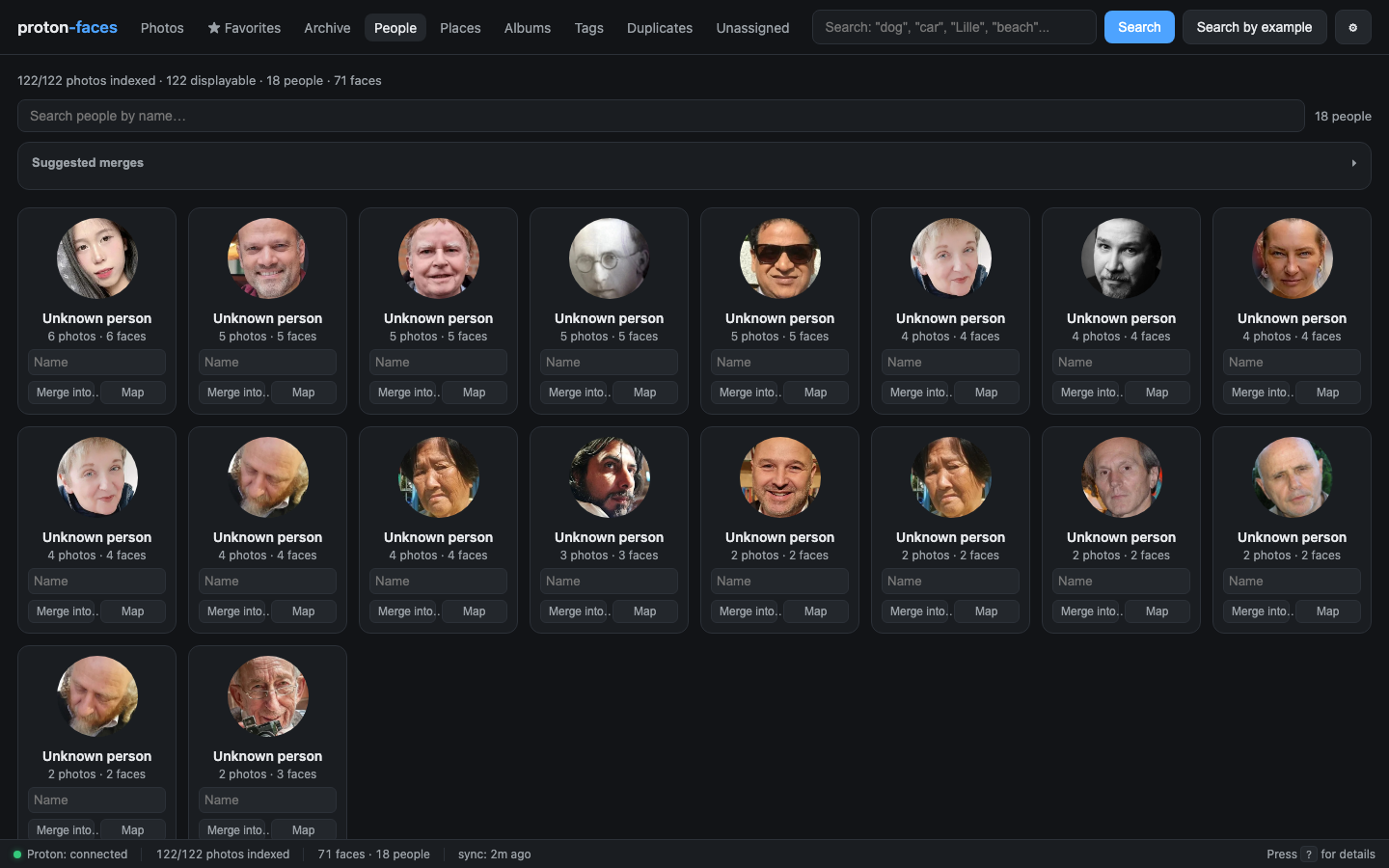
The People tab is where you turn a pile of detected faces into a labelled library. Faces are auto-clustered into person clusters by ArcFace embedding similarity; you name the clusters; the system tags every look-alike.
How clusters are built
- Face detection — RetinaFace (InsightFace buffalo_l) finds every face in every indexed photo and writes a row in the
facestable with the normalized bbox and a 512-d ArcFace embedding. - Clustering — every
CLUSTER_INTERVALseconds (30 min by default), HDBSCAN groups the embeddings. Any cluster with at leastMIN_CLUSTER_SIZEfaces becomes apeoplerow. - Naming — you give a cluster a name in the UI. The name is just a label; the cluster's identity lives in its mean embedding, not the name.
The clustering is incremental: as new faces arrive, the indexer re-runs HDBSCAN and the cluster set is updated.
The People grid
- Face-crop covers — each card shows the highest-confidence face crop from the cluster's "cover face" (
cover_face_id). It's a JPEG crop from the cached 512px WebP, served from/api/people/{id}/cover. - Photo count + face count — both numbers are computed in the same SQL query and updated whenever faces are added/removed/renamed.
- Name input — type a name and press Enter. The card updates immediately. If another person already has that name, the clusters are merged (the faces of one move to the other).
- Merge into… — pick a different person to merge into. Used when two clusters should be the same.
- Map button — opens the per-person map (see below).
- Set photo button — opens a cover picker: a grid of every detected face for that person. Click one to make it the card's cover photo (see Choosing the cover photo).
- Suggested merges strip — pairs of clusters whose mean embeddings are highly similar (cosine ≥ 0.40). One click merges them.
Choosing the cover photo
By default the cover is the cluster's highest-confidence face crop, which isn't always the most recognizable one. Two ways to pick a better main photo:
- Set photo on the person card — opens a grid of every face detected for that person (face crops only, current cover highlighted with a green outline and a ✓). Click any crop to make it the cover; the card updates in place.
- Set as cover in the photo-detail face popover — click a face box on a photo, then Set as cover. Convenient when you're already looking at a good photo.
Either way the choice is stored as the person's cover_face_id; it survives re-clustering and is served from GET /api/people/{id}/cover.
Naming and merging
| Action | UI | API |
|---|---|---|
| Name a cluster | Type in the card's name field | POST /api/people/{id}/name {"name":"Alice"} |
| Merge two clusters | Click Merge into… on the source card | POST /api/people/{src}/merge {"target_id":X} |
| Rename and merge | Name a cluster with an existing person's name | Same as naming — auto-merge |
| Unassign a face | In a photo detail, click the face box | POST /api/faces/{id}/unassign |
Merged by mistake?
Merging is one-way in the UI, but it can be undone from a pre-merge backup — see Recovering a merged person in the troubleshooting guide.
Auto-tag propagation
Whenever you name a face — through the cluster card, through the photo detail, or by face-search — every unassigned face whose embedding is more similar than FACE_SIM_THRESHOLD (default 0.45) gets the same label.
This is what makes tagging manageable on a large library: name 3–4 photos of someone, and the rest are tagged automatically. You can adjust the threshold in .env:
Suggested merges
Above the grid is a "Suggested merges" strip that lists pairs of clusters whose mean face embeddings are highly similar (cosine ≥ 0.40). One click merges them. Useful for cleaning up "Unknown person #7" duplicates created by clustering across batches.
The list is computed with a vectorized (N×D) @ (D×N) matrix multiply, so it stays cheap even on thousands of clusters.
Per-person map
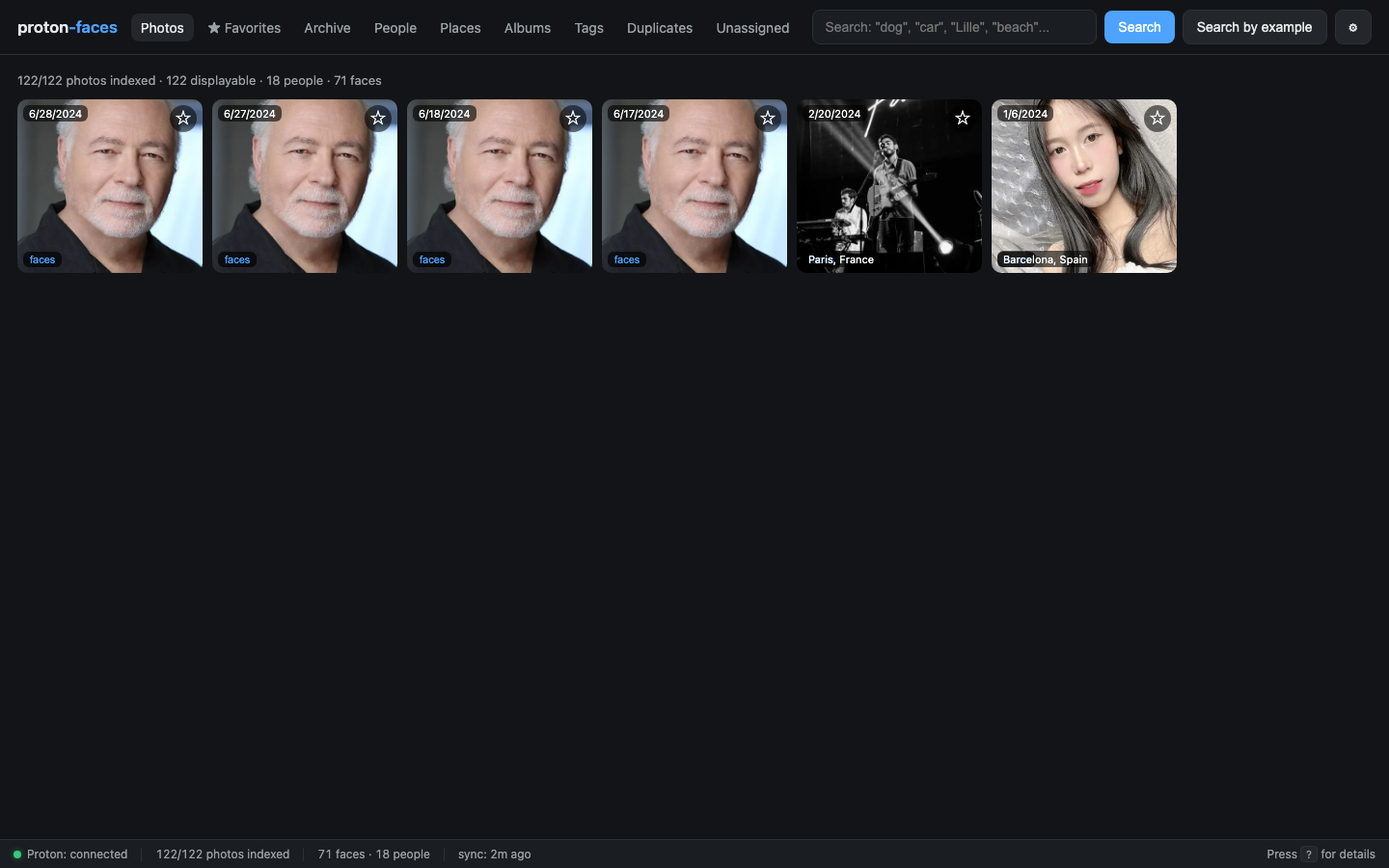
Click Map on any card. A Leaflet map opens with one clustered marker per city where this person has been photographed. Click a marker to filter the photo grid to that place + person.
The unassigned queue
Faces that didn't make it into any cluster (singletons, or noise from HDBSCAN) appear in the Unassigned tab:
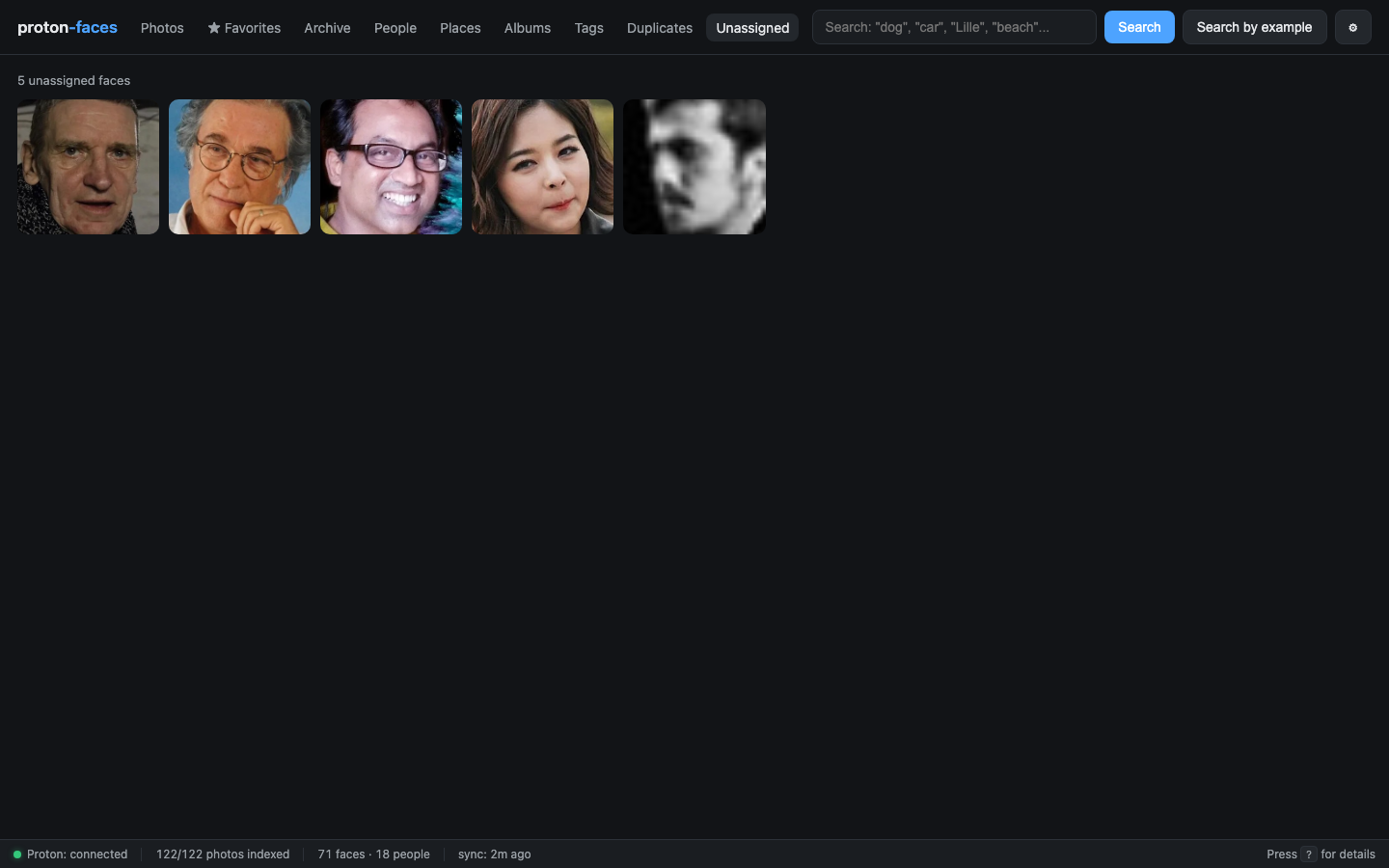
Each face shows the photo thumbnail with a face-crop overlay. Click a face to open the photo detail panel where you can name it — propagation kicks in as usual.
Suggested merges — internals
The matrix multiply X @ X.T computes every pairwise cosine similarity at once. For 100 clusters that's a 100×100 matrix = trivial. For 10 000 clusters it's still under 100 MB of float32 and a single GPU-free CPU pass. Cached for 30 seconds so repeated reloads are free.
API endpoints
| Endpoint | Purpose |
|---|---|
GET /api/people?q=&limit=200 |
List clusters, optionally filtered by name |
GET /api/people/{id}/cover |
Face-crop cover JPEG |
GET /api/people/{id}/faces |
Every face of a person, with crop URLs (feeds the cover picker) |
POST /api/people/{id}/cover |
Set the cover photo from one of the person's faces ({"face_id":N}) |
GET /api/people/{id}/photos |
Photos containing this person |
GET /api/people/{id}/map |
Clustered map markers for this person |
GET /api/people/duplicates?threshold=0.40 |
Suggested merges |
POST /api/people/{id}/name |
Rename (auto-merges if name exists) |
POST /api/people/{src}/merge |
Explicit merge |
POST /api/faces/{id}/person |
Assign a face to a person / create new |
POST /api/faces/{id}/unassign |
Unassign a face from a person |
GET /api/faces/unassigned |
The unassigned queue |
Next: Face tagging covers the clickable-boxes-on-photos flow in detail.