Admin area
Admins get a ⚙ gear button in the top-right of the header. Click it to open a modal with five tabs: Overview, Health checks, Backups, Schedule, and Users.
The gear icon only appears if you're logged in as a user with the admin role.
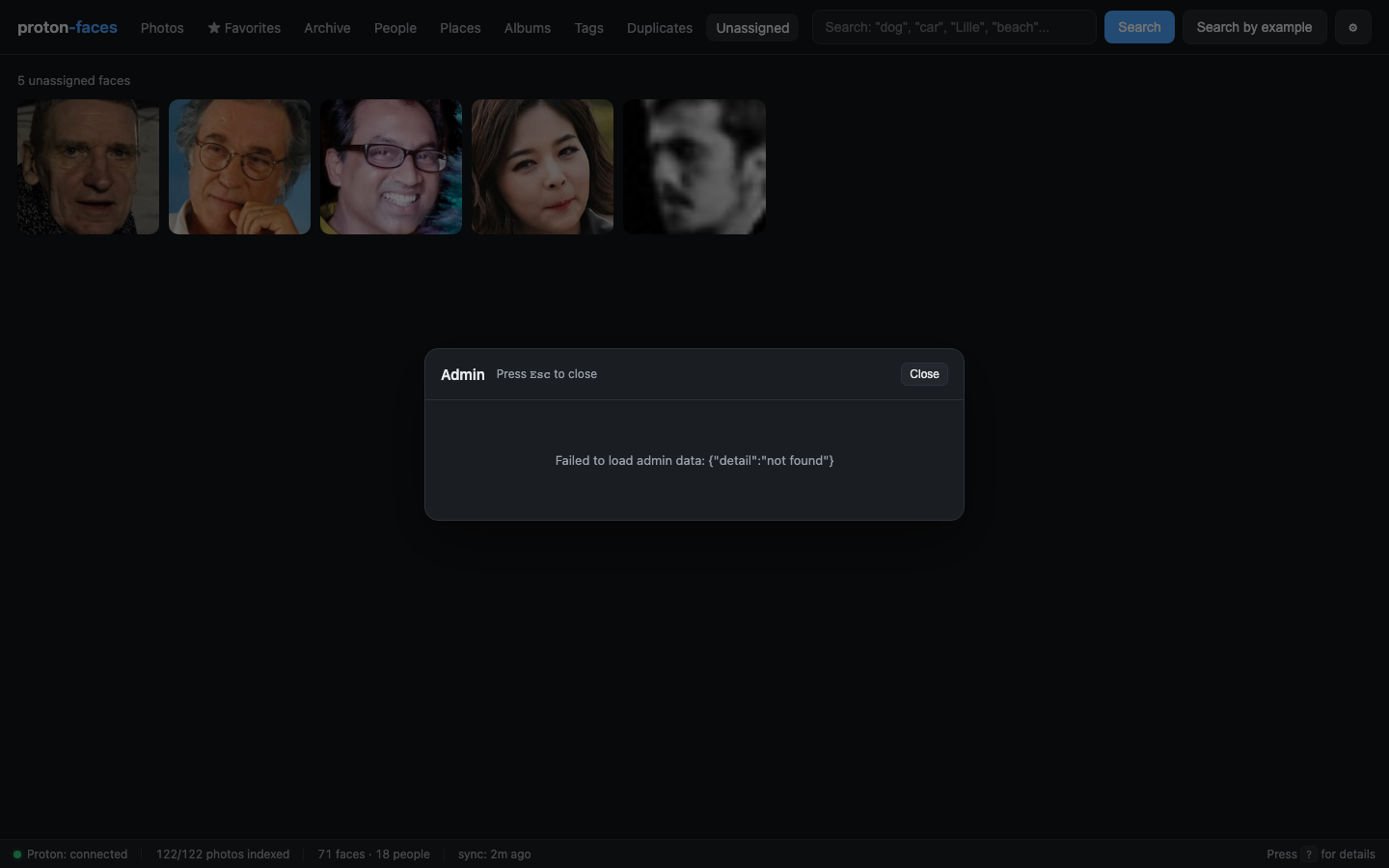
Overview
- Server — hostname, Python version, uptime.
- Disk — disk usage of the data volume (thumbnails dir + SQLite file).
- Last backup — timestamp and size of the most recent snapshot.
Health checks
Seven checks, run on demand, each with an ok/bad pill and a short status:
- DB integrity — SQLite
PRAGMA integrity_check. - Free disk space —
shutil.disk_usageonDATA_DIR. - Backup freshness — last backup is within the configured retention window.
- Backup dir writable —
_backups/is creatable + writeable. - Data dir writable —
DATA_DIRis creatable + writeable. - Indexer liveness — the indexer's status endpoint (
INDEXER_STATUS_PORT) responds within 2 s. - Proton bridge reachability —
/api/healthreports the bridge is online + logged in.
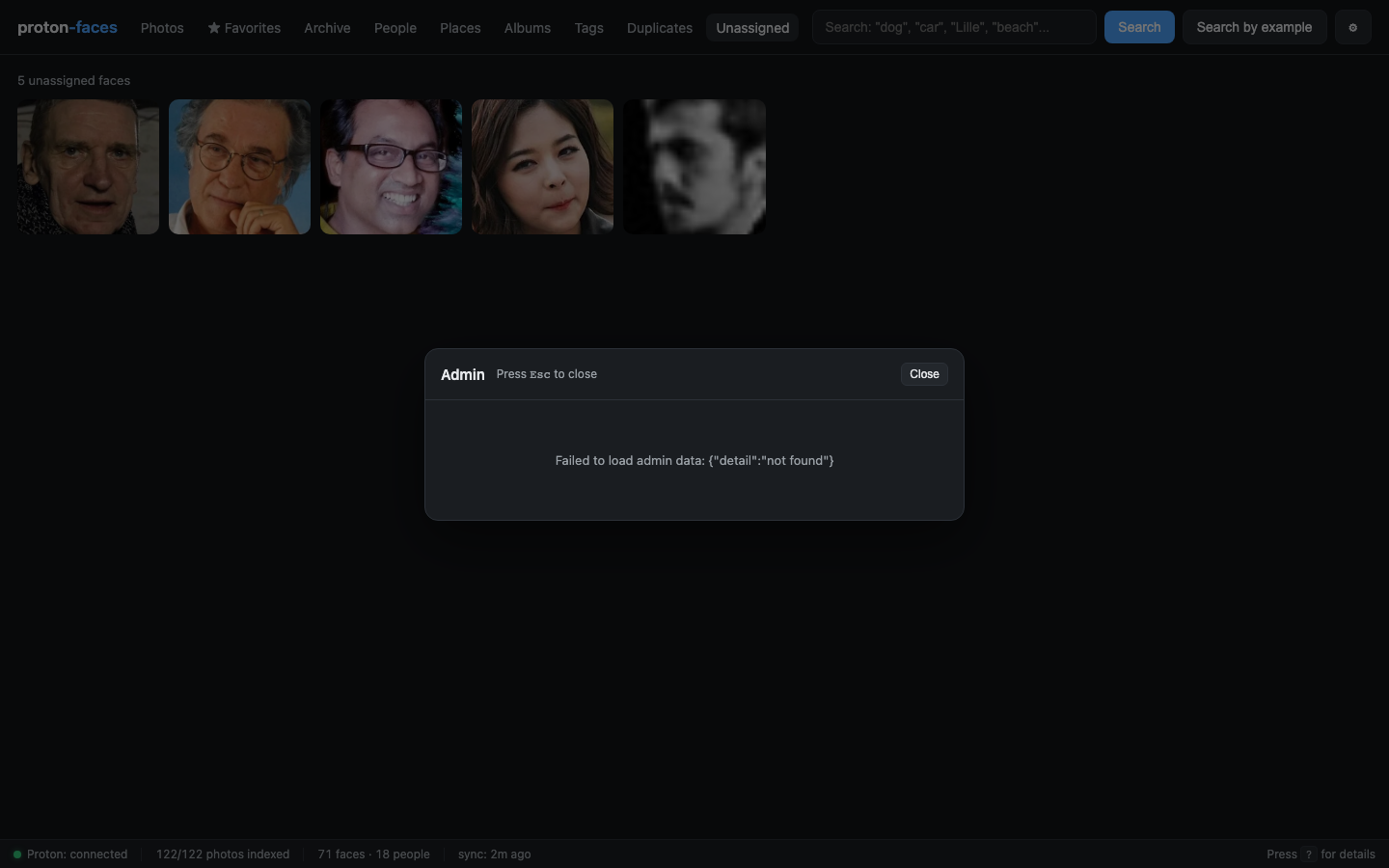
Backups
Every SQLite snapshot lives under DATA_DIR/_backups/ as index-<UTC-stamp>.sqlite3. Snapshots are created with VACUUM INTO so they're consistent against the live WAL DB and non-blocking.
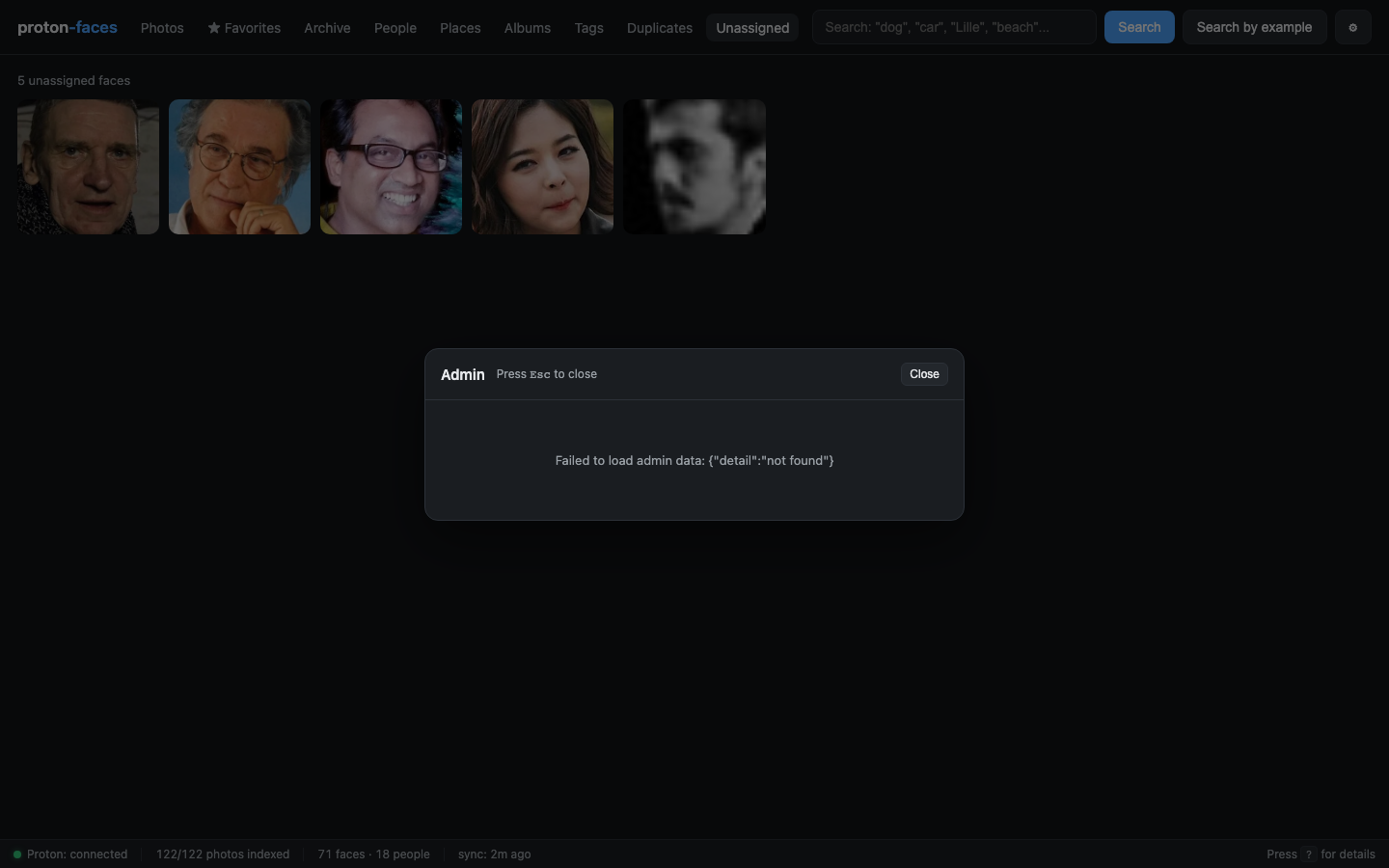
| Action | UI | API |
|---|---|---|
| List snapshots | See the table | GET /api/admin/backups |
| Create one now | Click Backup now | POST /api/admin/backup |
| Delete a snapshot | Click Delete on a row (with confirm) | DELETE /api/admin/backups/{name} |
| Prune | Click Prune | POST /api/admin/backups/prune {"keep":N} |
Open admin gear → Backups tab → click Backup now → watch the new snapshot appear.
Path traversal is rejected: only ^index-\d+\.sqlite3$ is accepted as a snapshot name.
Schedule
A daily auto-backup runs inside the app container. Configurable:
- Enabled — on/off.
- Hour — 0–23 UTC.
- Minute — 0–59.
- Keep — 1–365 (oldest pruned after every successful backup).
Stored at DATA_DIR/admin_config.json. The daemon thread wakes every minute and runs at most one backup per UTC day, so a missed backup doesn't pile up.
API
| Endpoint | Purpose |
|---|---|
GET /api/admin/schedule |
Read the schedule |
PUT /api/admin/schedule |
Update the schedule |
Users
List every account, create new ones, edit display name / role / disabled / password.
| Action | UI | API |
|---|---|---|
| List users | See the table | GET /api/admin/users |
| Create | Fill the form | POST /api/admin/users |
| Edit | Click Edit on a row (inline row opens) | PATCH /api/admin/users/{id} |
| Reset password | Same inline row | (body {"password":"…"}) |
| Force-disable 2FA | Click Disable next to the 2FA pill (with confirm) | POST /api/admin/users/{id}/2fa/disable |
| Sign out everywhere | Click Logout on a row | POST /api/admin/users/{id}/logout |
| Delete | Click Delete (with confirm) | DELETE /api/admin/users/{id} |
Constraints
- Username ≥ 2 chars, password ≥ 8 chars (validated on create + edit).
- Cannot delete the last admin — the server refuses so nobody can lock themselves out.
- Role must be one of
read,write,admin. The role hierarchy isread ⊂ write ⊂ admin. - Disabled users keep their tokens but get a
403 user disabledon every request. - Display name is purely cosmetic; defaults to the username.
Bulk sign-out
POST /api/admin/users/{id}/logout revokes every bearer token for that user. Useful when a device is lost.
Adding users outside the UI
Same data, same endpoints. From the host:
# Interactive (asks for password on stdin)
scripts/create-admin.sh mom

# Non-interactive (read password from env)
ADMIN_PASSWORD=mysecret scripts/create-admin.sh mom

# Inline with display name
scripts/create-admin.sh kid --display-name "Kid"
The first admin can also be created with docker compose exec app python main.py --create-admin <username>.
Resetting a forgotten password
You'll be prompted for a new password on stdin (or set ADMIN_PASSWORD=... first). All that user's existing tokens are revoked automatically.
Recovering a lost authenticator (2FA)
If a user loses their authenticator app (or the only admin is locked out), 2FA can be stripped from the CLI — no code needed:
This clears the TOTP secret, turns 2FA off, and revokes any half-finished pending login, so the user can sign in with just their password and re-enroll from the account menu (click your username, bottom-left → Enable 2FA). The same recovery is available to an admin through the UI (Admin → users → Disable 2FA).
Next: Status & diagnostics covers the bottom status bar and the ? overlay.