Languages
The app speaks English and French.
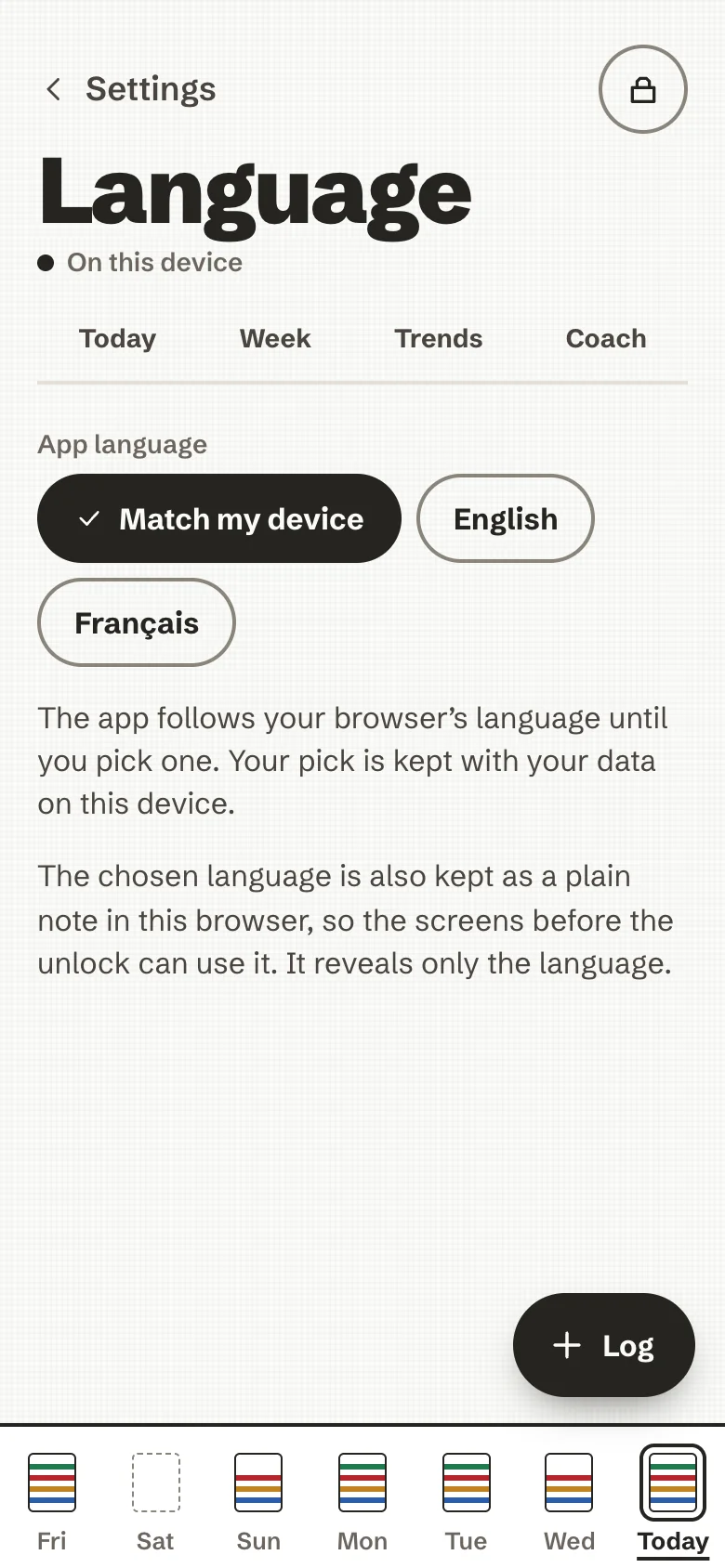
- Until you choose, it follows your browser's languages (Match my device): the first one it speaks wins, so a browser set to German, then French, gets French. Otherwise it is English.
- Settings → Language fixes the choice. It is kept with your data, encrypted, and also as a plain note in the browser, so the screens before the unlock can use it. That note reveals only the language.
- Food names, units, dates and the coach's questions all follow the app's language.
- AI texts follow it too. The fixed instruction sent with a photo, a description or a coaching request asks the AI to answer in the app's language. A coach note an AI wrote in the other language is not shown after you switch.
- The eating-disorder support line links to one organisation per language: Beat in English, the FFAB in French.
Adding a language
Every sentence of the interface lives in one typed catalogue per language, so no screen changes: a new language is that catalogue, its food names and food-group keywords, the fixed AI instructions and a few tests. The steps are in CONTRIBUTING.md. Careful translations are very welcome.