Tasks
Mail that asks you for something becomes a Google Task with a due date and a link back to the thread. When you complete the task, the next run can tidy the thread for you.
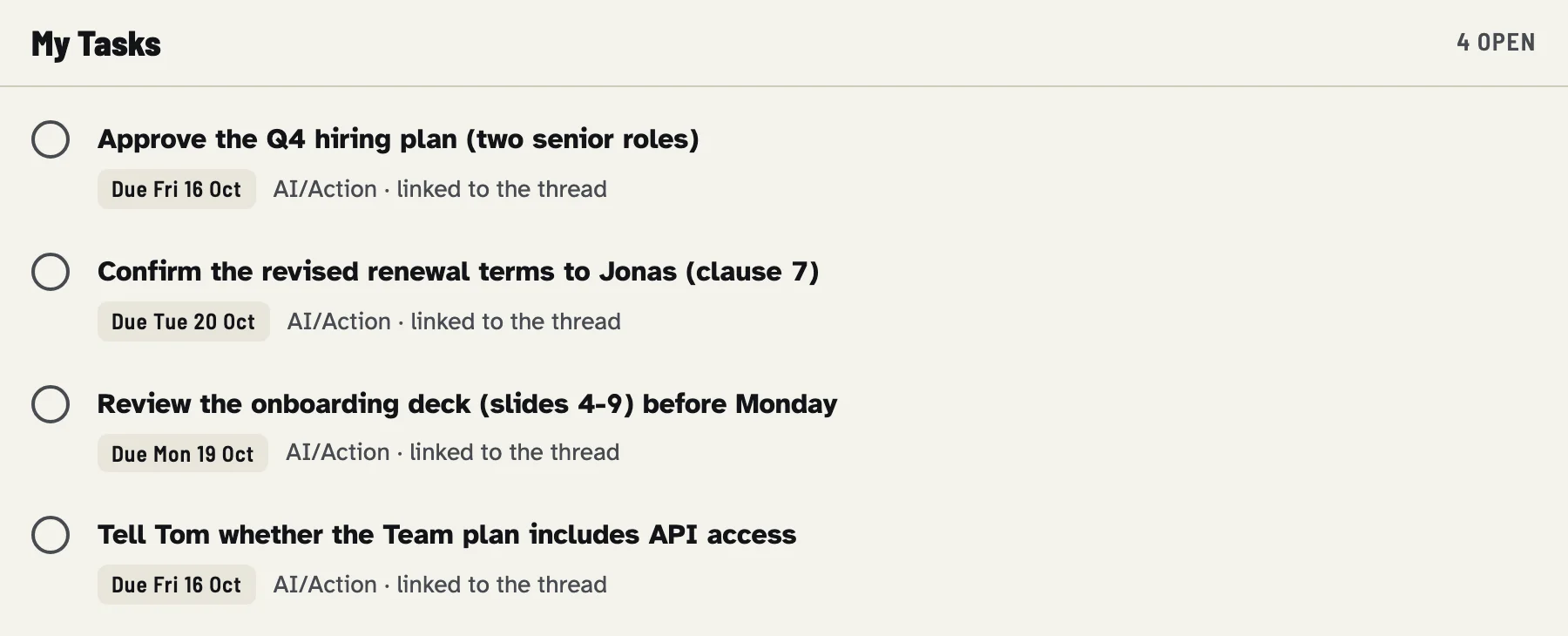
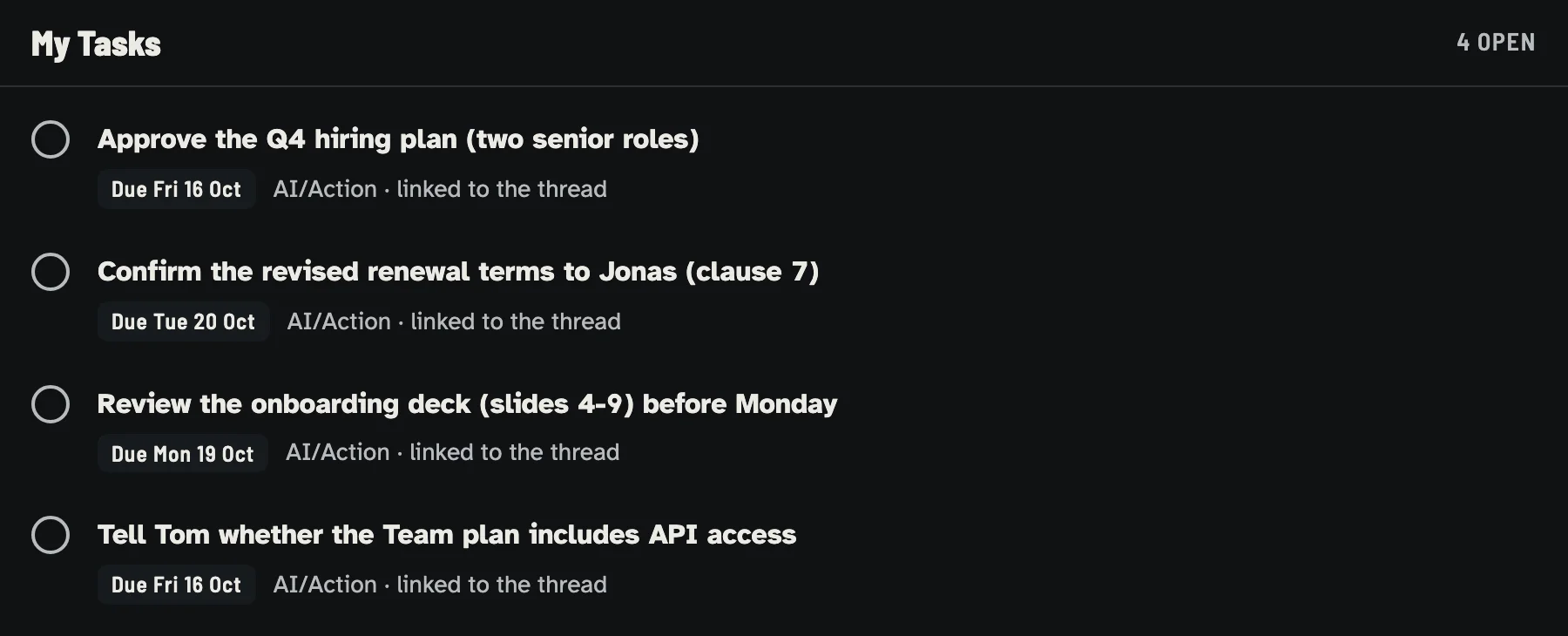
Tasks created from the invented demo mailbox.
Settings
In rules.json:
list- Name of the Google Tasks list to use.
make setupasks for it when it createsrules.json(defaultMy Tasks; or pass--task-list NAMEtoscripts/setup-macos.sh). If the list does not exist, the first applied run that needs it creates it. Iflistis missing from the file, the nameMail Triageis used. default_due_business_days- Due date for tasks without an explicit deadline, counted in business days
(Monday-Friday) from today. Default
2. This is computed in code, not guessed by the model. max_age_days- Automatic tasks are not created for mail older than this many days. See below.
Task policies
Each tag has a task policy:
| Policy | Meaning |
|---|---|
always |
Every message with this tag gets a task, even without details. The starter rules use it for Action. |
optional |
A task only when there is an explicit commitment: a deadline, an event or a request worth tracking. |
never |
No task. A decision that tries to attach a task to this tag is rejected. |
For always tags, a task is created whether the tag came from a rule or from the
classifier. If no title is given, the message subject is used.
How a task is written
- Title: from the classifier or your decisions file (1-250 characters), or the message subject.
- Notes: short context (up to 2,000 characters), then the Gmail link
https://mail.google.com/mail/u/0/#all/<thread>, then a marker line. - Due date: a
YYYY-MM-DDdate evidenced by the email, ordefault_due_business_daysfrom today.
The prompt asks the model to use only deadlines stated in the email and to omit the due date otherwise. In the demo, the stronger model gave the "Team plan / API access" question no deadline, so code set it to two business days out.
The marker
Every task's notes end with a line like:
It may also carry an on_done= list (see below). The marker is how later runs
recognize the task: it ties the task to its Gmail thread and tag. Only the
last marker in the notes counts, because the genuine one is always appended
last; any earlier marker-like text could have come from mail content. Task titles
and notes proposed by the classifier or a decisions file are rejected if they
contain [mail-triage.
Do not remove the marker if you want completion to tidy the thread.
One task per thread
Before creating tasks, the run reads every task in the list (including completed and hidden ones) and indexes them by the thread in their marker.
- If the thread already has a task, open or completed, no new one is created.
- If two messages in the same run belong to the same thread, only one task is made.
- For tasks that came from a rule or an
alwaystag without an explicit task, a new task is also skipped if an open task with the same title already exists. Explicitly classified tasks are not subject to this title check, so a crafted message with a copied subject cannot suppress a real request's task.
What max_age_days does
Tasks generated automatically (by a rule, or by an always tag without explicit
task details) are skipped for mail older than max_age_days, so a backlog run
does not flood your list. A task with explicit details from the classifier or your
decisions file is always created.
Completing a task
When you complete a task in Google Tasks, the sync step of the next run:
- finds completed tasks with a marker;
- looks up the tag's
on_task_doneactions inrules.json; - applies them to the messages of that thread that are still in the inbox.
In the demo, completing "Approve the Q4 hiring plan (two senior roles)" made the
next run archive that thread, because Action has on_task_done: ["archive"].
The message stayed unread, because mark_read is not configured.
Details worth knowing:
- If
on_task_doneis empty for that tag, nothing happens. - If the tag in the marker no longer exists in
rules.json, the thread is archived. - A task from a decisions file may carry
on_doneto narrow the tag's completion actions for that one task. It can only use non-trashactions the tag already configures. Even if someone edits a task's notes, sync applies only actions that are both in the marker and configured for the tag, and nevertrash. The classifier cannot seton_done. - Sync never creates a task list and never changes tasks.
Ordering and failures
Tasks are created before labels are applied, so if a task write fails, the message stays untagged in the inbox and is retried on the next run. Gmail and Google Tasks are separate services; a partial failure is possible, so inspect errors.
triage.py undo (Operations)
reverts label changes and trash. It does not delete tasks.
Delete unwanted tasks in Google Tasks yourself.