AI Mail Assistant
AI Mail Assistant keeps a Gmail inbox triaged every working hour. Your own Gmail rules tag and tidy the routine mail. A small model looks only at the human mail those rules cannot place, and a stronger model sees only what the small one is unsure about. Requests become Google Tasks with a due date and a link back to the thread, and completing a task tidies the thread on the next run.
The classifier is a CLI you already use: the GitHub Copilot CLI or Claude Code. Mail that stays ambiguous is left in the inbox, untagged, for you to look at. If there is nothing new, no model is called.
It is a small set of Python scripts with no third-party runtime dependencies. It
runs on your Mac and talks to Gmail and Google Tasks through the Google Workspace
CLI (gws).
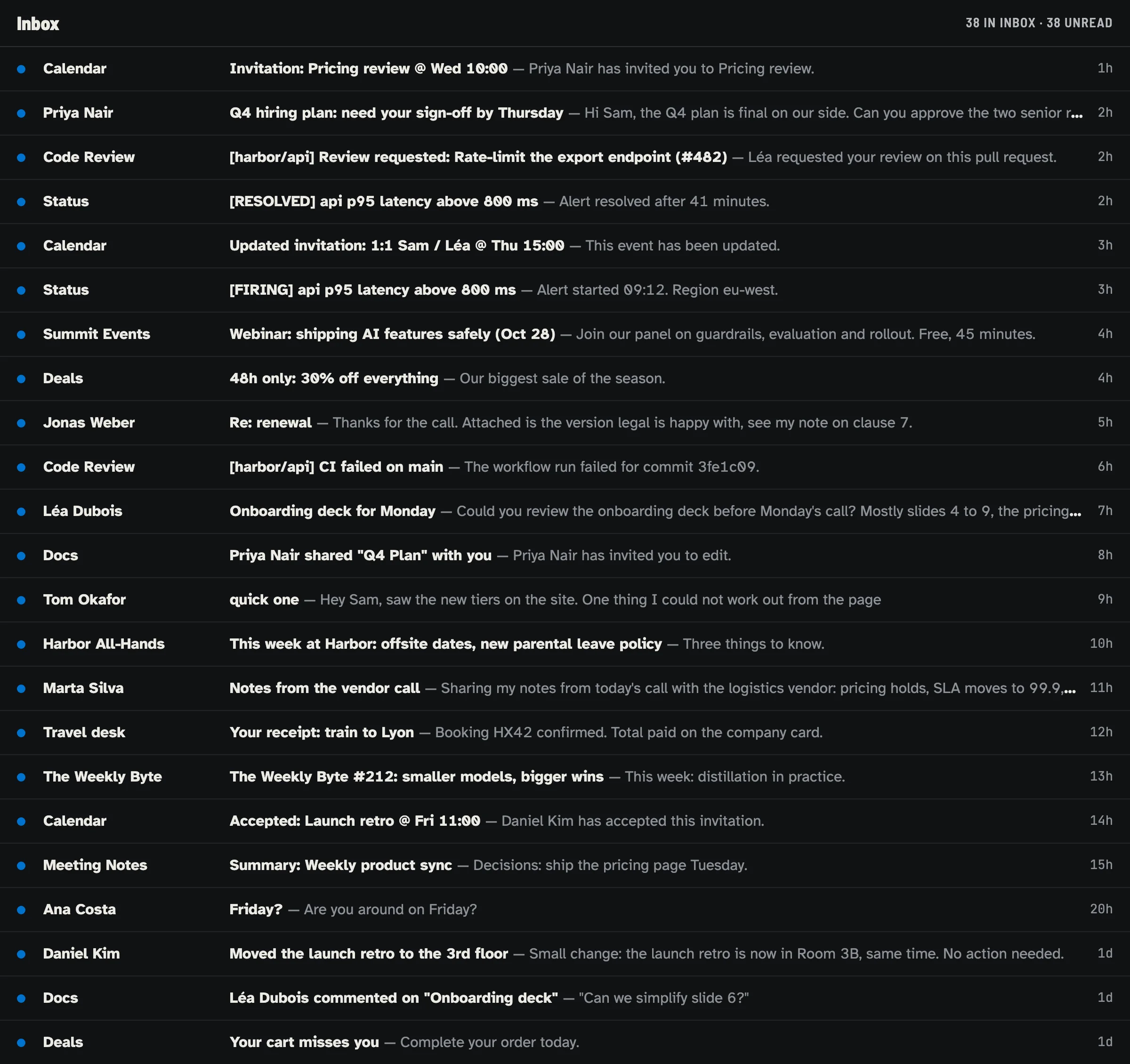
Demo mailbox. Every person, company, address and message is invented.
Rules first, model last
No model is involved in searching, tagging rule-matched mail, sweeping old notifications, synchronizing completed tasks, deduplicating tasks, or writing the routine report. Those steps are ordinary code.
When some inbox mail is left that no rule matched:
- a small model classifies it in batches;
- only the ambiguous cases go to a stronger model, with a bounded amount of plain-text body;
- every answer is validated against the batch, the allowed tags, the task policy and the date format before anything is written;
- mail that is still uncertain stays in the inbox, untagged, for a person.
A scheduled run with nothing unresolved makes no model call at all. How it works has the full pipeline.
Four commands to a first look
git clone https://github.com/mmornati/ai-email-assistant.git
cd ai-email-assistant
make setup       # install, sign in, verify; or: bash scripts/setup-macos.sh --cli claude
make doctor      # health check of every dependency and login
make preview     # read-only, model-free dry run
make classify    # add paid classification, still a dry run
make setup is safe to re-run, and make setup-preview prints every command it
would run without running any of them. Nothing changes in your mailbox until you
run make apply, which asks for confirmation first.
Getting started walks through each step, including
personalized rules and the hourly schedule.
See it before you install
Two ways to watch it work without a Google account:
- Try the demo. The repository ships a demo that
runs the real
triage.pyandrunner.pyagainst an invented mailbox of 38 messages, with stand-ingwsandcopilotprograms. It takes a few seconds and makes no paid model calls. The demo uses the Copilot path; a real installation can use Claude Code instead. - Watch the film. A narrated walk through the same demo run.
The numbers below are demo output on that invented mailbox, not measurements from a real inbox.
| Step | What happens | Demo result |
|---|---|---|
| 1. Arrive | The inbox before the first run. | 38 messages in the inbox, all unread. |
| 2. Dry run preview | Rules tag what they recognize; the small model classifies the 10 messages left; 3 ambiguous ones go to the stronger model. Nothing in the mailbox changes. | 2 model calls. 9 messages classified, 1 left for review. 4 tasks and 11 archives planned. |
| 3. Apply | runner.py --apply reuses the validated classifications from the preview, then writes tasks and labels. |
0 model calls. 4 tasks created. The inbox drops from 38 to 27. |
| 4. Quiet hour | The next run finds nothing new. The one ambiguous message is still held for review. | 0 model calls. Exit code 2: one message needs a person. |
| 5. Task done | One task is marked complete in Google Tasks; the next run archives its thread. | 0 model calls. The inbox drops to 26. |
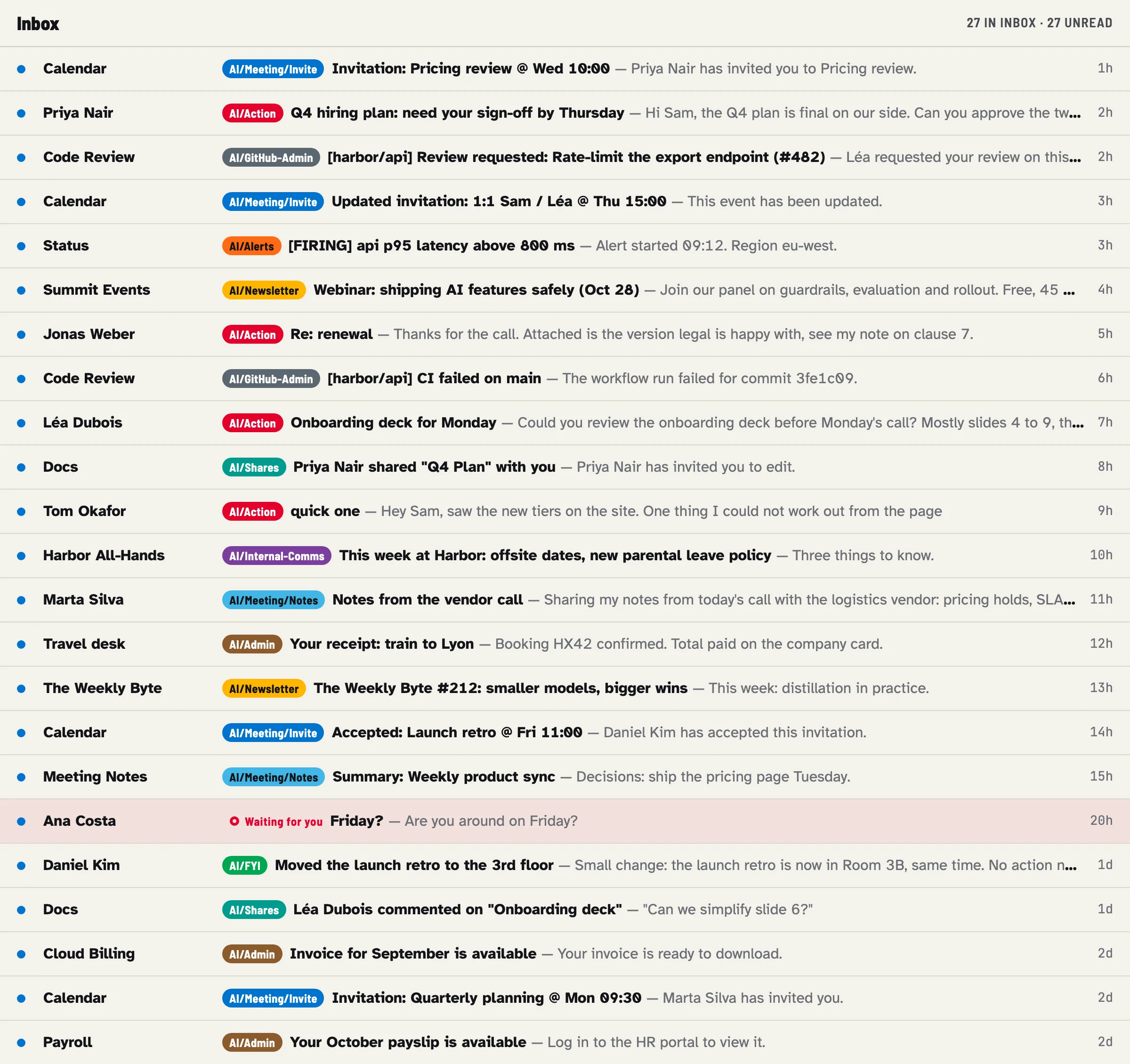
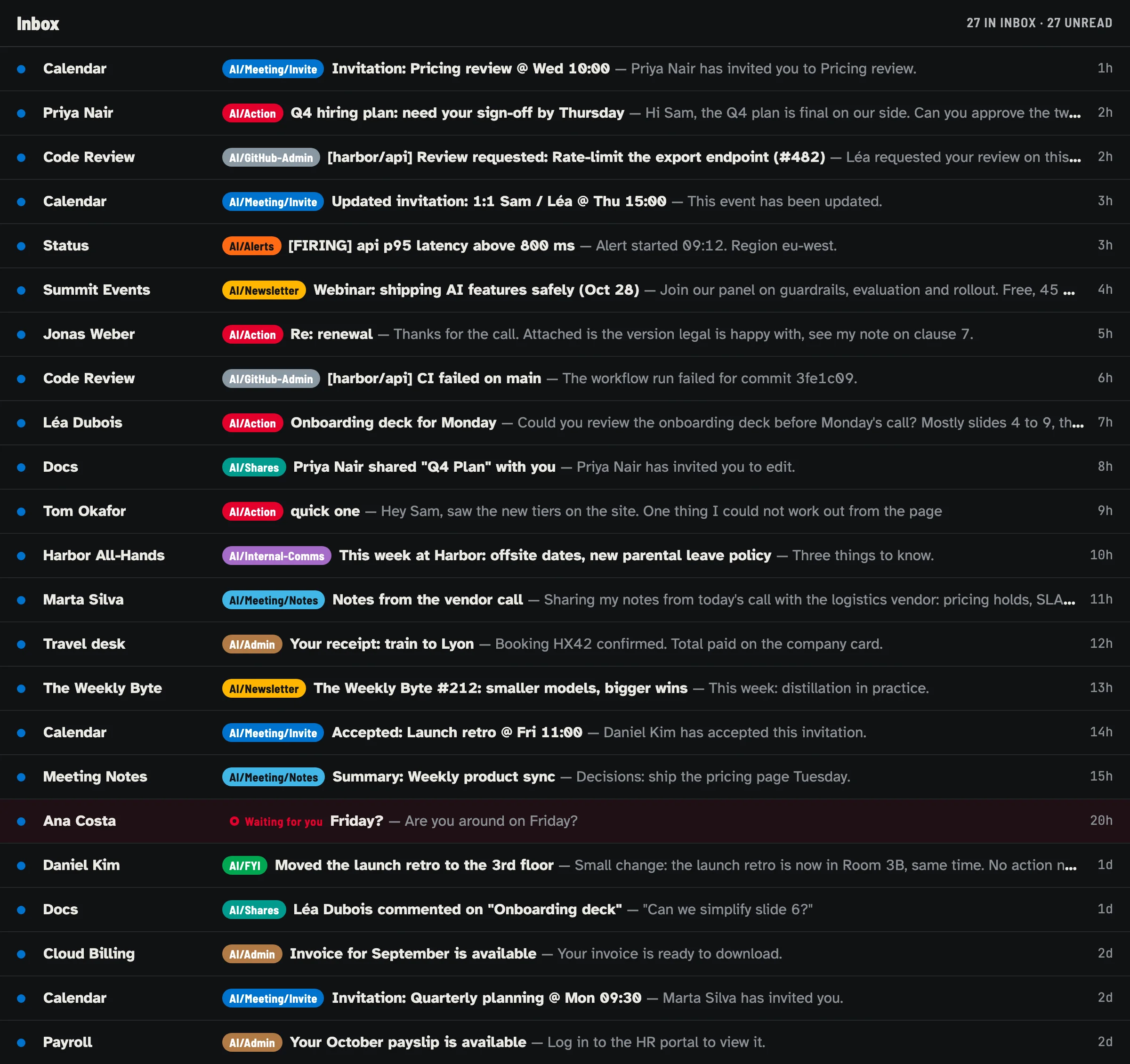
Demo mailbox after the applied run. Invented data.
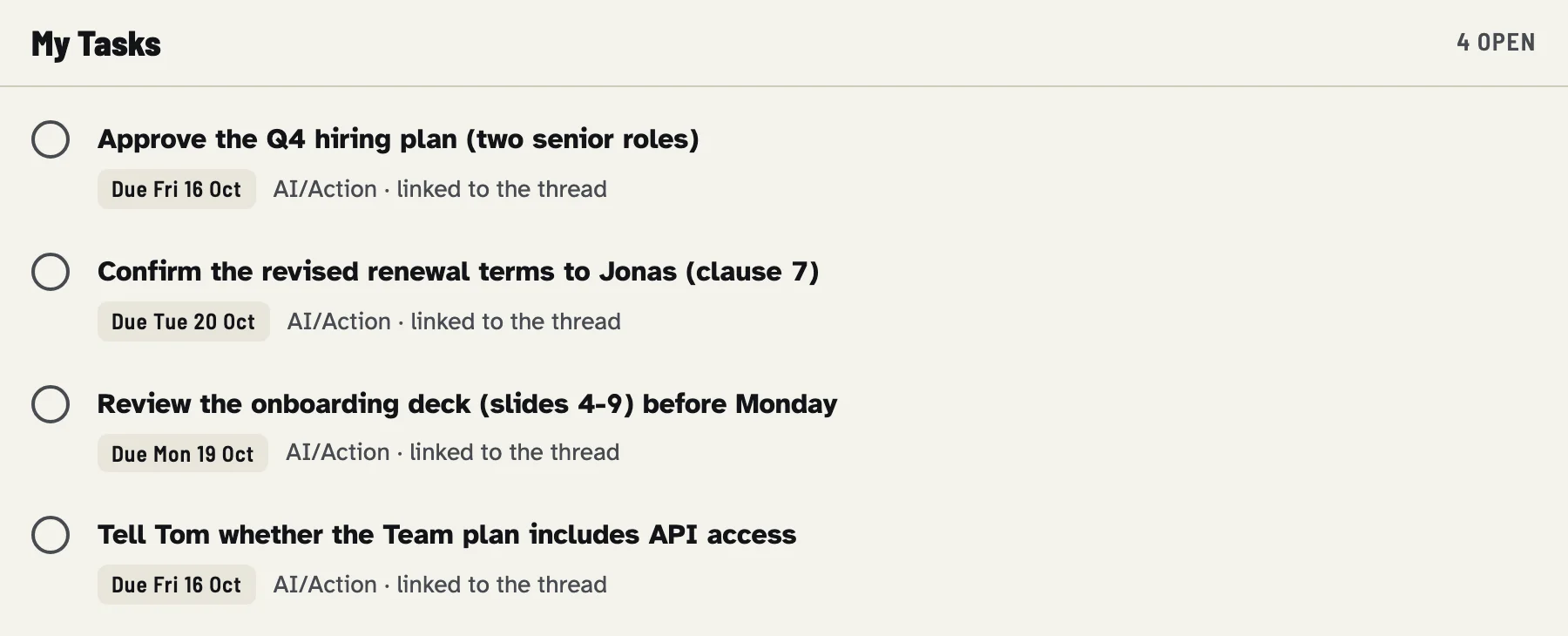
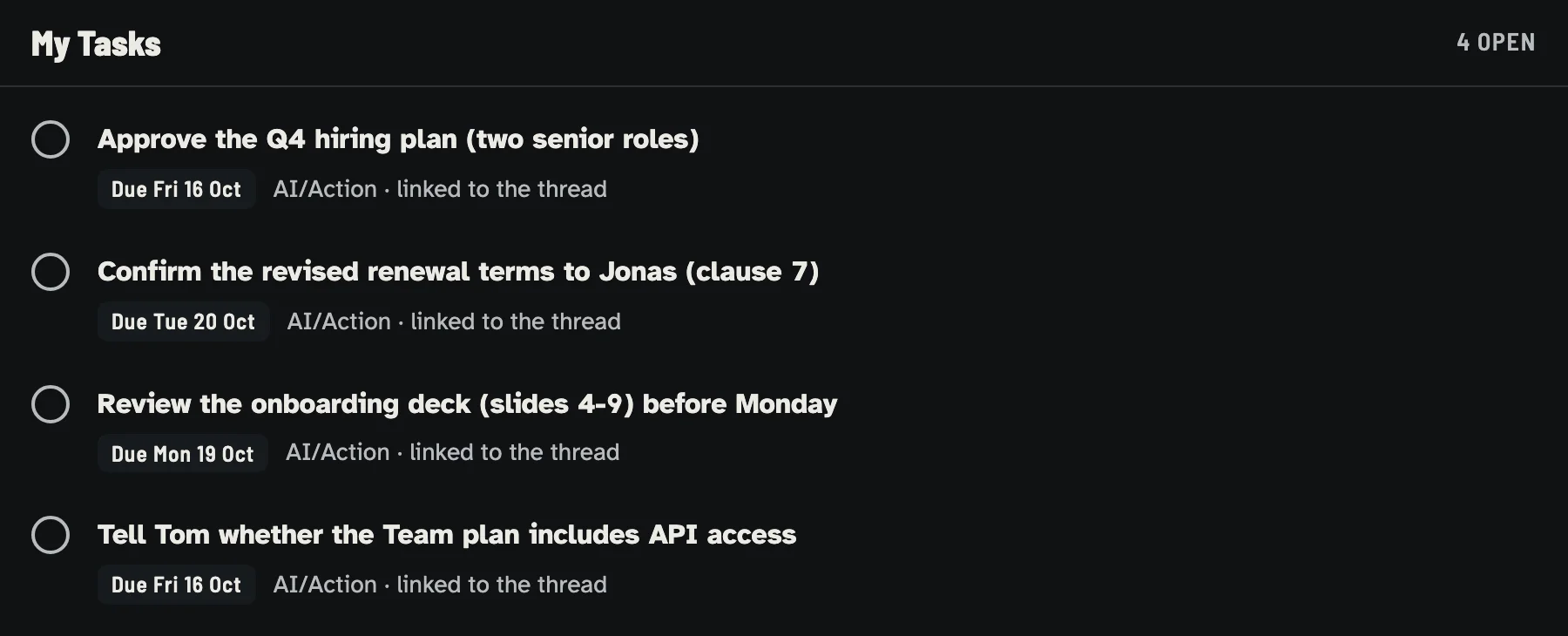
Tasks created from the invented mailbox. Due dates depend on the day you run the demo.
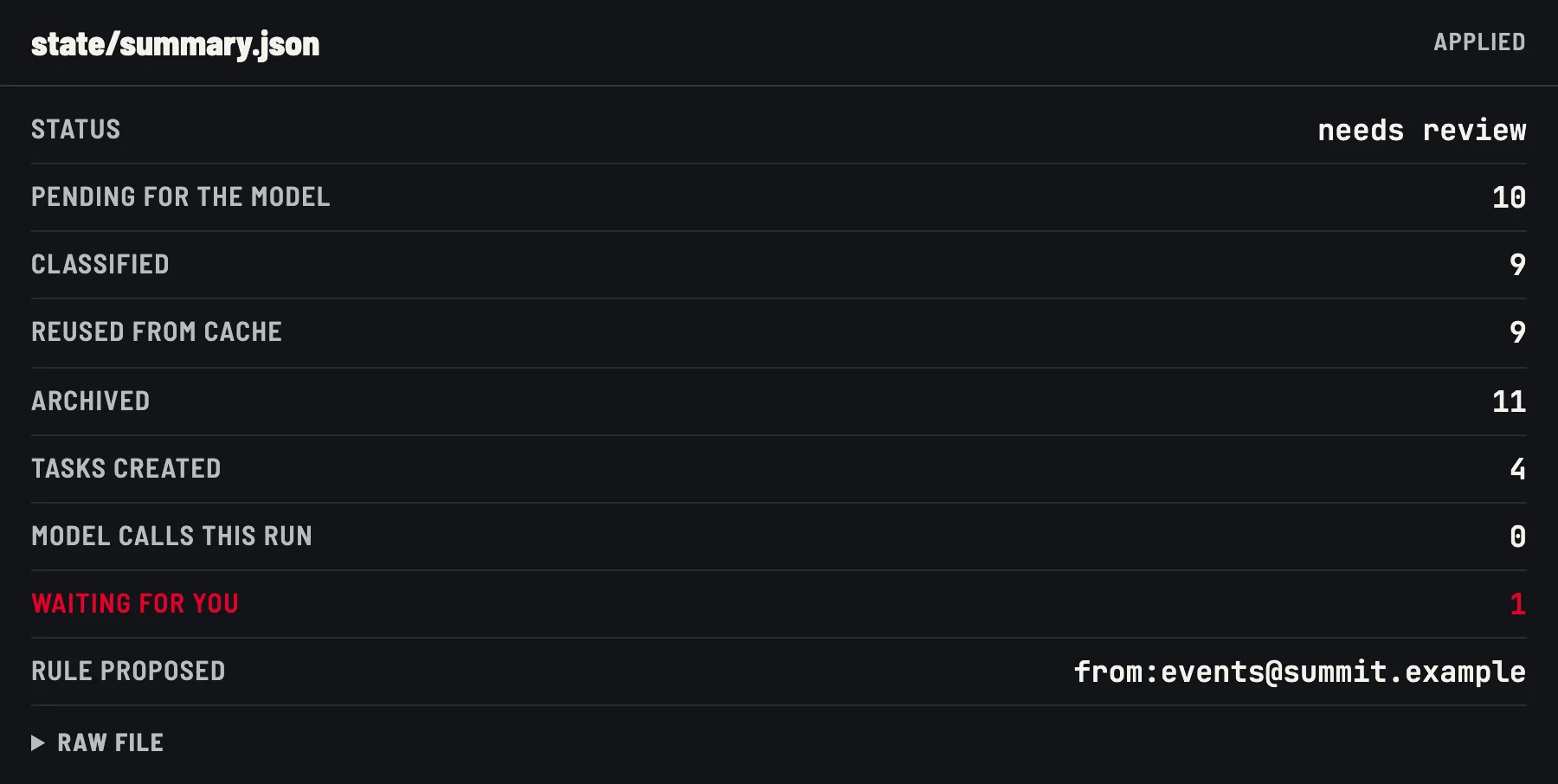
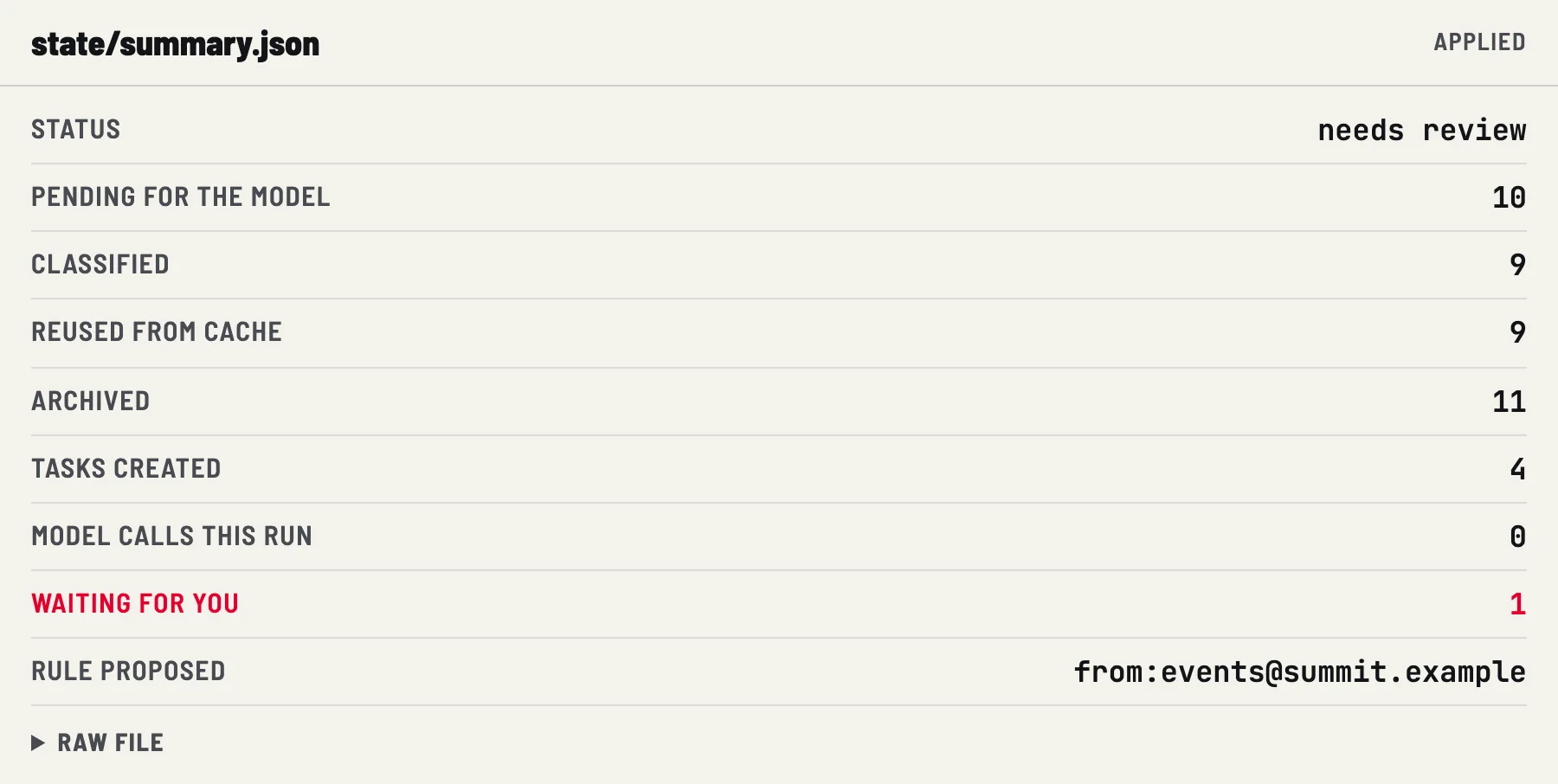
Demo output on an invented mailbox.
Why it is cheap
- Empty runs cost no model tokens. If rules and the same-day cache resolve everything, the runner exits without starting the classifier CLI.
- Batches, not one call per message. The small model sees up to 25 messages per call by default.
- Escalation is the exception. Only messages the small model marks as low confidence or needing context go to the stronger model, capped per run.
- Classifications are cached for the day. A dry run followed by an applied run pays once, as the demo shows.
- Capacity is bounded.
classifier.jsoncaps fresh messages and escalations per run. These caps bound workload; they are not a currency budget.
Mail API calls still take time and use your normal Google quota. Costs
has the model rates, the measured CLI overhead for both classifier CLIs, and
illustrative monthly scenarios. make usage reports your own numbers.
Why it is safe to try
- Dry run by default. Every command that changes the mailbox needs
--apply;make applyalso asks before it starts. - Bounded actions. Labels, archive, mark read, star, important, and
trashonly where you configure it. Nothing is sent, forwarded, unsubscribed or permanently deleted. - Validated model output. Unknown tags, foreign message IDs, malformed tasks and attempts to override actions are rejected.
- Isolated model calls. No tools, a temporary working directory, mail on stdin.
- Undo. Applied label changes and trash operations are journaled and can be
reverted with
triage.py undo. - Private state. Mail metadata stays in a local, owner-only
state/folder. - Least privilege. Setup requests only the
gmail.modifyandtasksOAuth scopes.
Read Safety for the details, and What it does not do for the limits.
Where to go next
-
Install with
make setup, check withmake doctor, preview, personalize your rules, then apply and schedule. -
How it works and Configuration
The pipeline, model routing, caching, the safety model, and every field of
rules.jsonandclassifier.json. -
GitHub Copilot CLI or Claude Code: how to switch, how calls are isolated, and how each one authenticates.
-
Scheduling and Operations
The hourly weekday launchd job, monitoring, the command reference, undo and troubleshooting.
-
Rates, measured overhead and how to measure your own usage.
-
Plain answers about privacy, cost, platforms and limits.
AI Mail Assistant is an independent, MIT-licensed project. It is not affiliated with Google or GitHub. You are responsible for complying with your organization's policies on mailbox automation and AI processing of email.